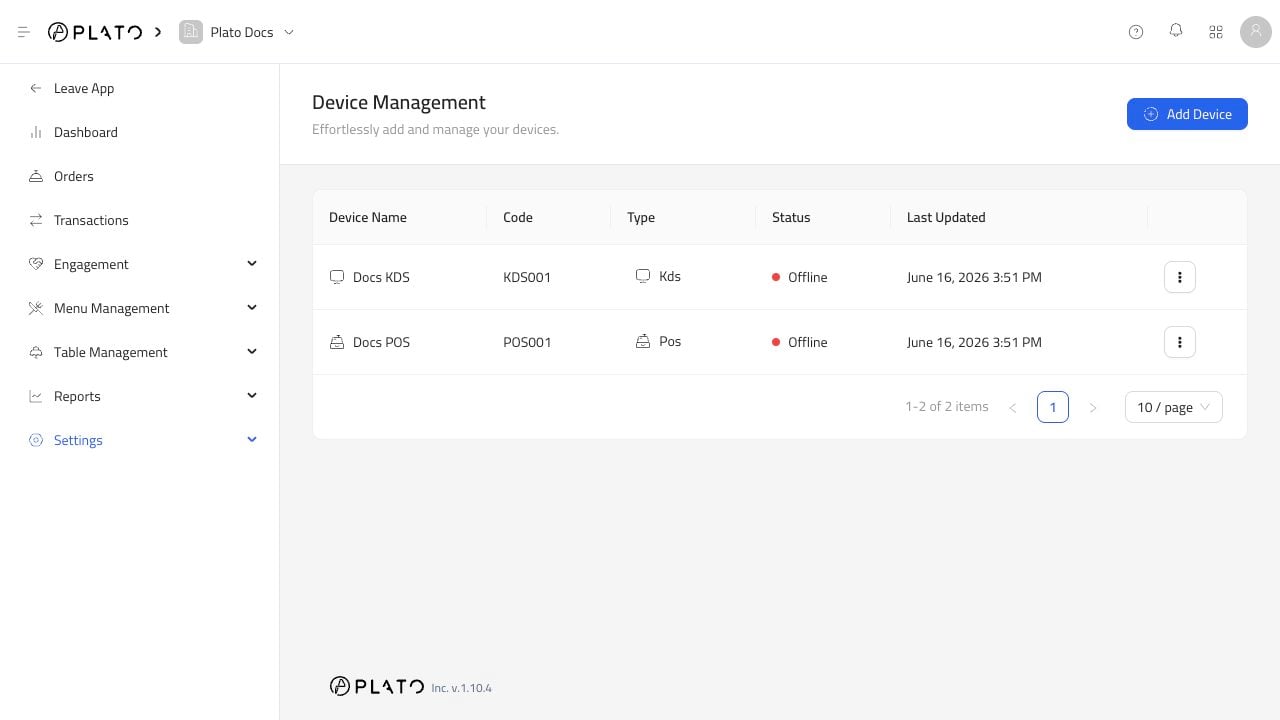
Device management for printers Open a printer device and go to Connection Config.

Network

Use network printing when the printer has an IP address. Enter the IP address and port. Many receipt printers use port 9100.

Bluetooth

Use Bluetooth when the printer connects directly to the POS device. Enter the printer MAC address.

USB Or Cable

Use USB or cable when the printer is physically connected to the POS device.

Built-In Printer

Use Built-In Printer for POS devices that include an internal printer.

Windows Driver

Use Windows Driver when printing through the PC Printer driver software. This is common when a Windows computer acts as the printer bridge.

Android Driver

Use Android Driver when printing through the Android printer app.