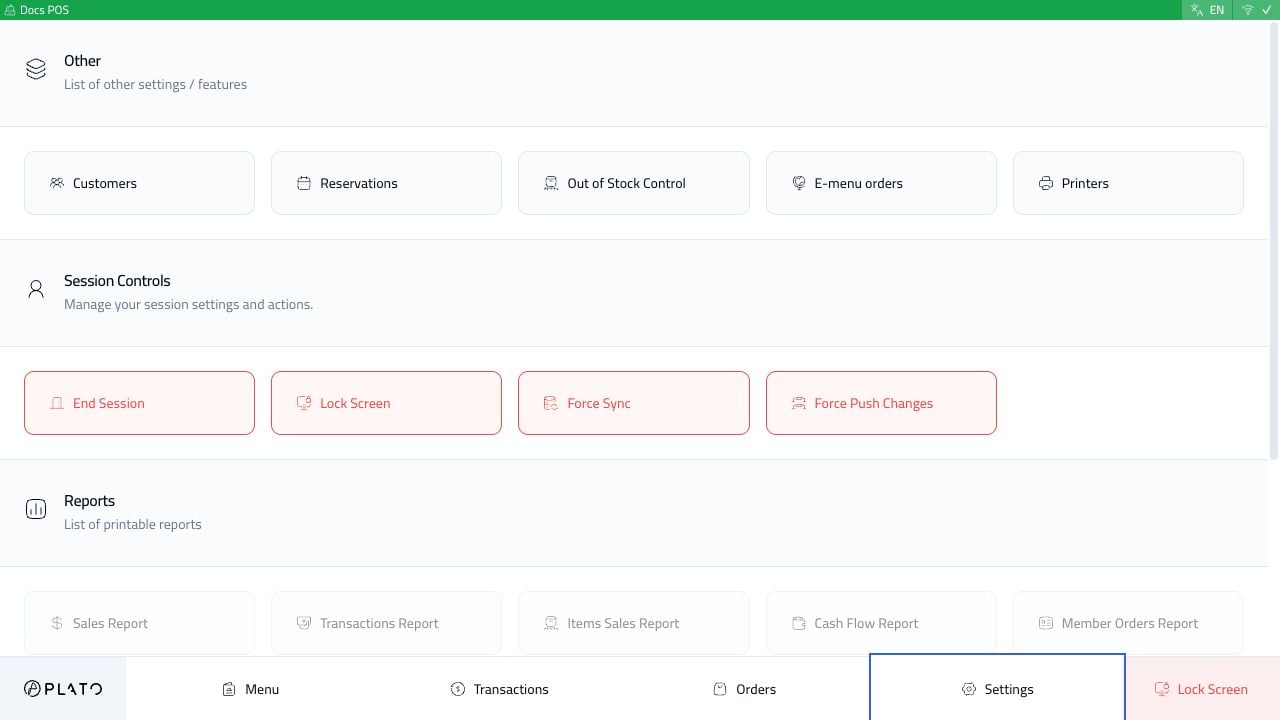
The service tools area can include customers, reservations, out-of-stock control, e-menu orders, and printers.Use these when staff need to pause online ordering, mark products unavailable, or check connected printers.
Use preferences for language and full-screen behavior on the station.Do not use POS settings for menu setup, roles, or workspace configuration. Those belong in the main Console.