

Requirements
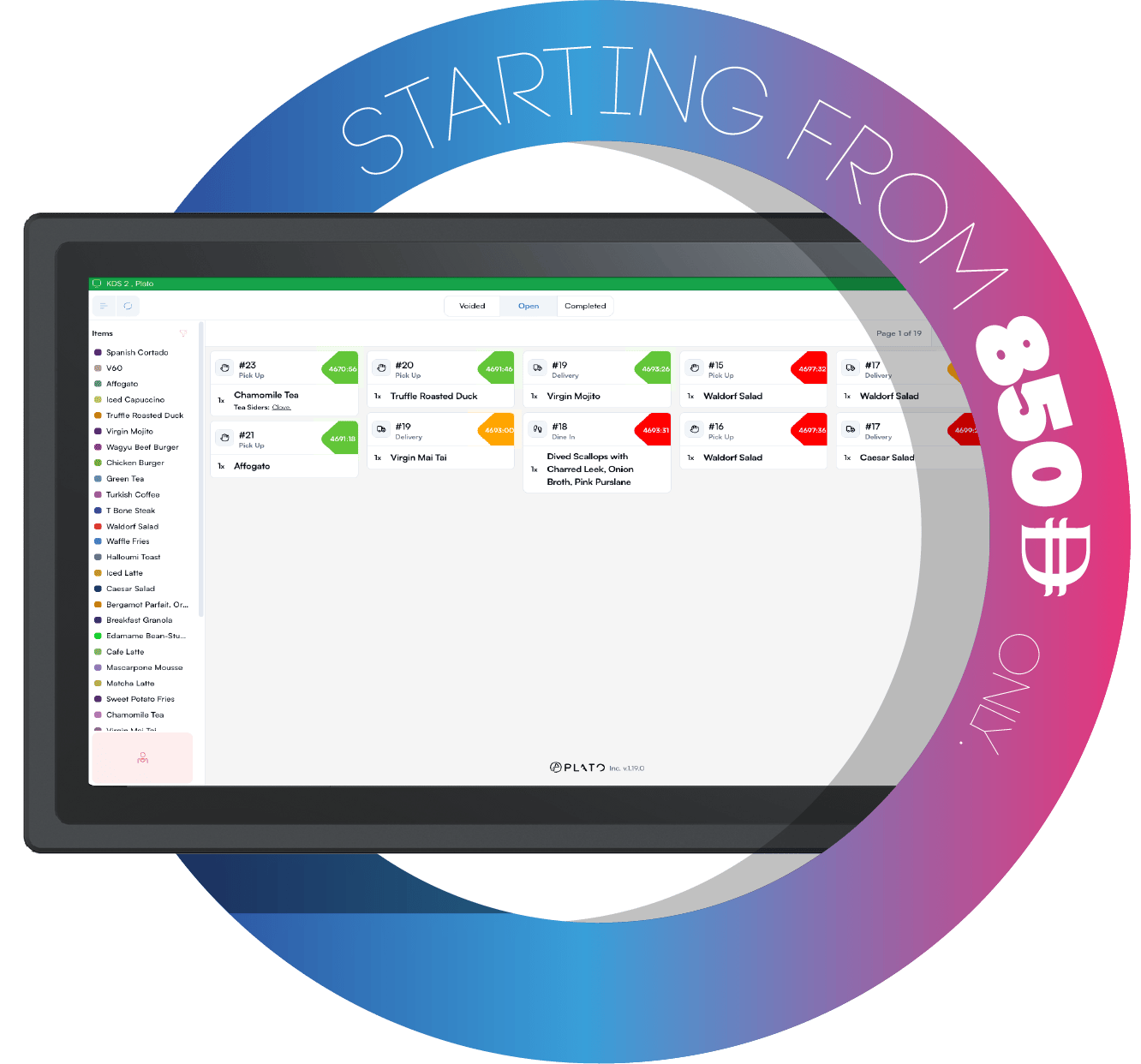
The KDS must be online to update product availability. If the device is offline, reconnect it before using this feature.Toggle Products
Open KDS settings, chooseOut Of Stock Control, then toggle the product.
The change syncs so POS and menu workflows can respect the sold-out status.