> ## Documentation Index
> Fetch the complete documentation index at: https://docs.plato.ae/llms.txt
> Use this file to discover all available pages before exploring further.
# Üretme
> Üretilen envanter öğelerini kaydedin ve formül içeriklerini çıkarın.
Üretim, ekibiniz diğer envanter öğelerinden envanter öğeleri oluşturduğunda kullanılır.
Örnekler arasında hamur, soslar, partiler, kitler, hazırlık malzemeleri veya birleştirilmiş stok yer alır.
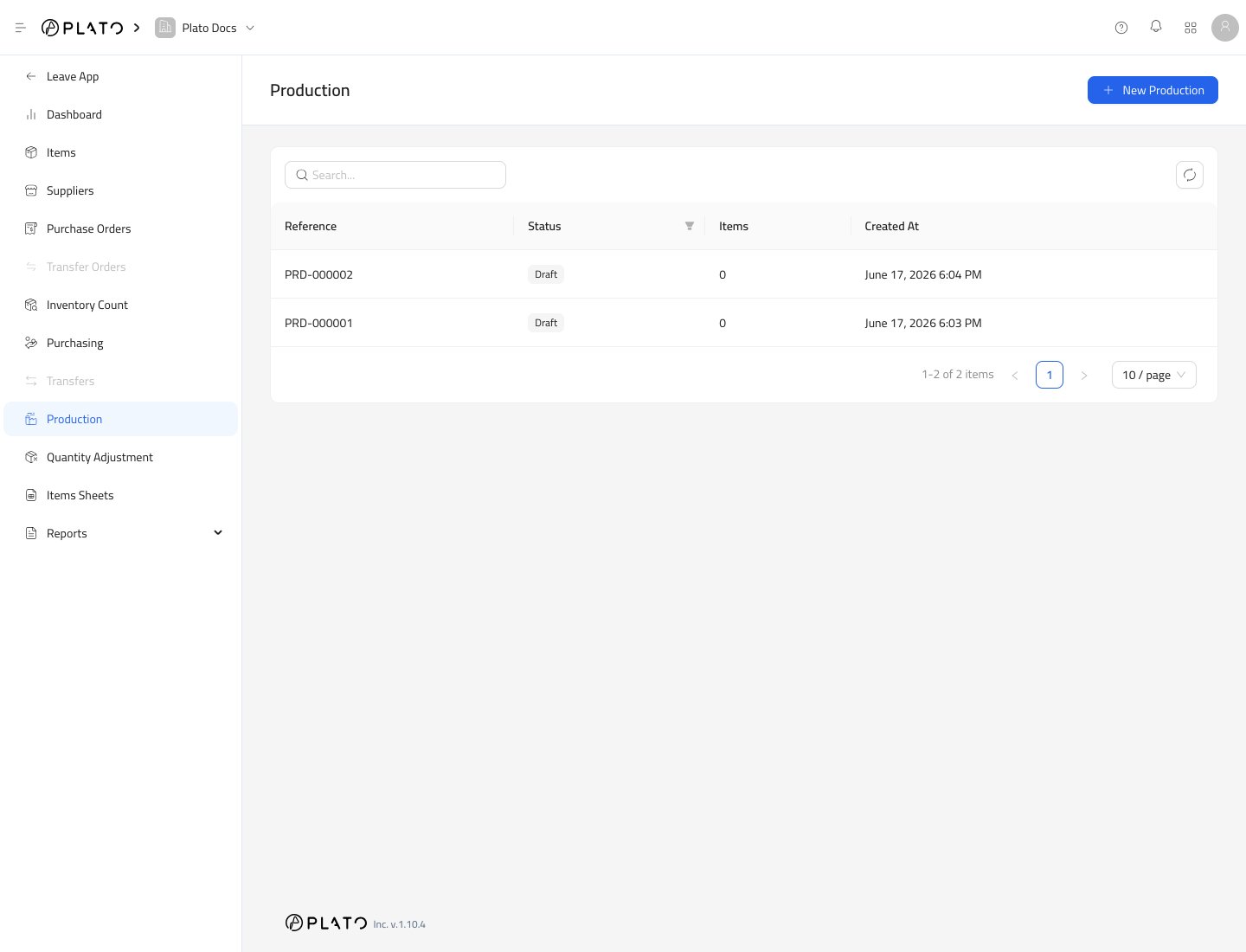 ## Üretime Başla
1. `Inventory`'yi açın.
2. `Production`'ye gidin.
3. `New Production`'ye tıklayın.
## Üretime Başla
1. `Inventory`'yi açın.
2. `Production`'ye gidin.
3. `New Production`'ye tıklayın.
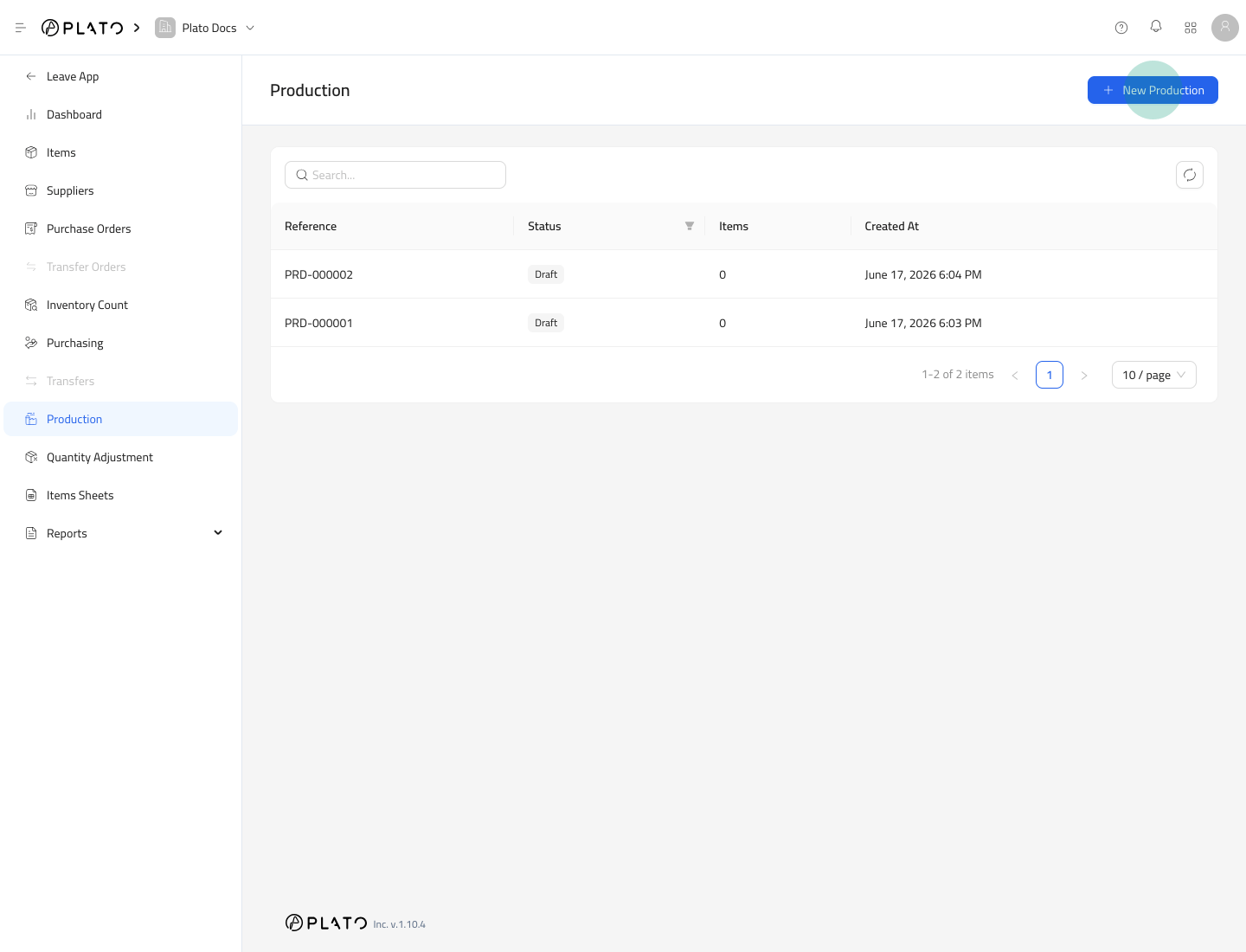 Plato bir taslak üretim kaydı oluşturur.
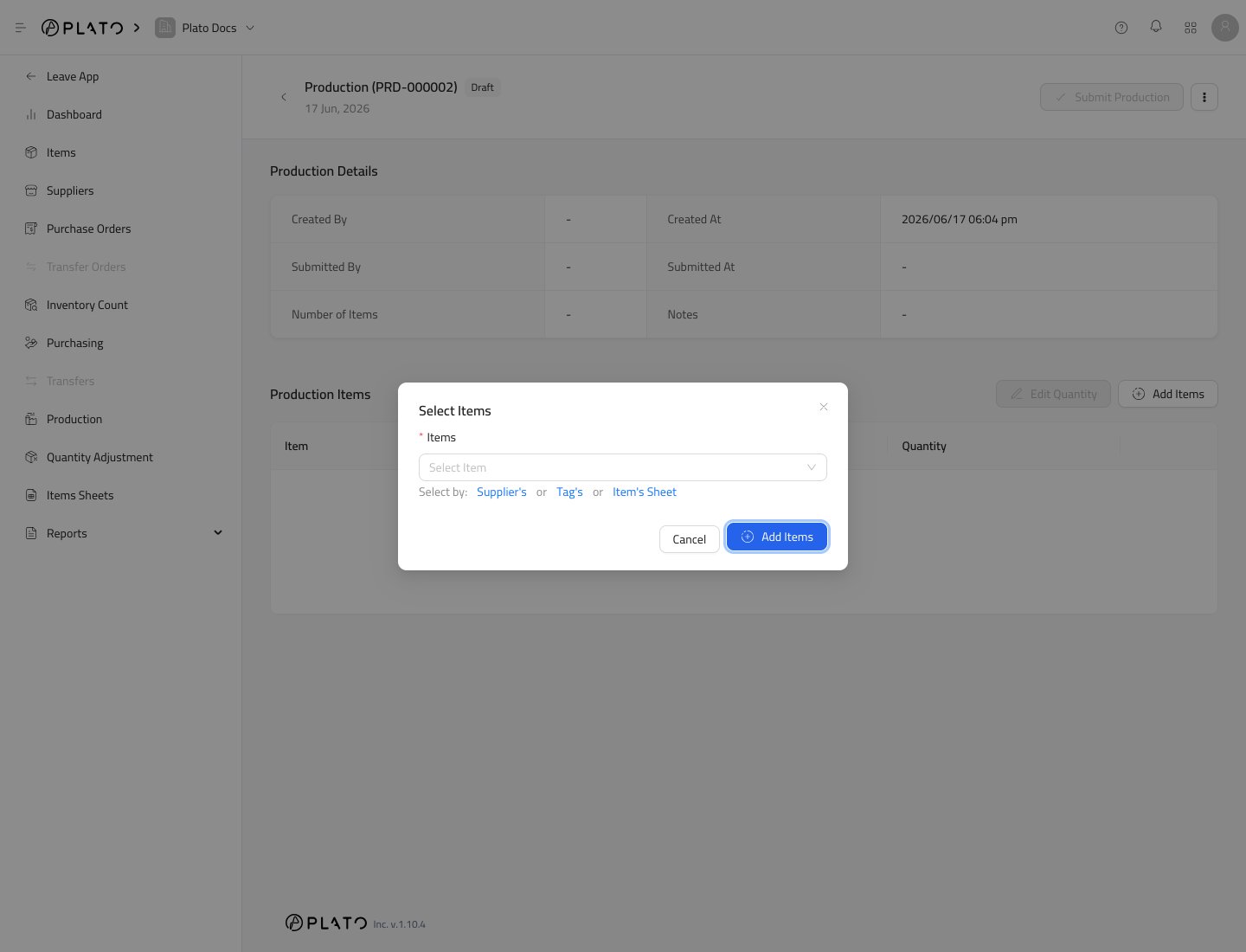
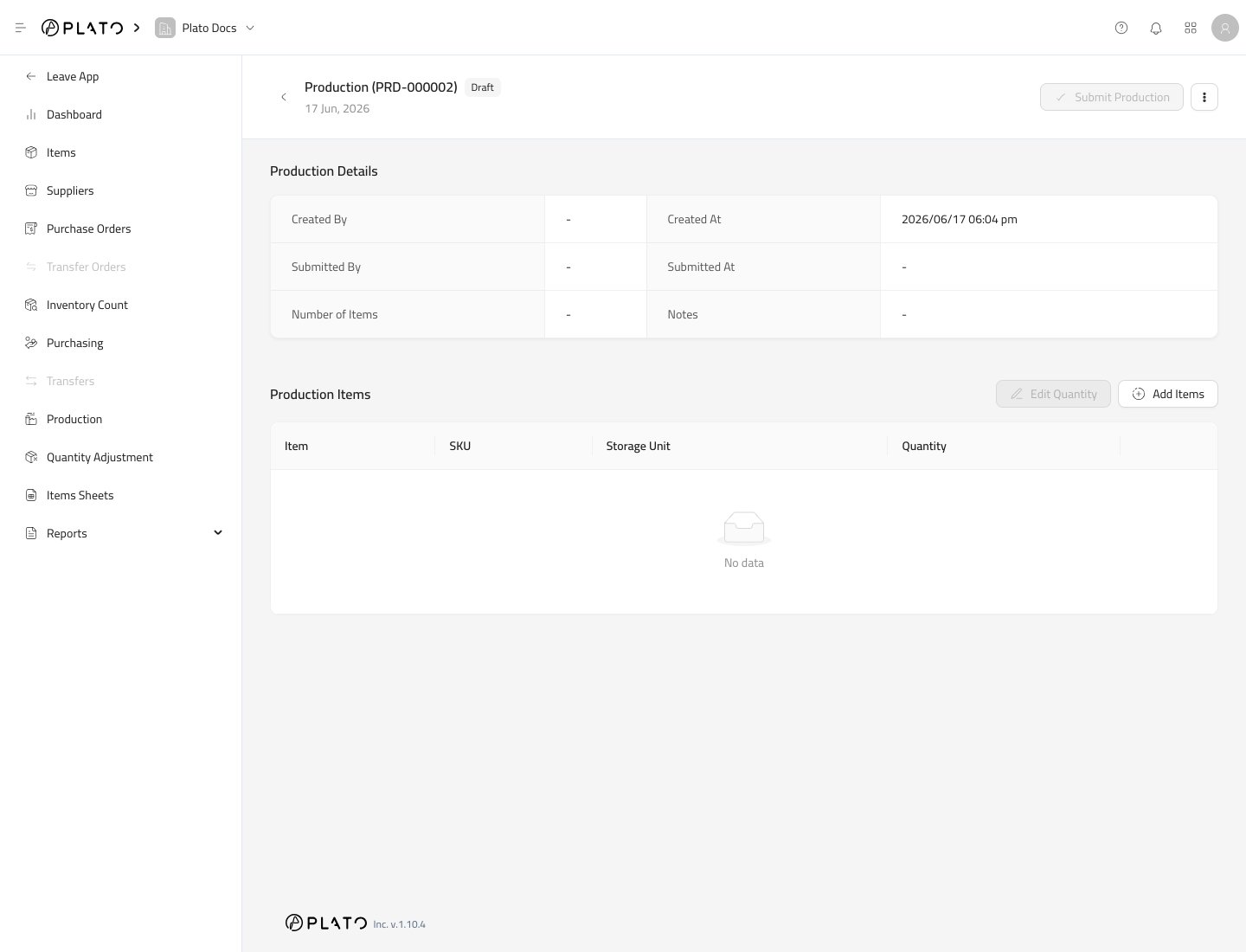 ## Üretilen Öğeleri Ekle
`Add Items`'ye tıklayın.
## Üretilen Öğeleri Ekle
`Add Items`'ye tıklayın.
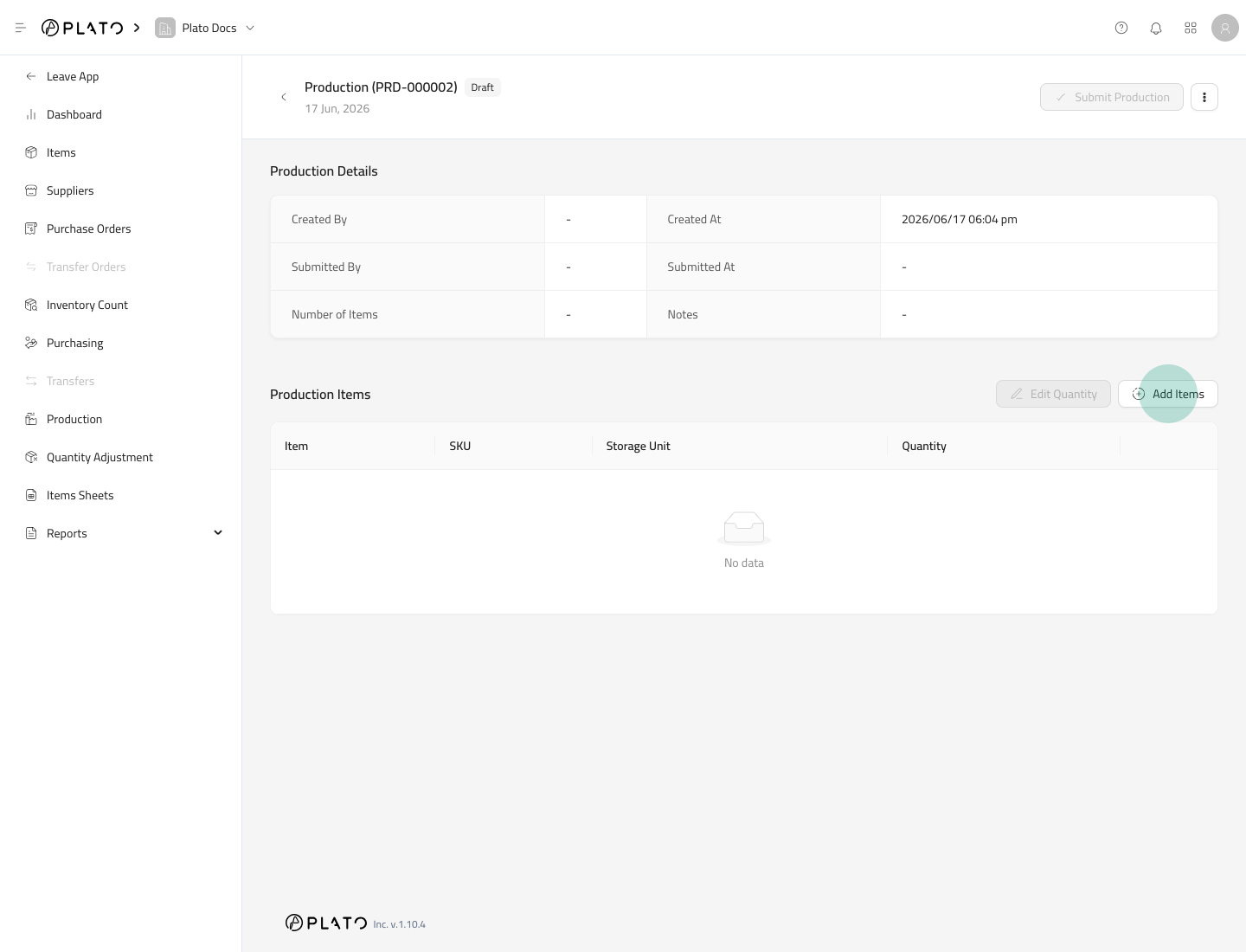 Üretilen öğeleri seçin.
 ## Üretilen Adeti Girin
Öğeler eklendikten sonra `Edit Quantity` kullanın.
Kaç adet üretildiğini girin.
## Üretimi Gönder
Üretilen miktarlar doğru olduğunda `Submit Production` öğesine tıklayın.
## Üretilen Adeti Girin
Öğeler eklendikten sonra `Edit Quantity` kullanın.
Kaç adet üretildiğini girin.
## Üretimi Gönder
Üretilen miktarlar doğru olduğunda `Submit Production` öğesine tıklayın.
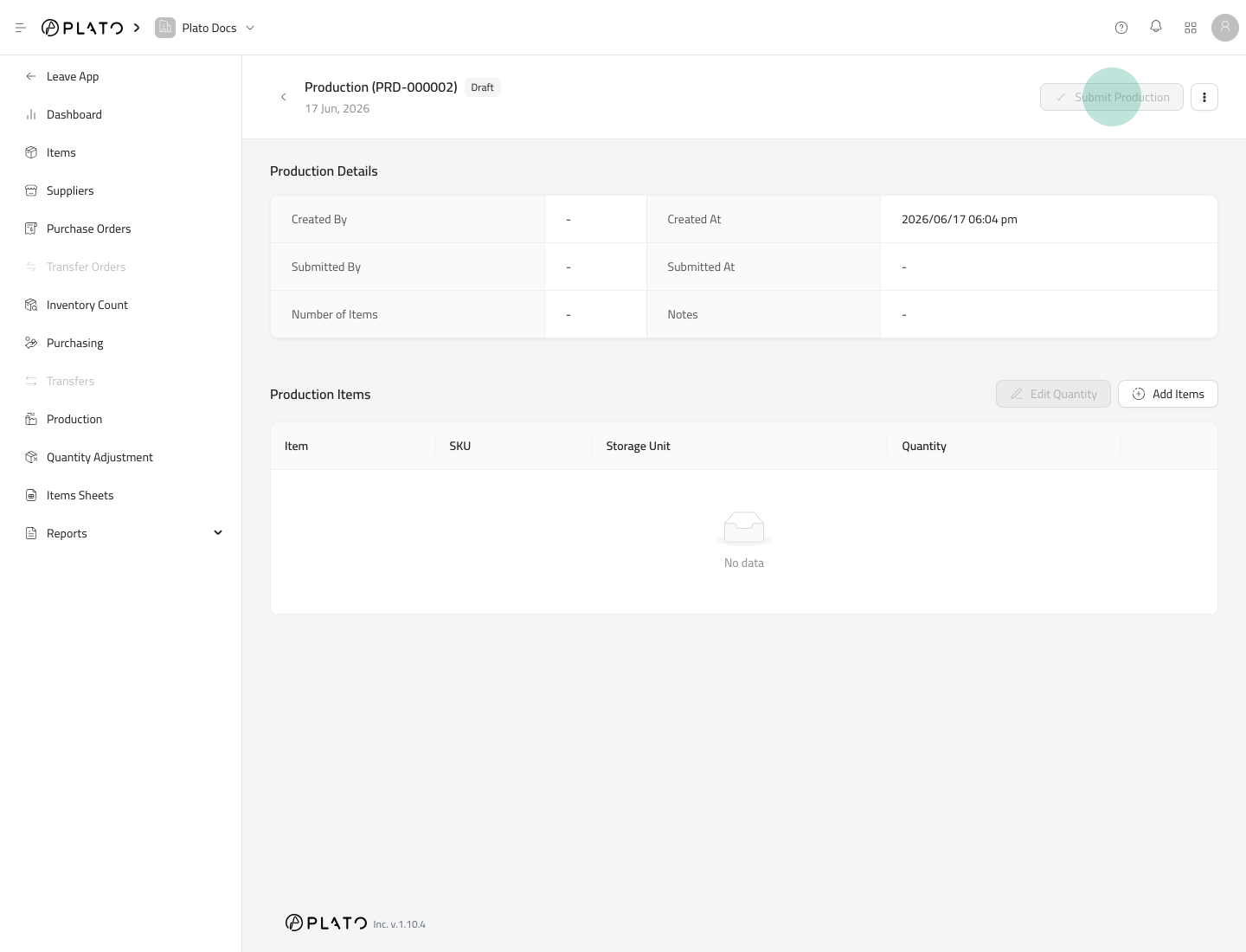 Üretilen öğenin bir Formülü varsa Plato, üretilen öğe miktarını ekler ve formül içeriklerini çıkarır.
## Göndermeden Önce
Günlük operasyonlarda üretim kullanılmadan önce formülleri kontrol edin. Yanlış bir formül, yanlış içerik miktarının düşülmesine neden olabilir.
Üretilen öğenin bir Formülü varsa Plato, üretilen öğe miktarını ekler ve formül içeriklerini çıkarır.
## Göndermeden Önce
Günlük operasyonlarda üretim kullanılmadan önce formülleri kontrol edin. Yanlış bir formül, yanlış içerik miktarının düşülmesine neden olabilir.