> ## Documentation Index
> Fetch the complete documentation index at: https://docs.plato.ae/llms.txt
> Use this file to discover all available pages before exploring further.
# Satınalma Siparişleri
> Tedarikçi satın alma siparişleri oluşturun, talep edilen ürünleri ekleyin, toplamları inceleyin ve teslim almayı hazırlayın.
Satınalma Siparişleri, ekibinizin stok gelmeden önce sipariş hazırlamasına yardımcı olur.
Bir tedarikçiden ürün talep etmek, sipariş edilenleri gözden geçirmek ve daha sonra Satın Alma yoluyla stoğu almak istediğinizde satın alma siparişini kullanın.
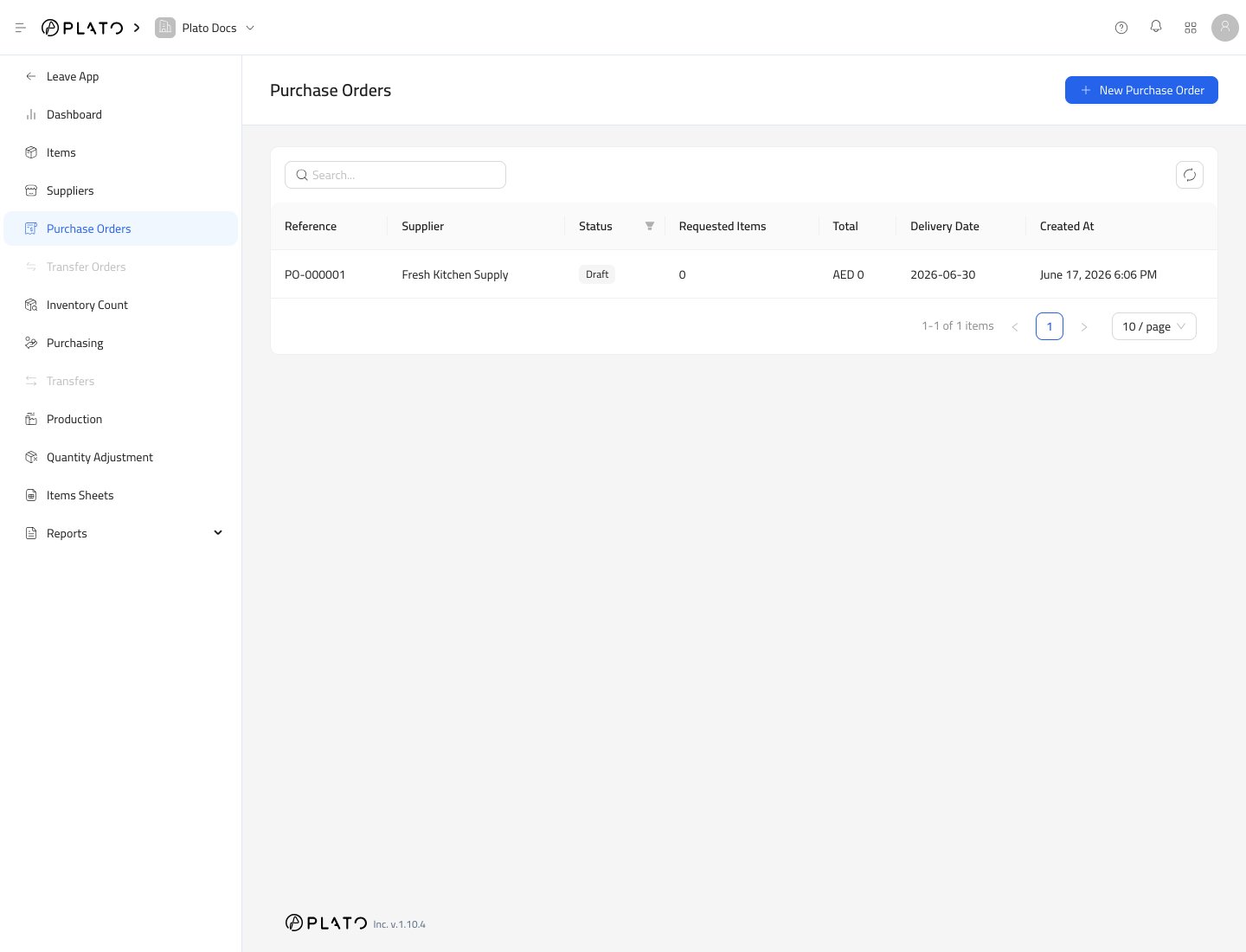 ## Satın Alma Siparişi Oluşturun
1. `Inventory`'yi açın.
2. `Purchase Orders`'ye gidin.
3. `New Purchase Order`'ye tıklayın.
## Satın Alma Siparişi Oluşturun
1. `Inventory`'yi açın.
2. `Purchase Orders`'ye gidin.
3. `New Purchase Order`'ye tıklayın.
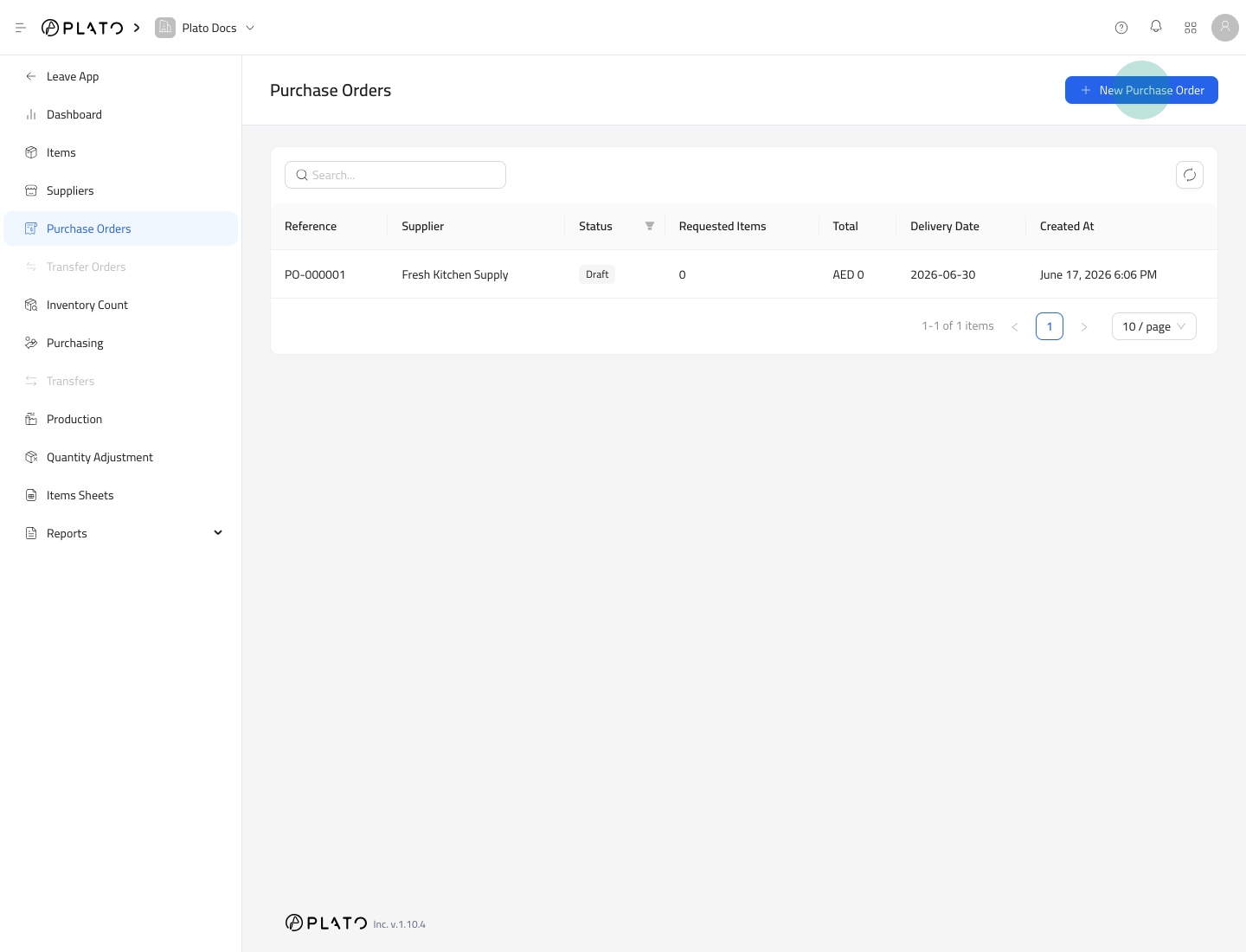 4. Tedarikçiyi seçin.
5. Son tarihi ayarlayın.
6. Gerekirse not ekleyin.
7. `Continue`'ye tıklayın.
4. Tedarikçiyi seçin.
5. Son tarihi ayarlayın.
6. Gerekirse not ekleyin.
7. `Continue`'ye tıklayın.
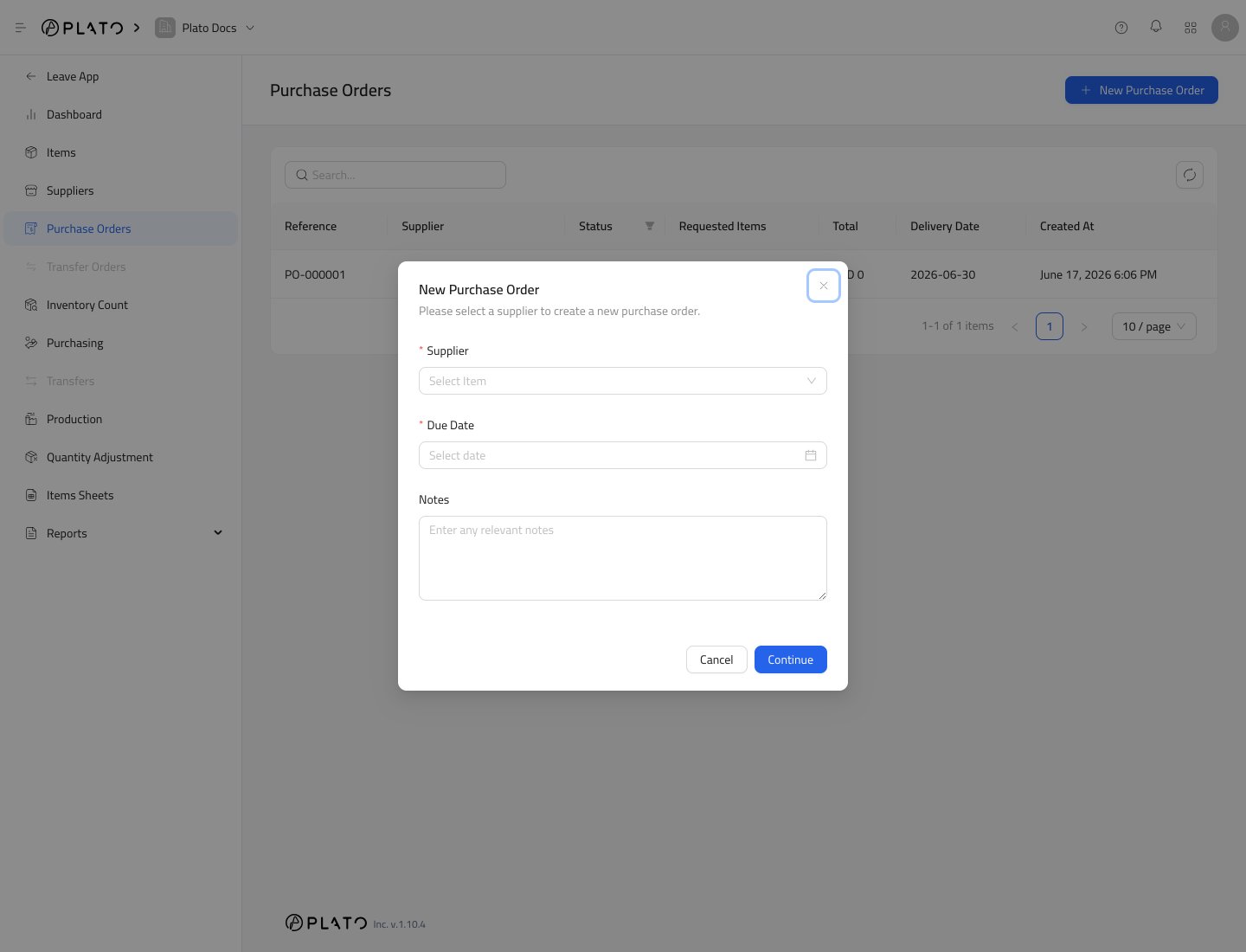 ## Taslağı İnceleyin
Satın alma siparişi ayrıntı sayfası tedarikçiyi, teslimat tarihini, oluşturucuyu, ürün sayısını ve özet toplamları gösterir.
## Taslağı İnceleyin
Satın alma siparişi ayrıntı sayfası tedarikçiyi, teslimat tarihini, oluşturucuyu, ürün sayısını ve özet toplamları gösterir.
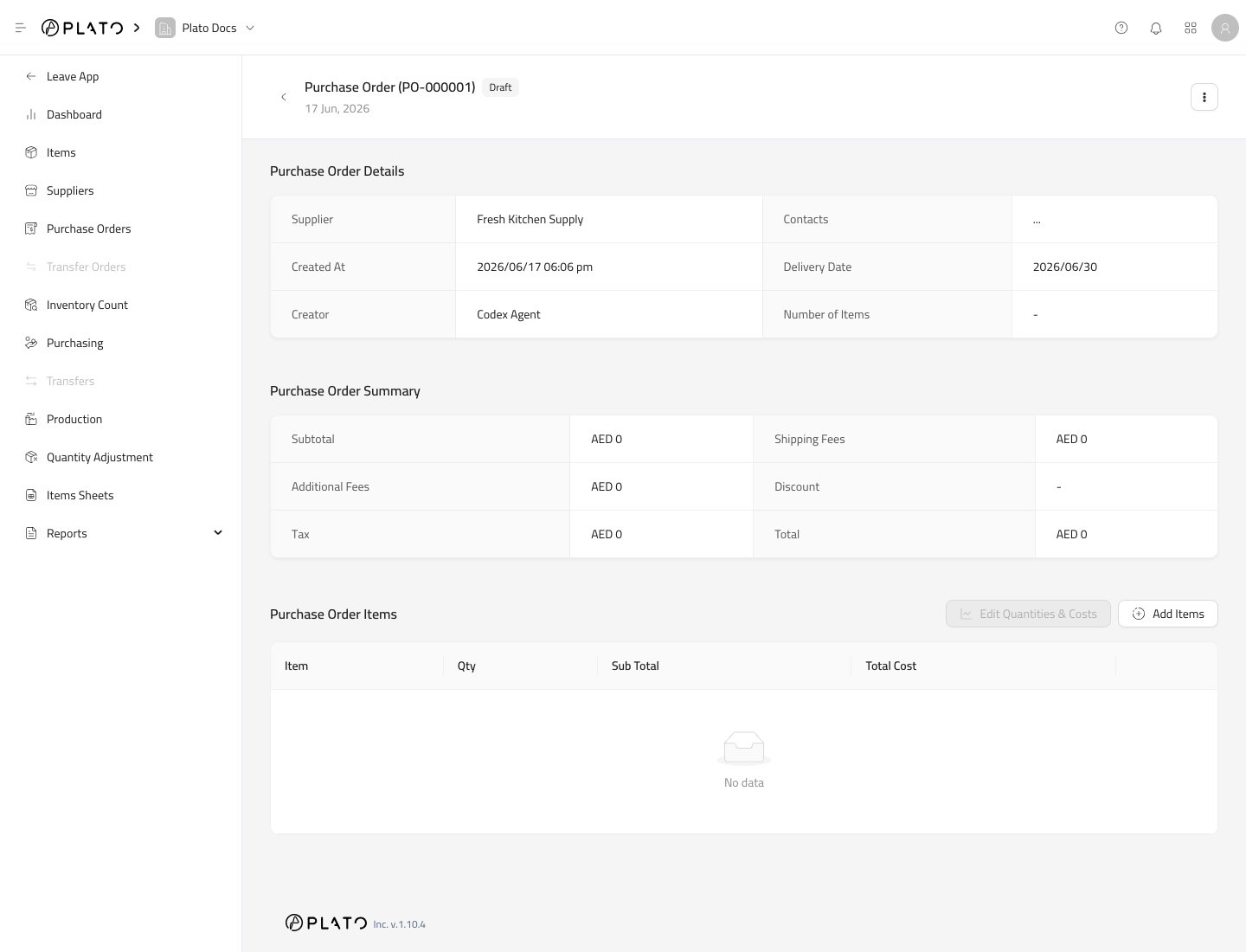 ## İstenilen Öğeleri Ekle
1. `Add Items`'ye tıklayın.
## İstenilen Öğeleri Ekle
1. `Add Items`'ye tıklayın.
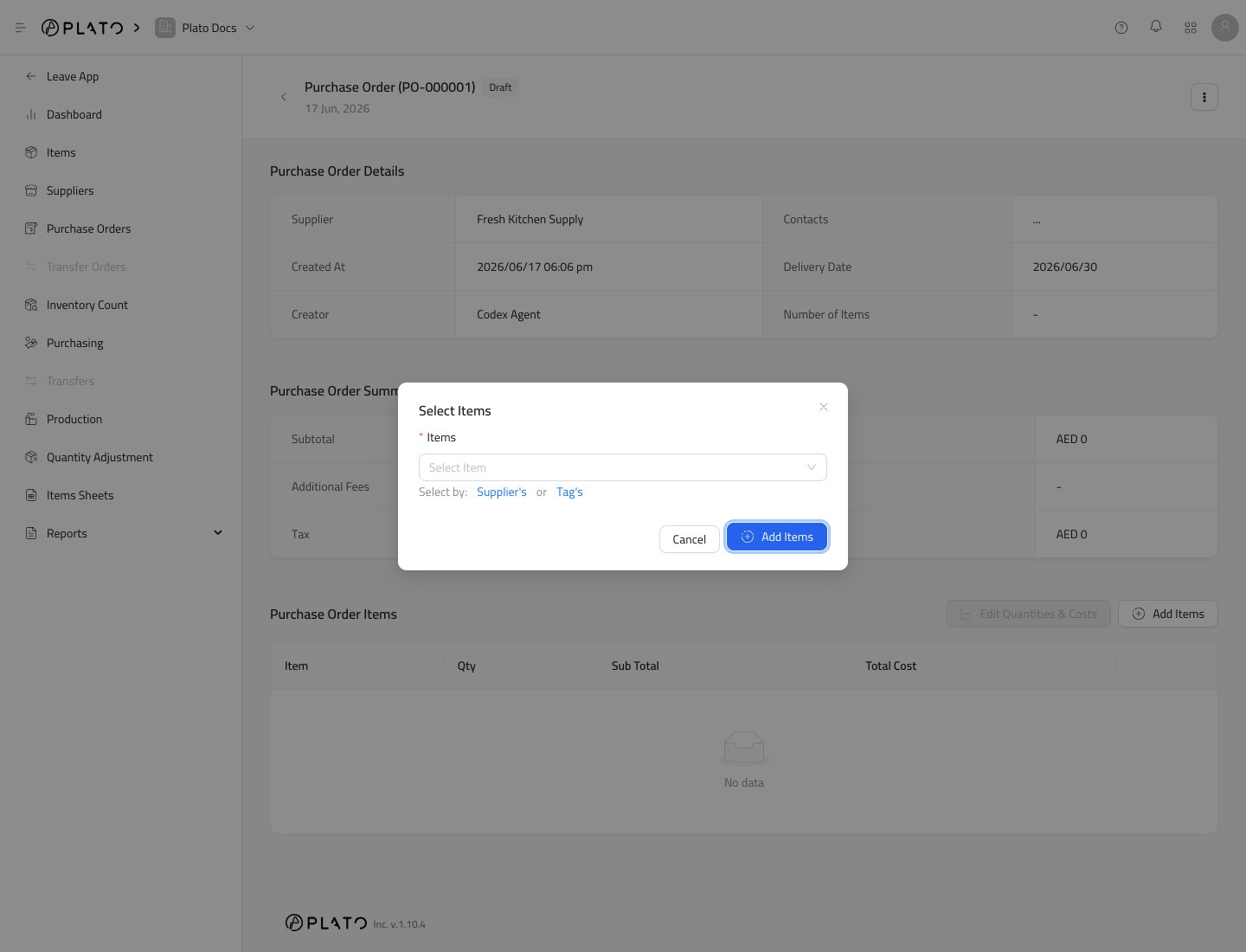
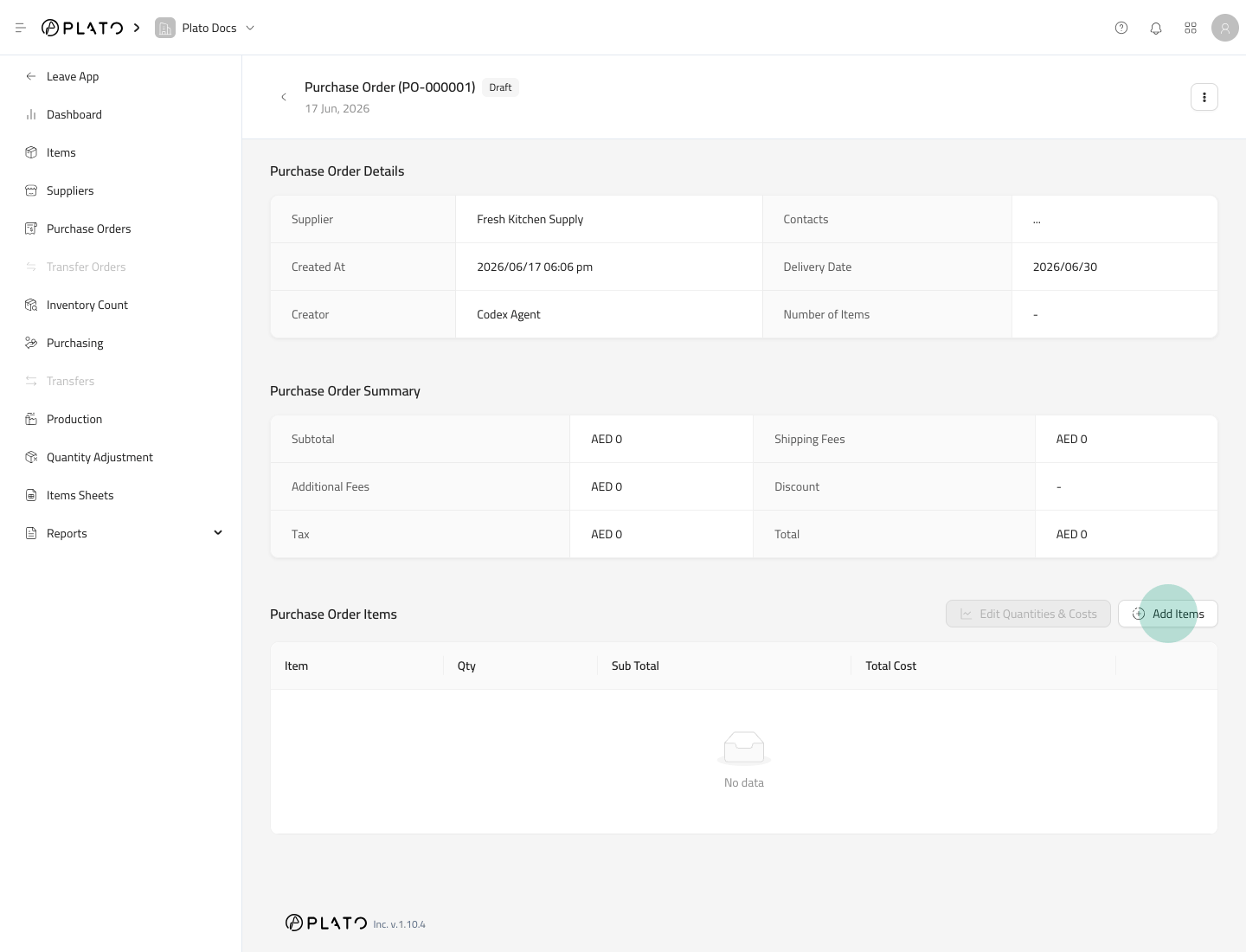 2. Sipariş etmek istediğiniz ürünleri seçin.
3. `Add Items`'ye tıklayın.
2. Sipariş etmek istediğiniz ürünleri seçin.
3. `Add Items`'ye tıklayın.
 ## Miktarları ve Maliyetleri Düzenle
Öğeler eklendikten sonra her satırın miktarını ve maliyetini onaylamak için `Edit Quantities & Costs`'yi kullanın.
Üniteyi dikkatlice kontrol edin. Tedarikçi bağlantıları, Plato'nin tedarikçi sipariş birimini göstermesine ve onu ürünün depolama birimine dönüştürmesine yardımcı olabilir.
## Bundan Sonra Ne Olacak?
Bir satınalma siparişi talebi hazırlar. Kendi başına stok eklemez.
Ürünler Satın Alma yoluyla alındığında stok eklenir.
## Miktarları ve Maliyetleri Düzenle
Öğeler eklendikten sonra her satırın miktarını ve maliyetini onaylamak için `Edit Quantities & Costs`'yi kullanın.
Üniteyi dikkatlice kontrol edin. Tedarikçi bağlantıları, Plato'nin tedarikçi sipariş birimini göstermesine ve onu ürünün depolama birimine dönüştürmesine yardımcı olabilir.
## Bundan Sonra Ne Olacak?
Bir satınalma siparişi talebi hazırlar. Kendi başına stok eklemez.
Ürünler Satın Alma yoluyla alındığında stok eklenir.