> ## Documentation Index
> Fetch the complete documentation index at: https://docs.plato.ae/llms.txt
> Use this file to discover all available pages before exploring further.
# Theme
> Adjust the public retail catalog appearance.
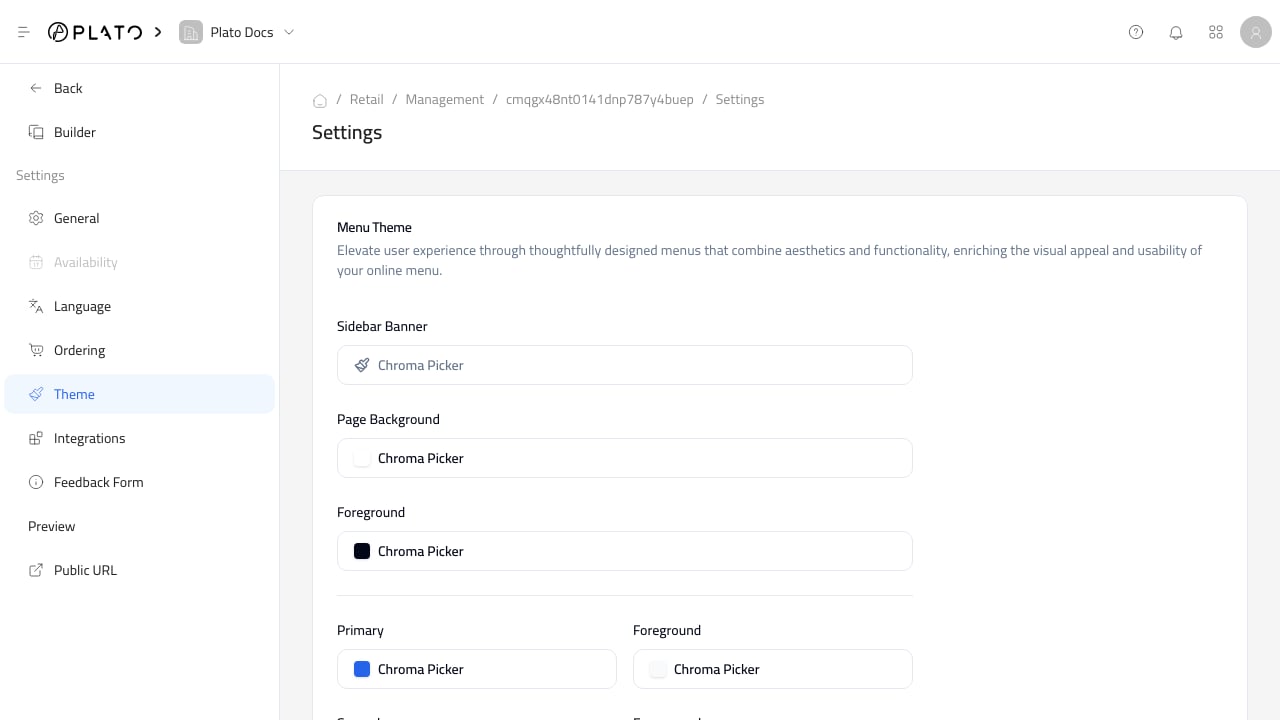
Use `Theme` to control the public catalog appearance, including colors, fonts, styling, and welcome page behavior.
 ## Keep The Catalog Readable
Product names, prices, and checkout buttons should stay clear on mobile.
Before sharing the public catalog, check:
* Button contrast.
* Product card readability.
* Font size.
* Corner radius and spacing.
* Welcome page behavior.
* Logo visibility.
## Keep The Catalog Readable
Product names, prices, and checkout buttons should stay clear on mobile.
Before sharing the public catalog, check:
* Button contrast.
* Product card readability.
* Font size.
* Corner radius and spacing.
* Welcome page behavior.
* Logo visibility.