> ## Documentation Index
> Fetch the complete documentation index at: https://docs.plato.ae/llms.txt
> Use this file to discover all available pages before exploring further.
# Storefront Settings
> Manage general catalog settings, URL, visibility, language, and public catalog behavior.
Storefront settings control the catalog identity and public behavior.
Open a catalog, then use the settings pages in the catalog editor sidebar.
 ## General
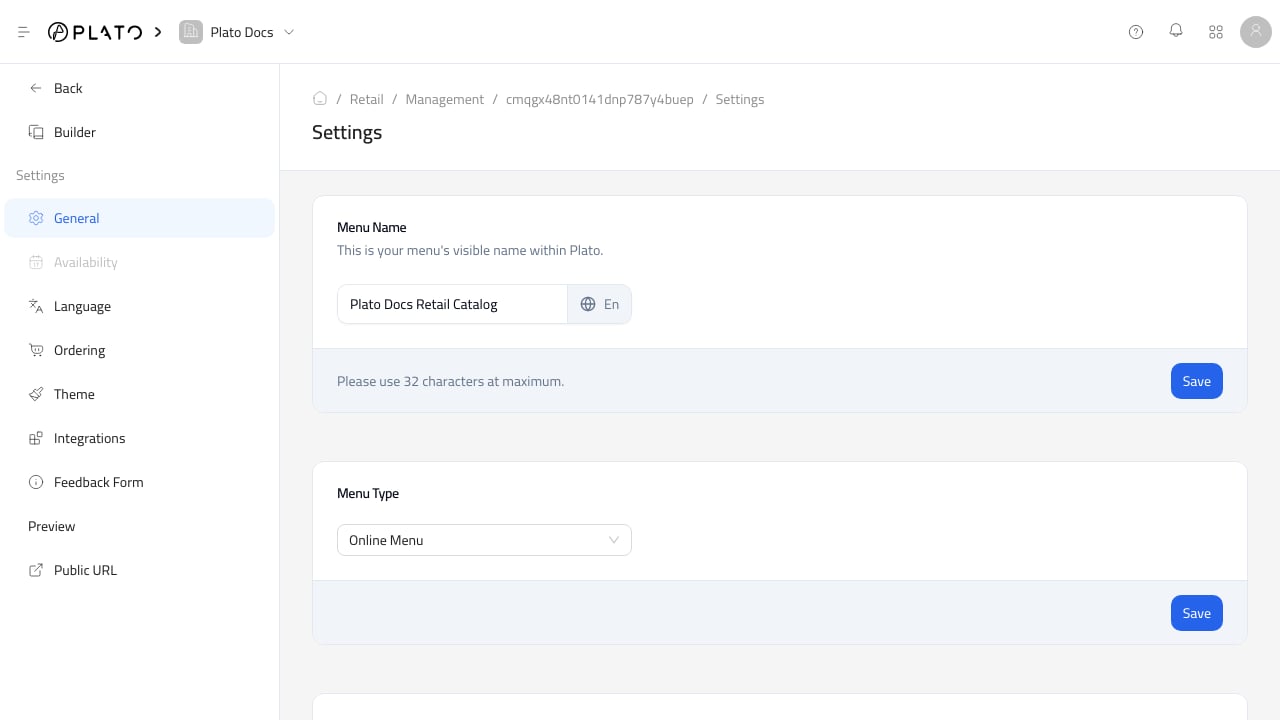
Use `General` to update:
* Catalog name.
* Catalog type.
* Price visibility.
* Public slug and connected domain.
* Catalog deletion.
Changing the slug or domain can affect existing links and QR codes. Test the public URL after changing either one.
## Language
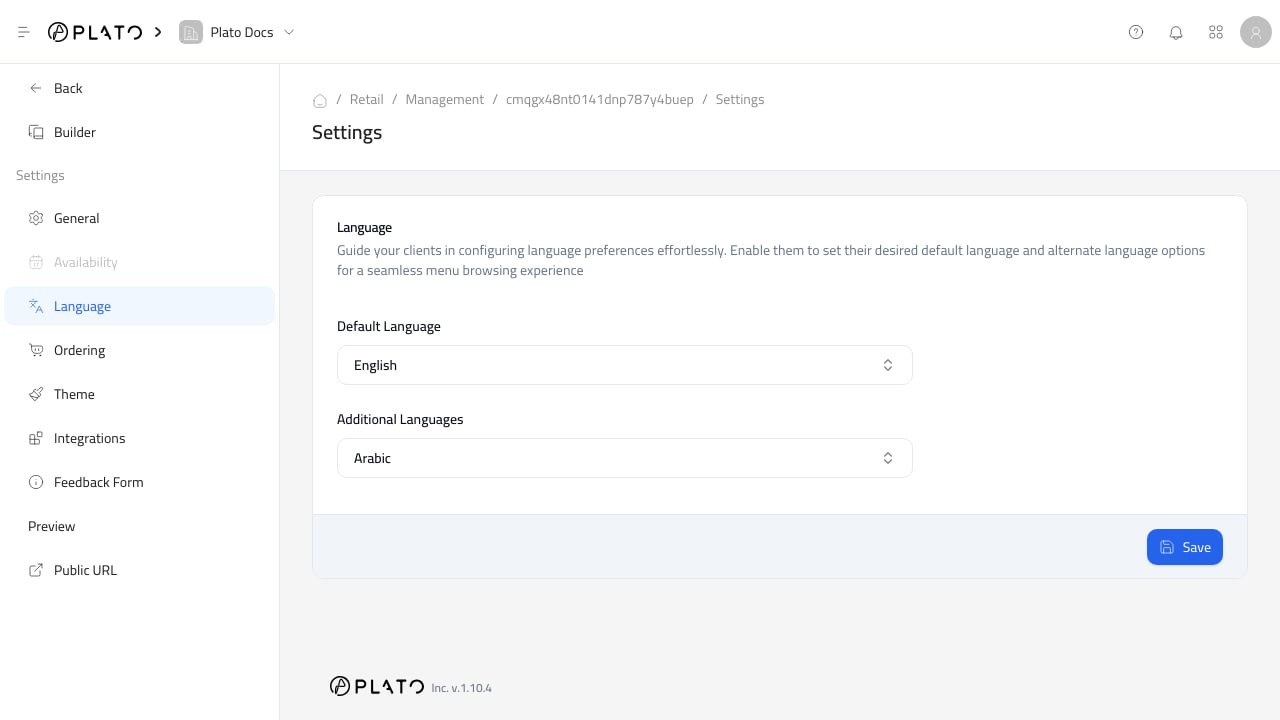
Use `Language` to manage the default language and additional languages for public catalog text.
Keep product names, categories, and customer-facing checkout text complete in every enabled language.
## General
Use `General` to update:
* Catalog name.
* Catalog type.
* Price visibility.
* Public slug and connected domain.
* Catalog deletion.
Changing the slug or domain can affect existing links and QR codes. Test the public URL after changing either one.
## Language
Use `Language` to manage the default language and additional languages for public catalog text.
Keep product names, categories, and customer-facing checkout text complete in every enabled language.
 ## Public URL
Use `Public URL` to open the customer-facing catalog.
Before sharing it, test the public catalog without relying only on the builder preview. Confirm product display, checkout settings, customer fields, payments, and order submission.
## Public URL
Use `Public URL` to open the customer-facing catalog.
Before sharing it, test the public catalog without relying only on the builder preview. Confirm product display, checkout settings, customer fields, payments, and order submission.