> ## Documentation Index
> Fetch the complete documentation index at: https://docs.plato.ae/llms.txt
> Use this file to discover all available pages before exploring further.
# Delivery Zones
> Configure retail delivery areas, minimums, and fees.
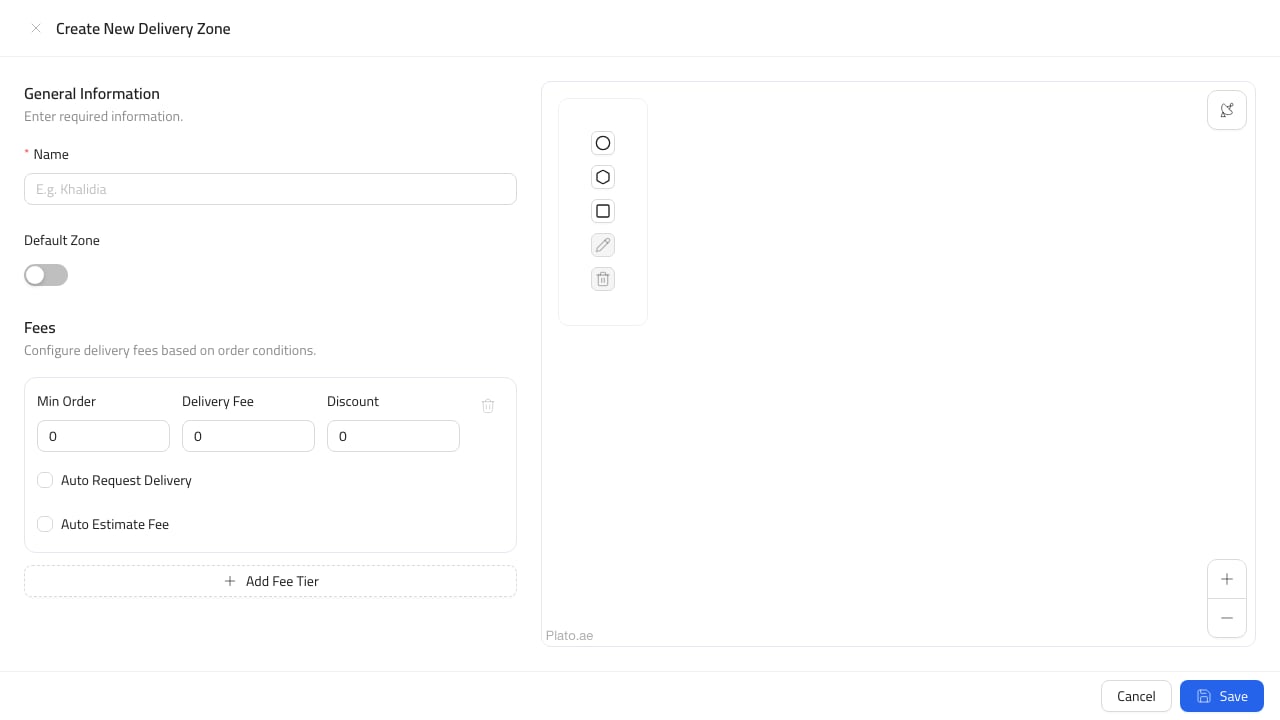
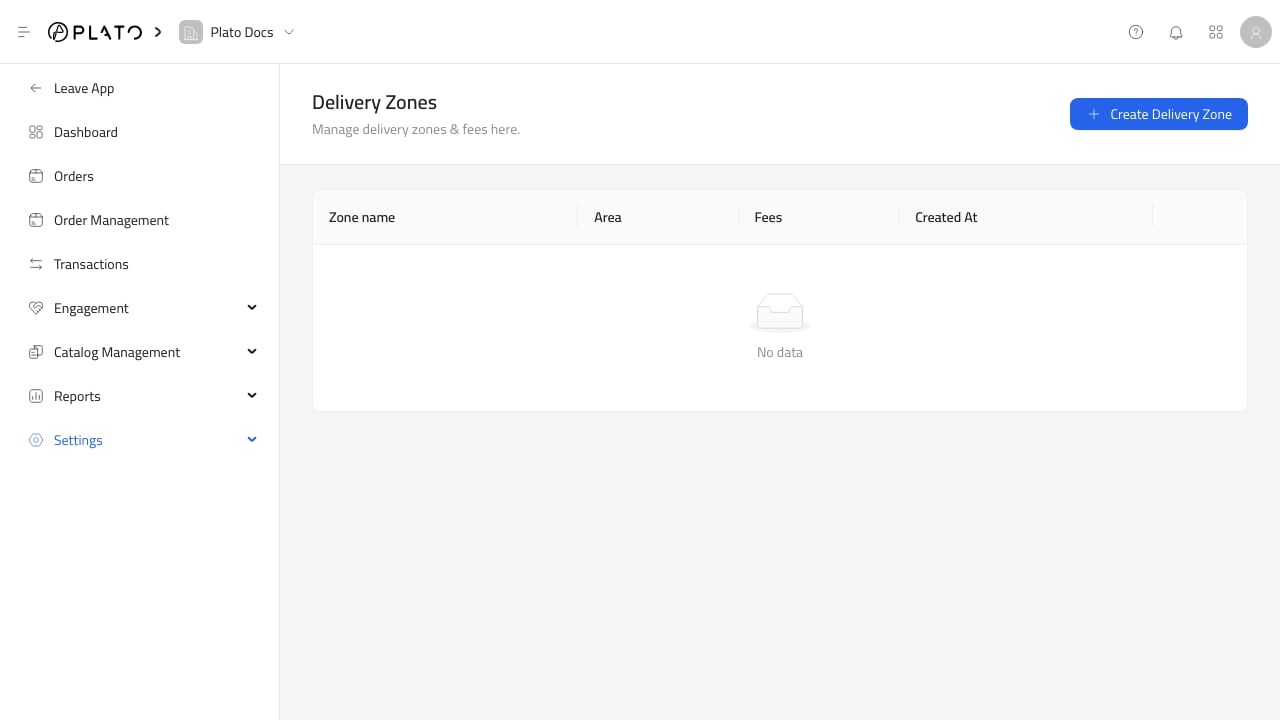
Use delivery zones when the store accepts delivery orders.
 ## Before Publishing Delivery
Each zone should match the areas the team can actually serve.
Before publishing delivery ordering, confirm:
* Zone names.
* Delivery areas.
* Minimum order amounts.
* Delivery fees.
* Whether each zone is active.
* Whether staff understand which locations are supported.
Test a delivery checkout after changing zones or fees.
## Before Publishing Delivery
Each zone should match the areas the team can actually serve.
Before publishing delivery ordering, confirm:
* Zone names.
* Delivery areas.
* Minimum order amounts.
* Delivery fees.
* Whether each zone is active.
* Whether staff understand which locations are supported.
Test a delivery checkout after changing zones or fees.