> ## Documentation Index
> Fetch the complete documentation index at: https://docs.plato.ae/llms.txt
> Use this file to discover all available pages before exploring further.
# Sales
> Review retail daily sales, monthly sales, and sales sources.
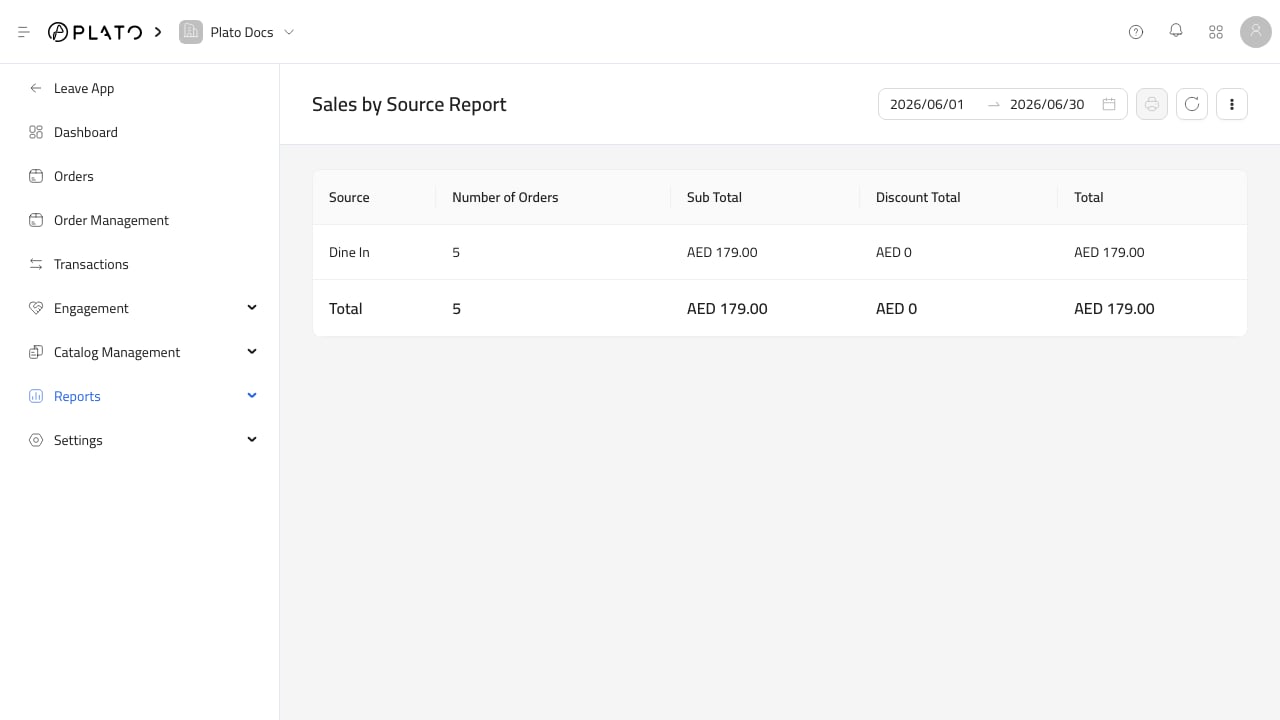
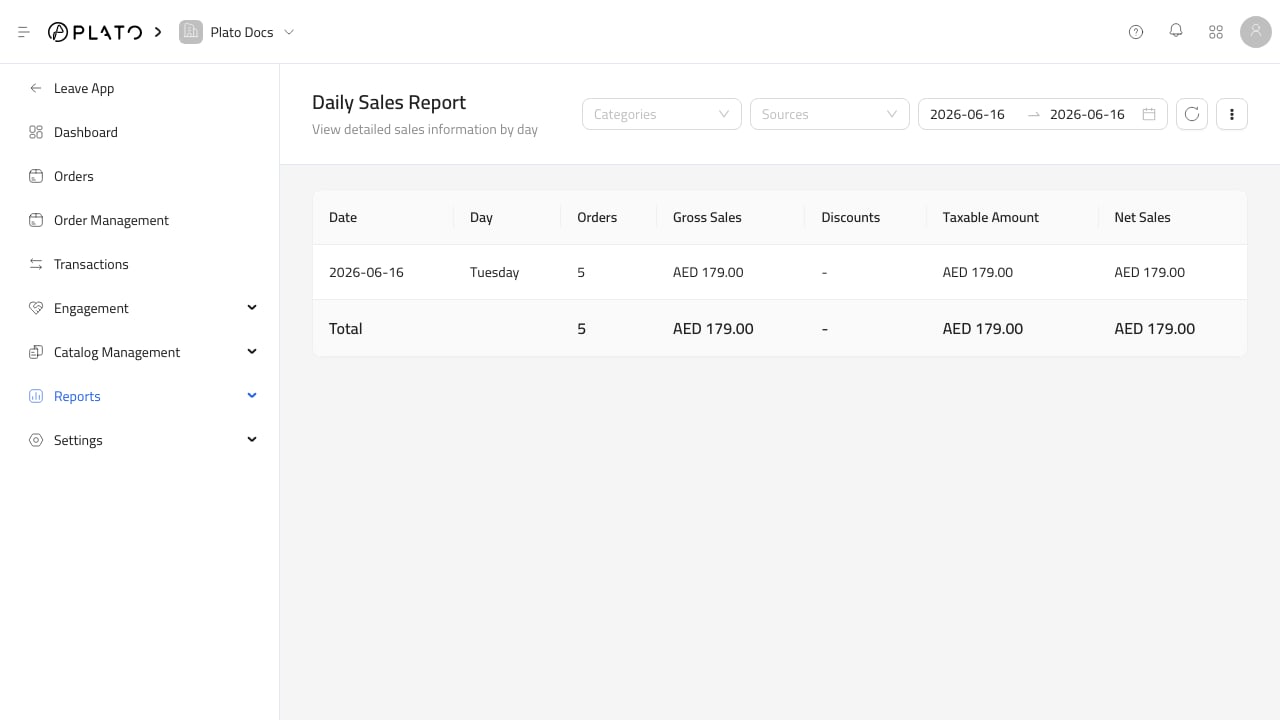
Sales reports answer how much was sold, when sales happened, and where orders came from.
 ## What To Check
Use sales reports to review:
* Daily sales.
* Monthly sales.
* Sales by source.
* Sales trends across the selected period.
Confirm the date range before comparing sales between days, months, or stores.
## What To Check
Use sales reports to review:
* Daily sales.
* Monthly sales.
* Sales by source.
* Sales trends across the selected period.
Confirm the date range before comparing sales between days, months, or stores.