> ## Documentation Index
> Fetch the complete documentation index at: https://docs.plato.ae/llms.txt
> Use this file to discover all available pages before exploring further.
# Operations
> Review retail voids, employee sales, and device sessions.
Operations reports help explain what happened during service.
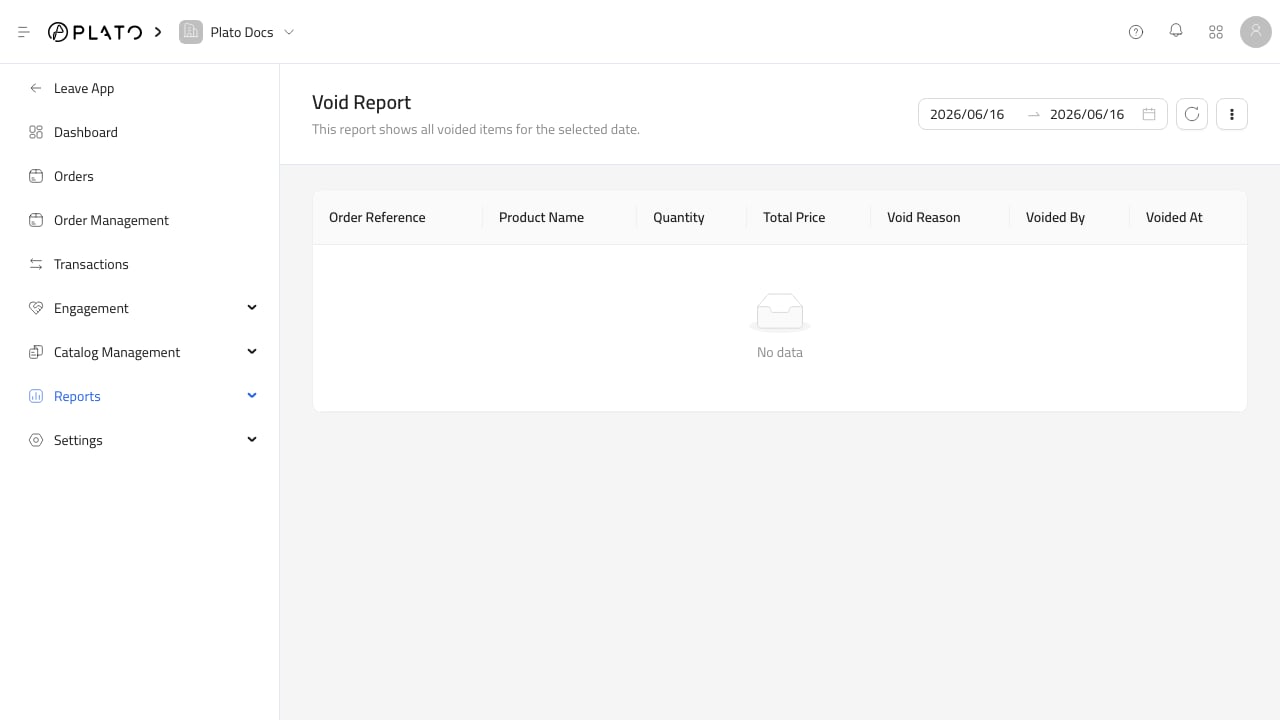 ## Voids
Use void reports to review removed items and operational mistakes.
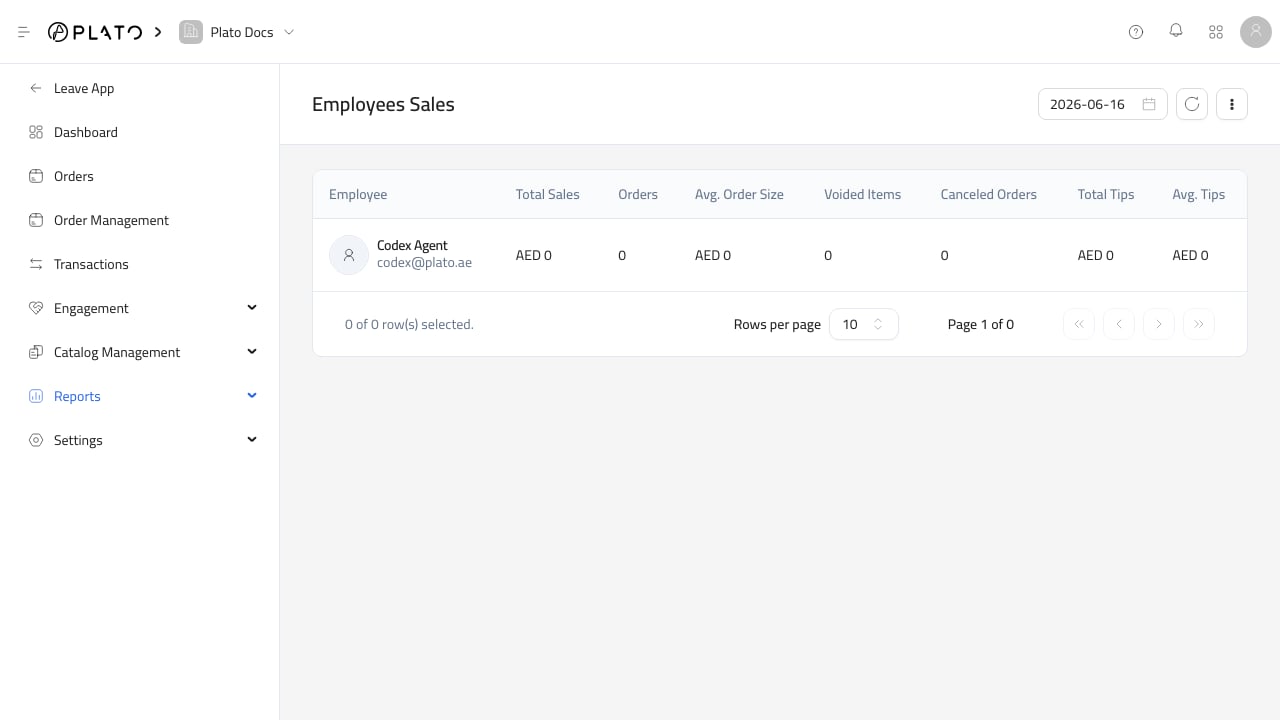
## Employee Sales
Use employee sales to review staff activity during the selected period.
## Voids
Use void reports to review removed items and operational mistakes.
## Employee Sales
Use employee sales to review staff activity during the selected period.
 ## Sessions
Use sessions to review POS and device activity.
## Sessions
Use sessions to review POS and device activity.
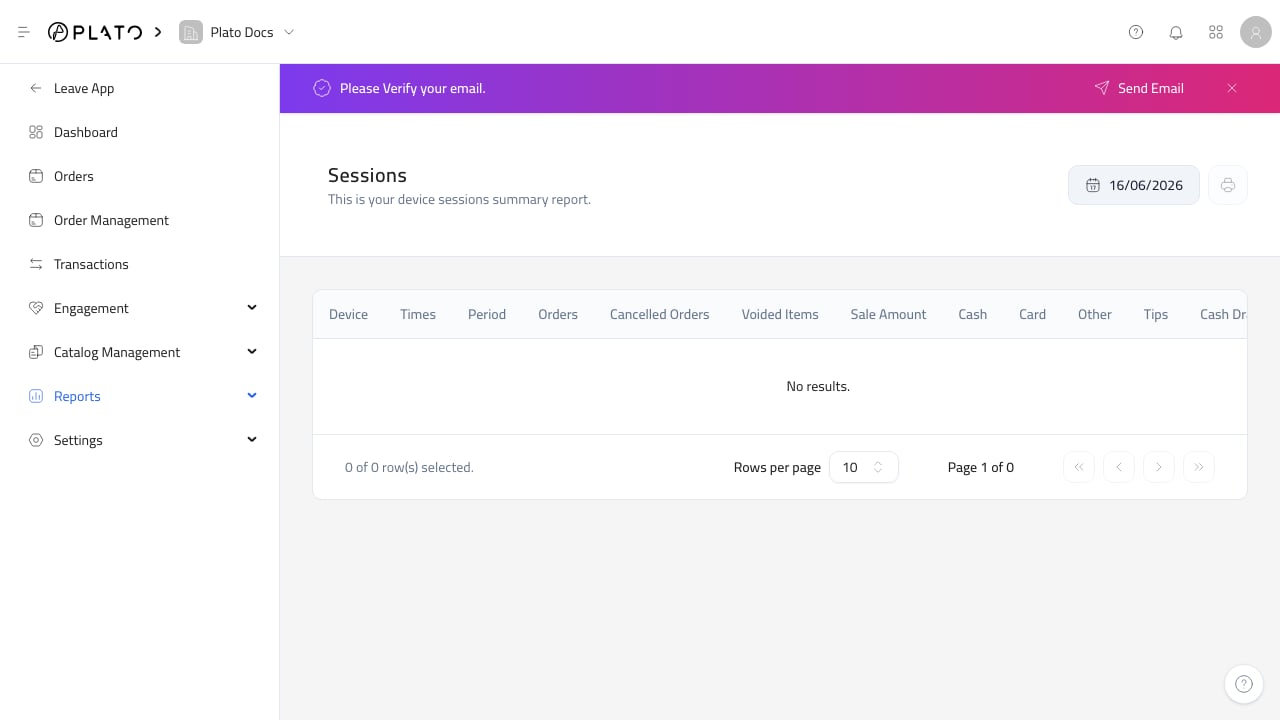 Voids and sessions are especially important for end-of-day checks because they help explain staff actions and POS activity.