> ## Documentation Index
> Fetch the complete documentation index at: https://docs.plato.ae/llms.txt
> Use this file to discover all available pages before exploring further.
# Products
> Manage retail products, pricing, images, availability, barcodes, and catalog details.
Products are the sellable retail items used by catalogs, POS, orders, inventory connections, and reports.
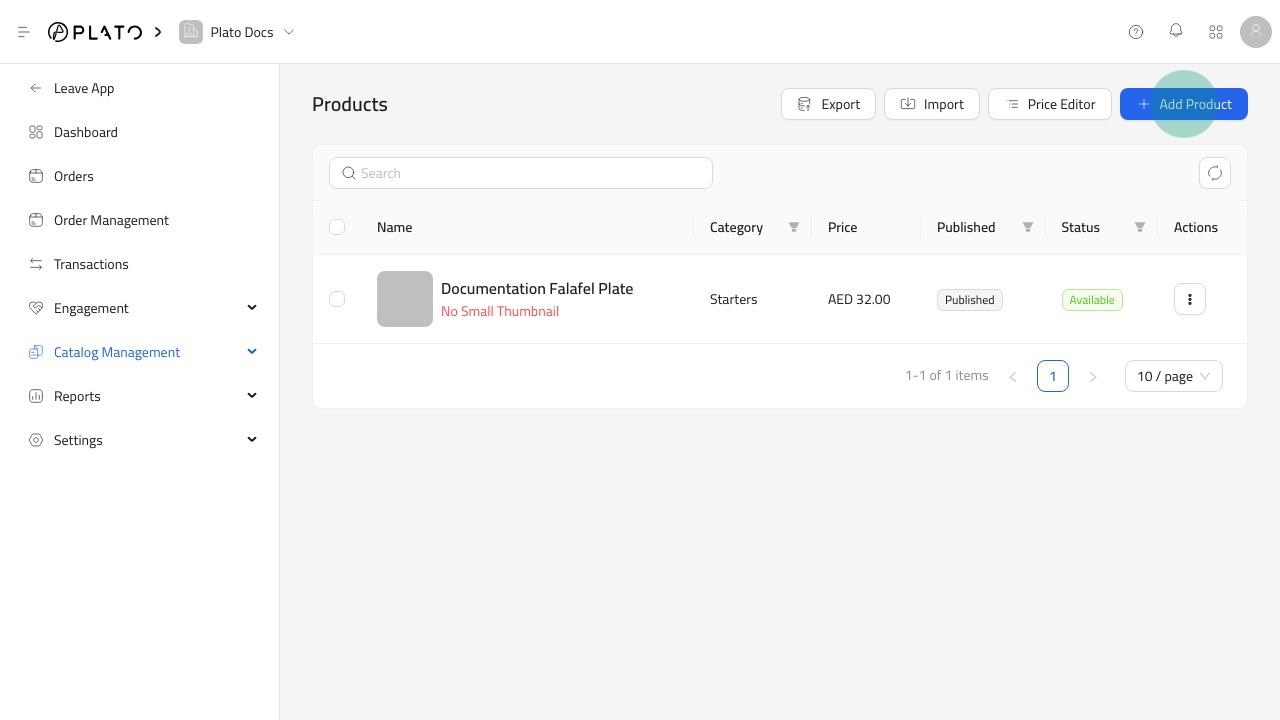
Use `Products` when you need to add an item, update a price, attach a barcode, change product availability, or prepare products for the public catalog.
 ## Product Details To Check
Before a product goes live, review:
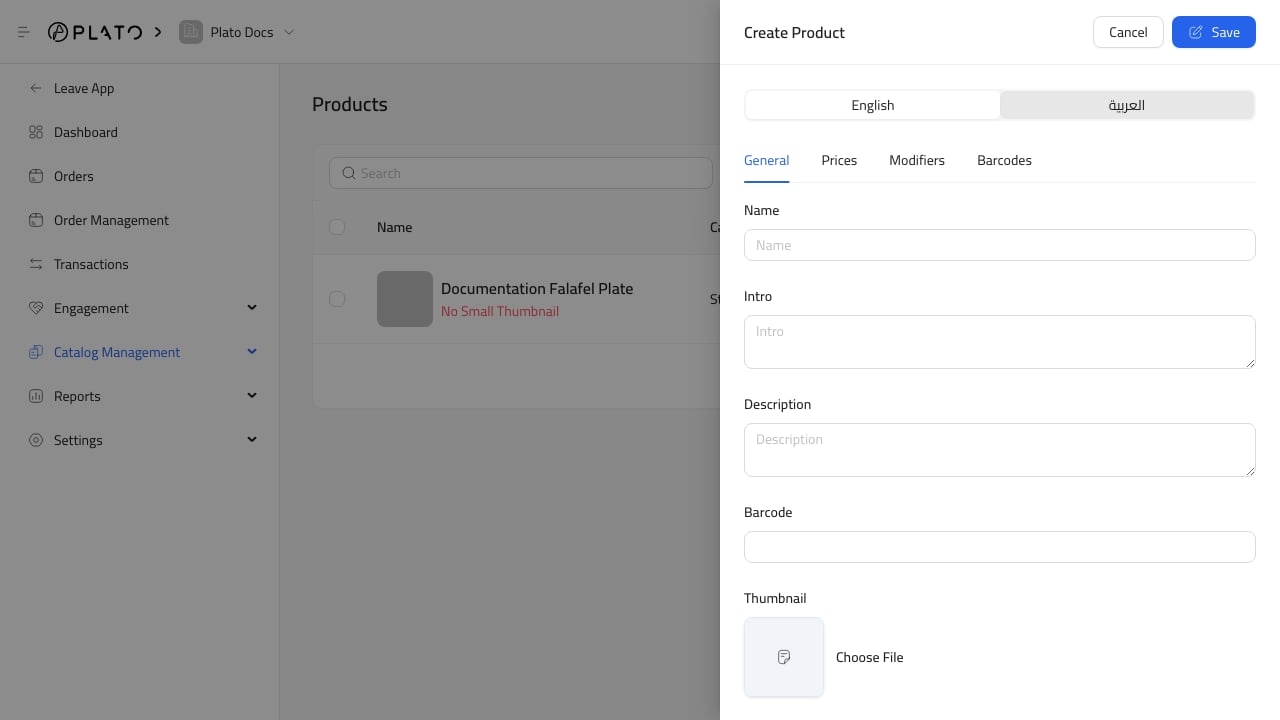
* Name and description in the needed languages.
* Product image or thumbnail.
* Category.
* Price options.
* Published status and sold-out status.
* Barcodes or lookup codes for scanning.
* Labels, allergens, or notes when they matter to customers.
* Modifiers or product options if the item has selectable choices.
## Product Availability
Published products can appear in catalogs and order flows. Sold-out products stay visible but cannot be selected by customers.
Use sold-out when the product should return later. Unpublish a product when it should not appear publicly.
## Product Search And Bulk Actions
Use the product search, filters, export, import, and price editor when the catalog is large.
The product list supports selection, so you can update groups of products without opening every item one by one.
## Product Details To Check
Before a product goes live, review:
* Name and description in the needed languages.
* Product image or thumbnail.
* Category.
* Price options.
* Published status and sold-out status.
* Barcodes or lookup codes for scanning.
* Labels, allergens, or notes when they matter to customers.
* Modifiers or product options if the item has selectable choices.
## Product Availability
Published products can appear in catalogs and order flows. Sold-out products stay visible but cannot be selected by customers.
Use sold-out when the product should return later. Unpublish a product when it should not appear publicly.
## Product Search And Bulk Actions
Use the product search, filters, export, import, and price editor when the catalog is large.
The product list supports selection, so you can update groups of products without opening every item one by one.