> ## Documentation Index
> Fetch the complete documentation index at: https://docs.plato.ae/llms.txt
> Use this file to discover all available pages before exploring further.
# Modifiers
> Add selectable options, add-ons, and choices to retail products.
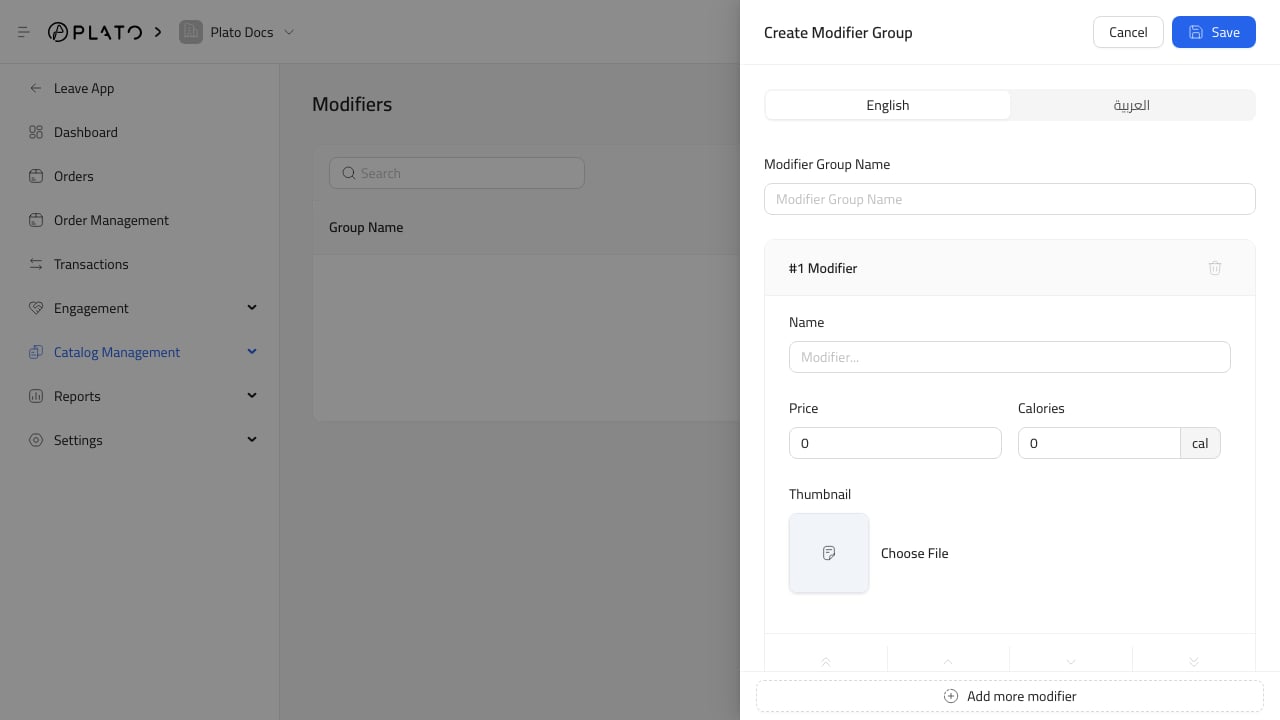
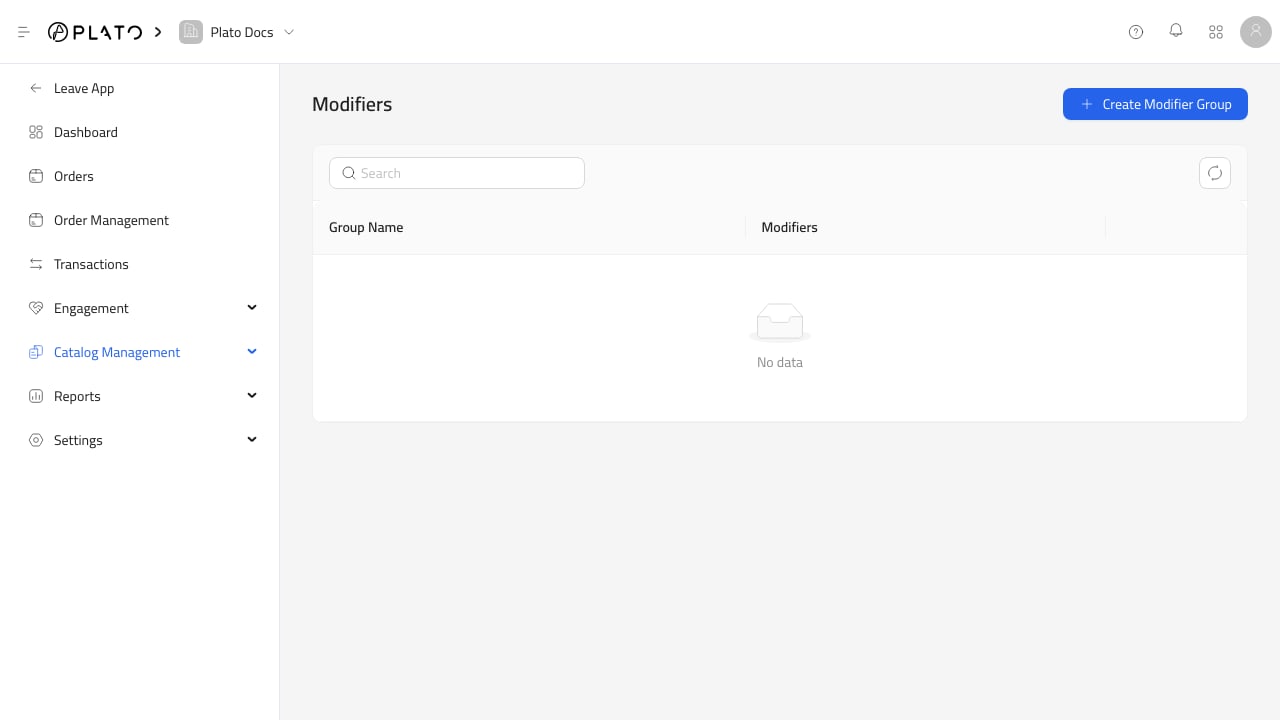
Modifiers are optional groups of choices attached to products.
Use modifiers when a product needs selectable options, add-ons, or choices during checkout.
 ## When To Use Modifiers
Use modifiers for choices such as:
* Gift wrapping.
* Packaging.
* Bundle add-ons.
* Engraving.
* Extra accessories.
* Service add-ons.
Keep modifier groups simple. If a product has complex stock variants, confirm whether it should be managed through product price options or inventory instead.
## Setup Order
Create the product first, then create the modifier group, then attach the modifier to the product.
## When To Use Modifiers
Use modifiers for choices such as:
* Gift wrapping.
* Packaging.
* Bundle add-ons.
* Engraving.
* Extra accessories.
* Service add-ons.
Keep modifier groups simple. If a product has complex stock variants, confirm whether it should be managed through product price options or inventory instead.
## Setup Order
Create the product first, then create the modifier group, then attach the modifier to the product.