> ## Documentation Index
> Fetch the complete documentation index at: https://docs.plato.ae/llms.txt
> Use this file to discover all available pages before exploring further.
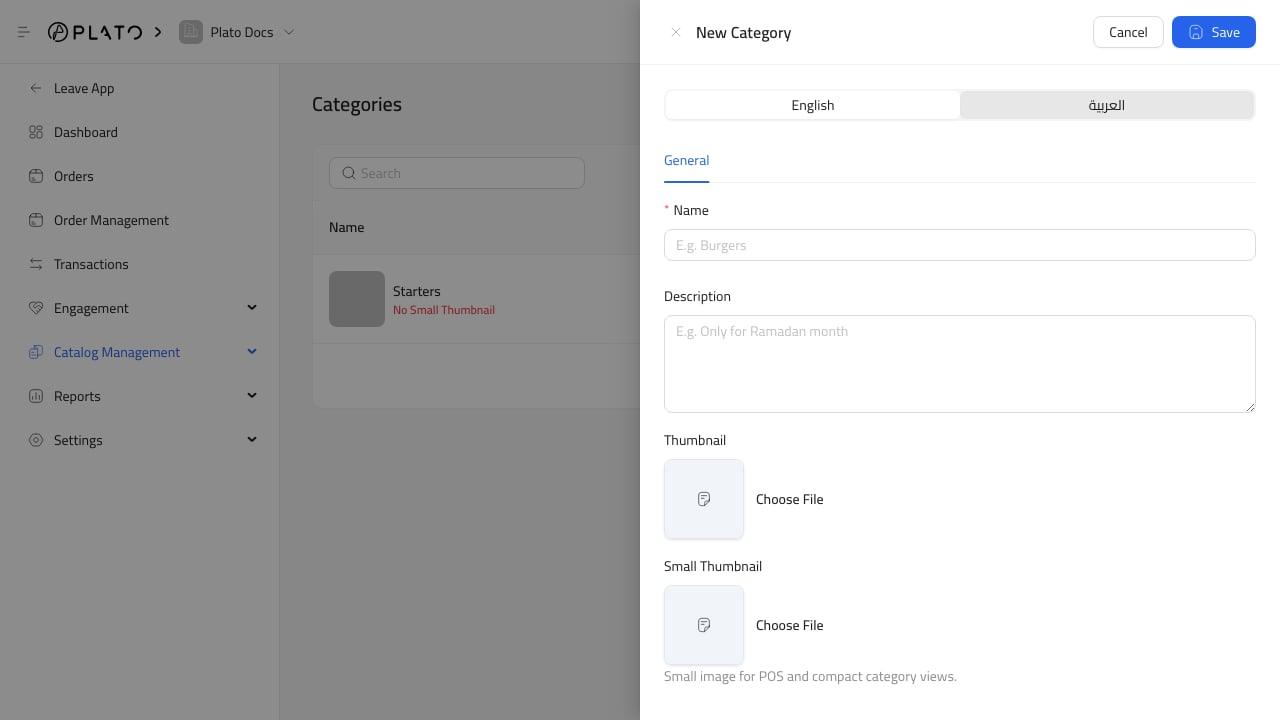
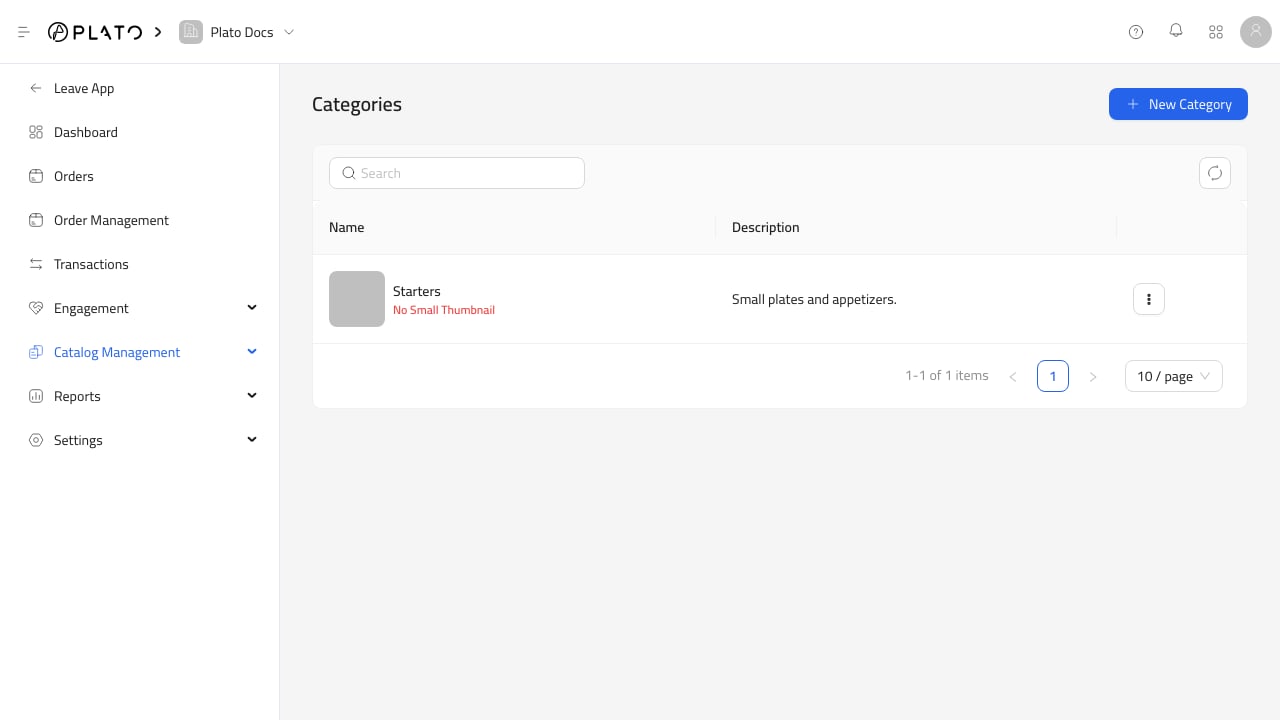
# Categories
> Organize retail products into clear customer-friendly groups.
Categories group products in the product list, catalog builder, public catalog, and reports.
Use categories when customers or staff need a clear way to browse the retail catalog.
 ## Good Category Names
Good retail category examples include:
* Clothing
* Fragrance
* Skincare
* Accessories
* Over-the-counter
* Seasonal
* Clearance
Keep categories short and customer-friendly. If customers would not understand the category name, staff probably will not either.
## Before Adding Products
Create the main categories before adding a large product list. Products are easier to review, filter, and add to a catalog when category names are already settled.
## Good Category Names
Good retail category examples include:
* Clothing
* Fragrance
* Skincare
* Accessories
* Over-the-counter
* Seasonal
* Clearance
Keep categories short and customer-friendly. If customers would not understand the category name, staff probably will not either.
## Before Adding Products
Create the main categories before adding a large product list. Products are easier to review, filter, and add to a catalog when category names are already settled.