> ## Documentation Index
> Fetch the complete documentation index at: https://docs.plato.ae/llms.txt
> Use this file to discover all available pages before exploring further.
# Manage Payment Methods
> Control the payment methods staff can use.
Use Payment Methods to control payment options such as cash, card, gift card, or other methods.
 ## Create A Payment Method
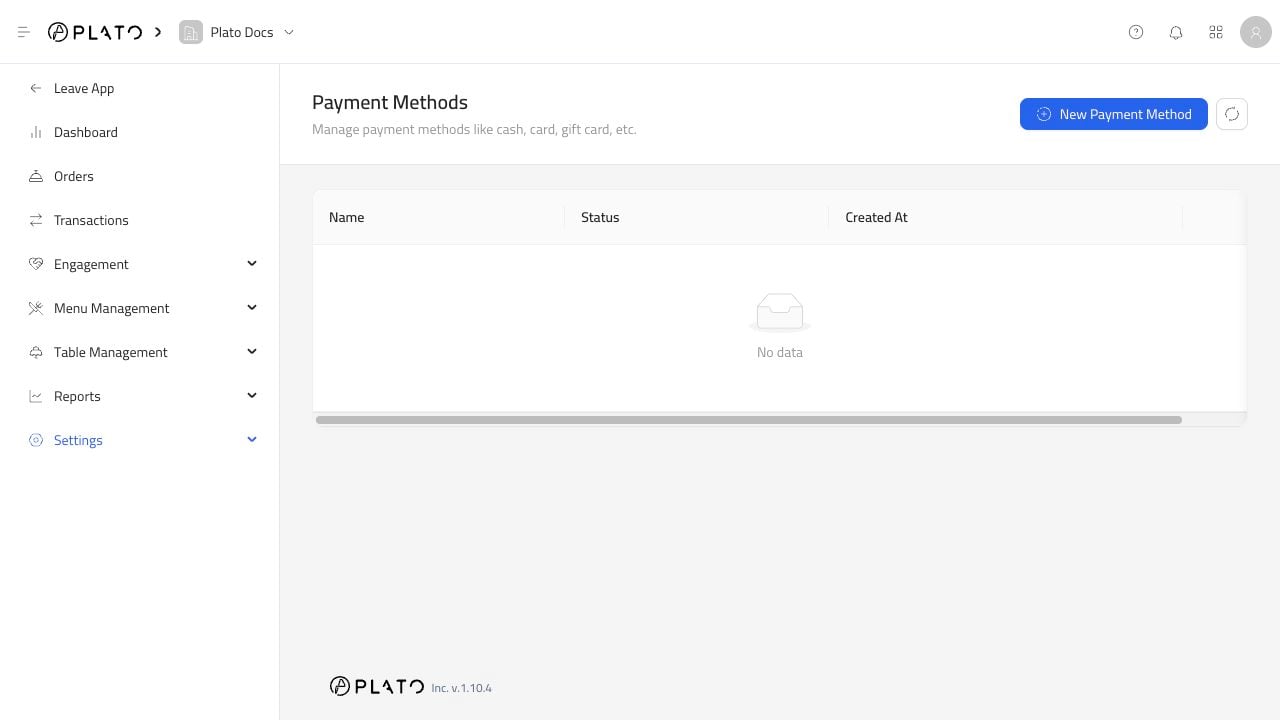
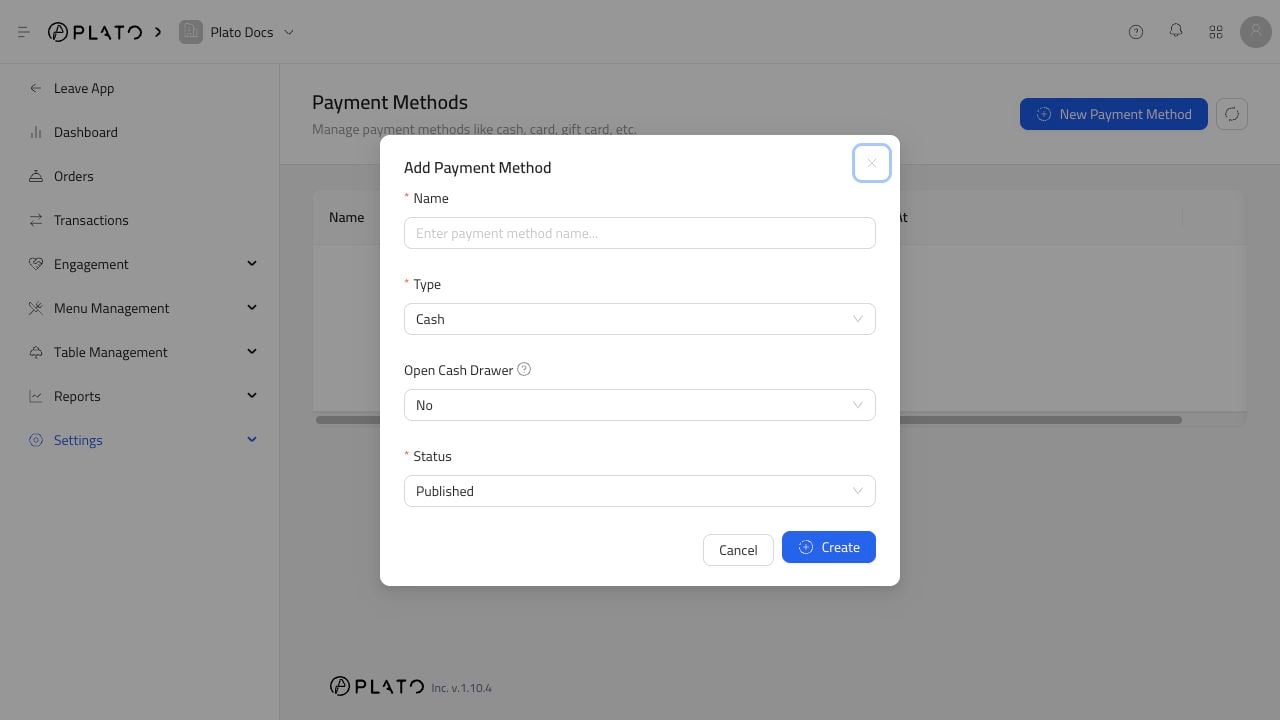
Click `New Payment Method`.
## Create A Payment Method
Click `New Payment Method`.
 ## Keep Methods Easy To Reconcile
Use simple names that match how managers and accountants review payments.
Avoid duplicate methods such as `Card`, `Cards`, and `Credit Card` unless the restaurant has a clear reason for each one.
## Keep Methods Easy To Reconcile
Use simple names that match how managers and accountants review payments.
Avoid duplicate methods such as `Card`, `Cards`, and `Credit Card` unless the restaurant has a clear reason for each one.