> ## Documentation Index
> Fetch the complete documentation index at: https://docs.plato.ae/llms.txt
> Use this file to discover all available pages before exploring further.
# Sales By Source And Hour
> See where sales came from and when customers ordered.
Use these reports when you need to understand customer behavior, not only total sales.
## Sales By Source
Sales By Source compares order sources such as dine-in, pick-up, delivery, online menu, or connected apps.
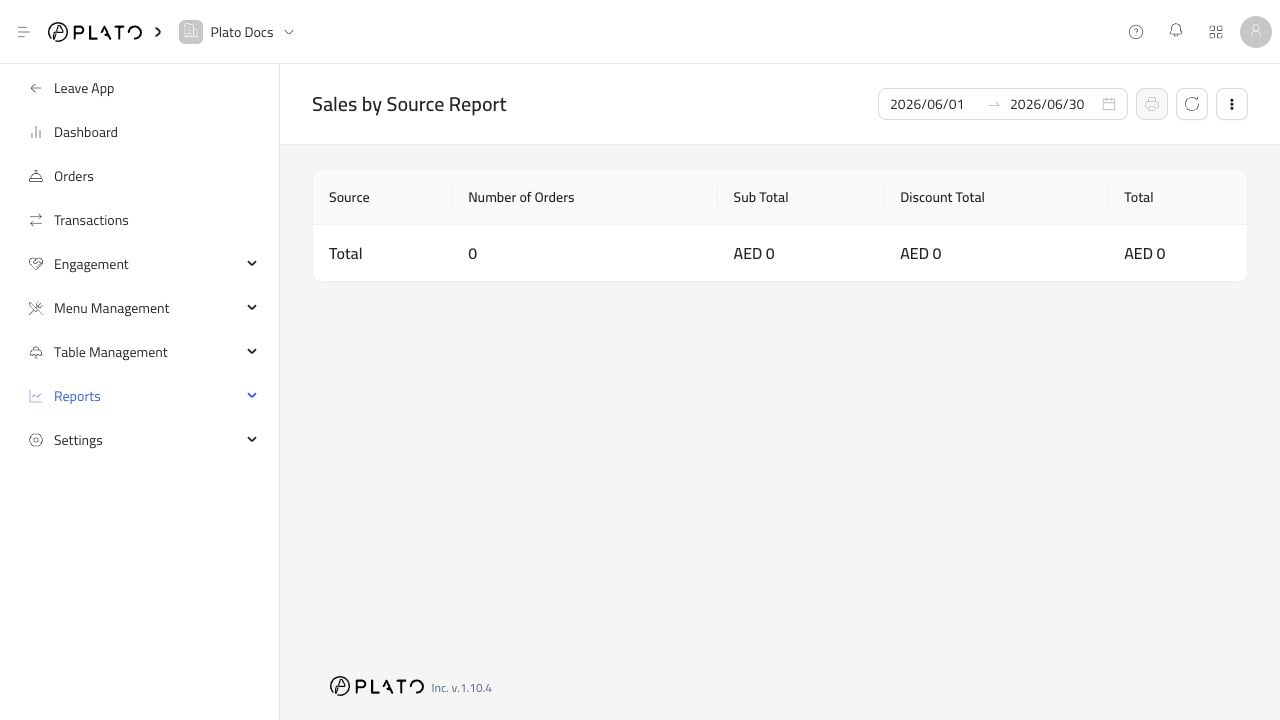 Use it to see which channels are driving orders.
## Sales By Hour
Sales By Hour shows busy and quiet periods.
Use it to see which channels are driving orders.
## Sales By Hour
Sales By Hour shows busy and quiet periods.
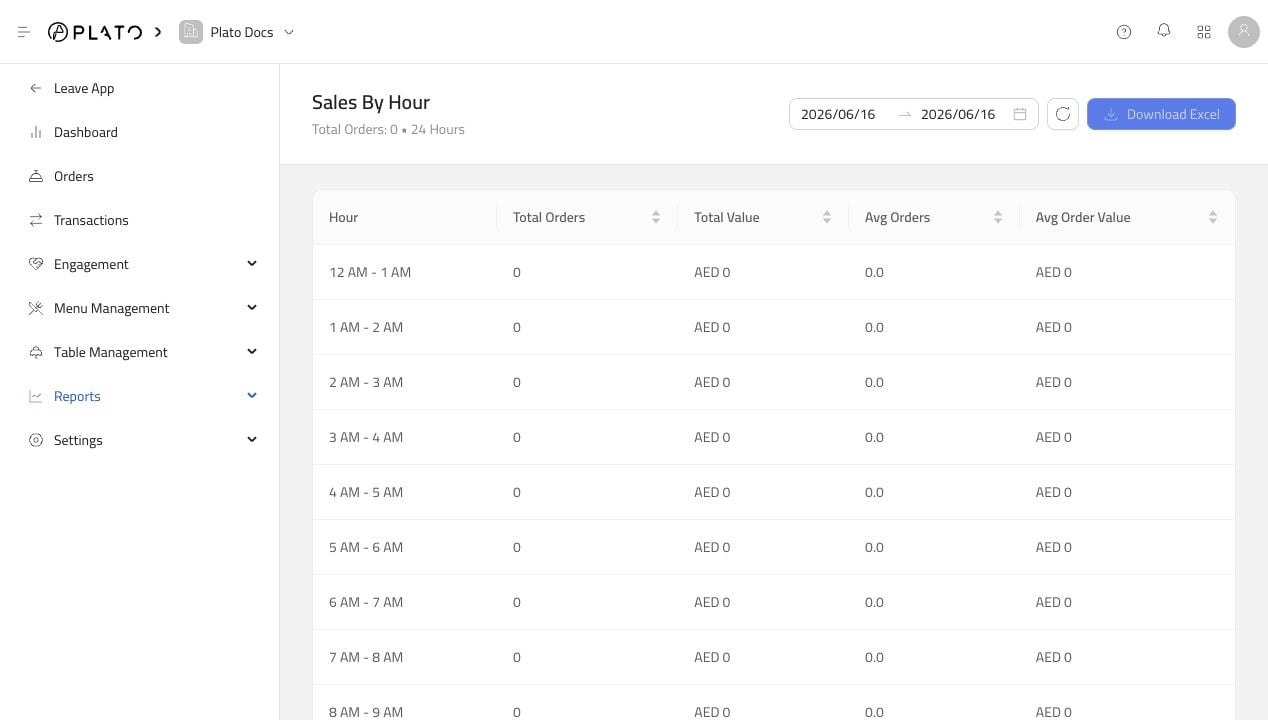 This helps with staffing, prep planning, and opening-hours decisions.