> ## Documentation Index
> Fetch the complete documentation index at: https://docs.plato.ae/llms.txt
> Use this file to discover all available pages before exploring further.
# Theme
> Change menu colors, fonts, image placeholder, rounded corners, logo visibility, and welcome page.
Theme settings control how the online menu looks to customers.
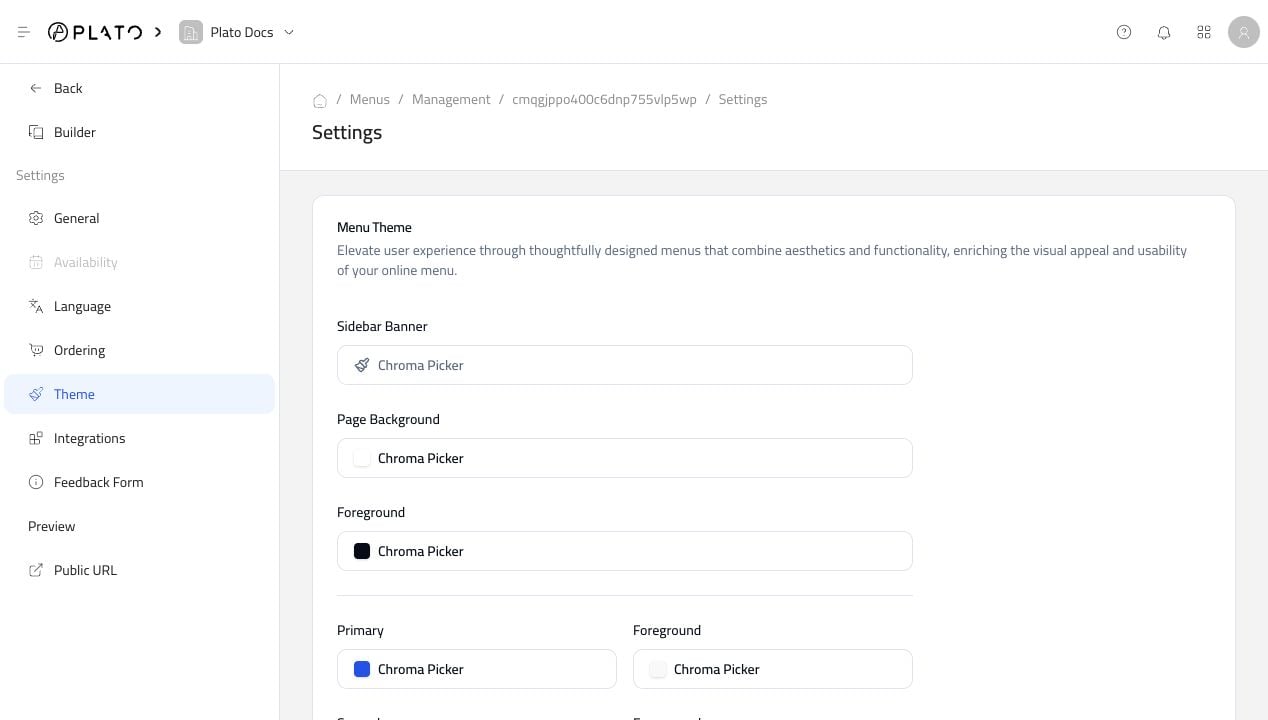 ## Colors And Borders
Use the color pickers to adjust the menu background, primary color, card colors, borders, and other visual parts of the public menu.
Keep contrast high so customers can read product names, prices, and checkout buttons easily.
## Fonts, Radius, And Placeholder
Use the lower theme settings for fonts, rounded corners, and the product image placeholder.
## Colors And Borders
Use the color pickers to adjust the menu background, primary color, card colors, borders, and other visual parts of the public menu.
Keep contrast high so customers can read product names, prices, and checkout buttons easily.
## Fonts, Radius, And Placeholder
Use the lower theme settings for fonts, rounded corners, and the product image placeholder.
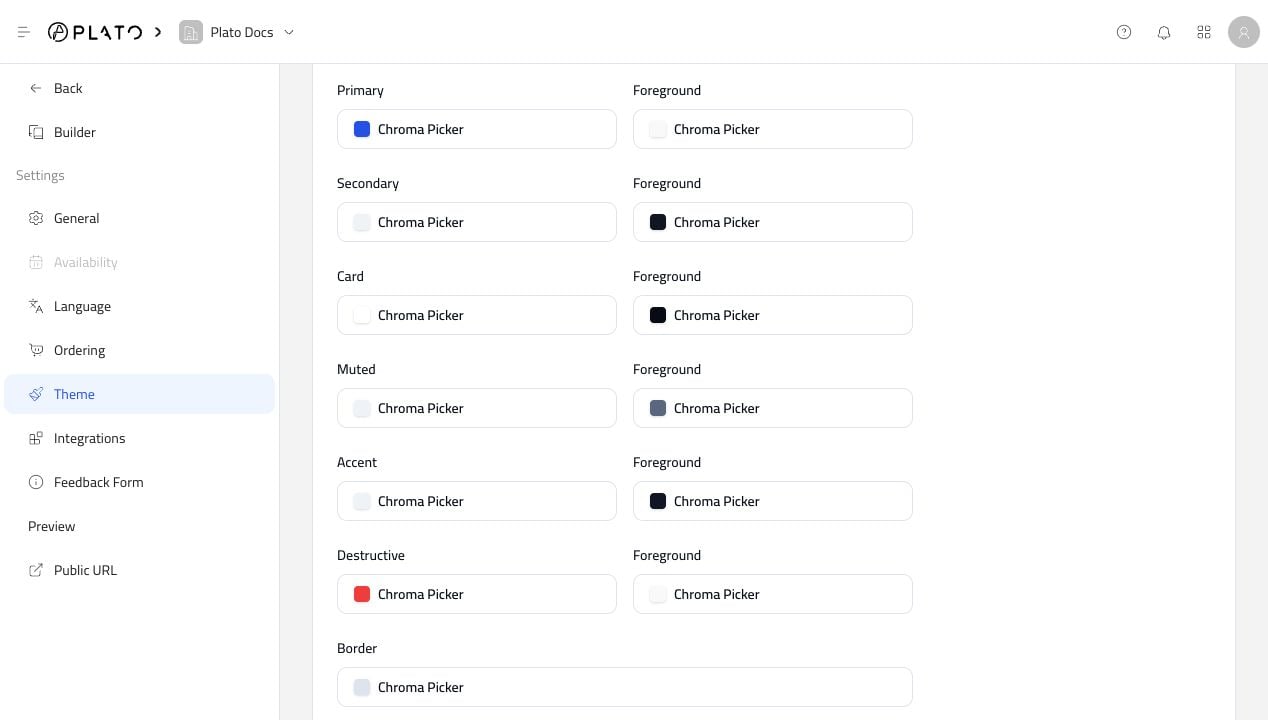 The placeholder image appears when a product does not have its own photo.
## Welcome Page
The Welcome Page gives customers a first screen before entering the menu.
The placeholder image appears when a product does not have its own photo.
## Welcome Page
The Welcome Page gives customers a first screen before entering the menu.
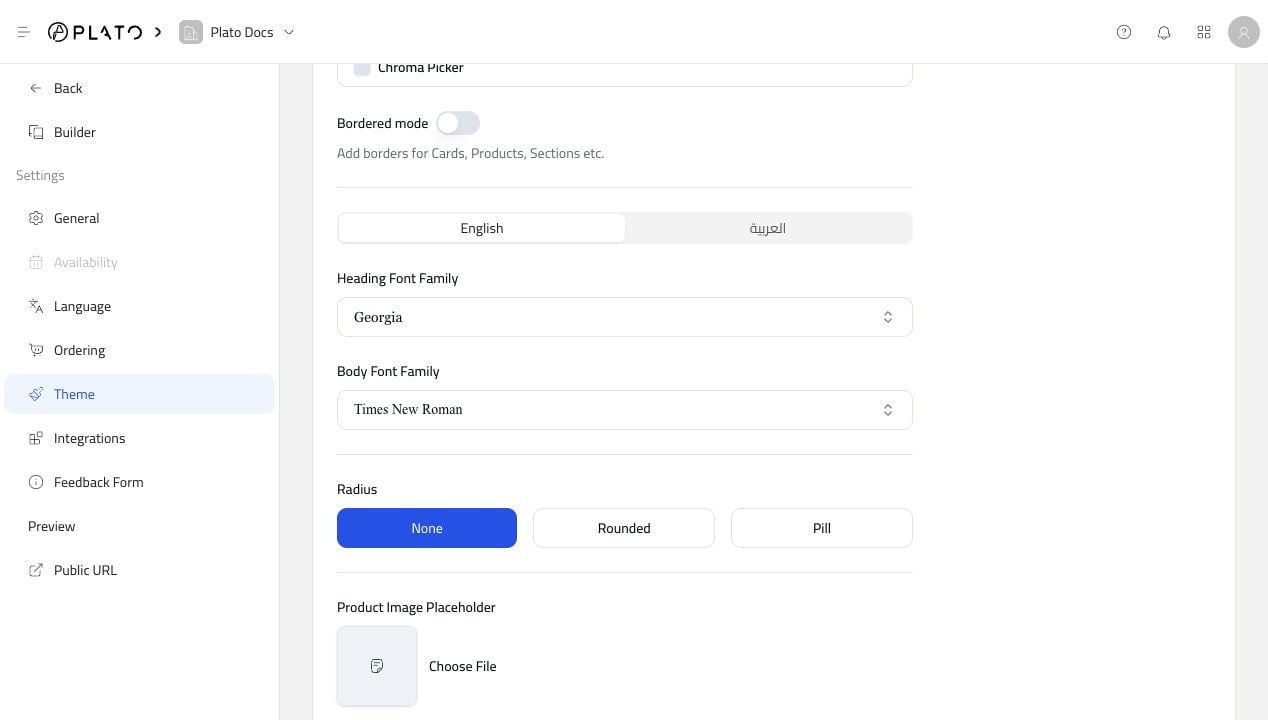 Use it when you want a branded start screen, a simple greeting, or a stronger first impression before customers browse products.