> ## Documentation Index
> Fetch the complete documentation index at: https://docs.plato.ae/llms.txt
> Use this file to discover all available pages before exploring further.
# Integrations And Feedback
> Connect reservations, Bio Link, Stripe, and menu feedback options.
Integrations connect the online menu to other Plato features and payment tools.
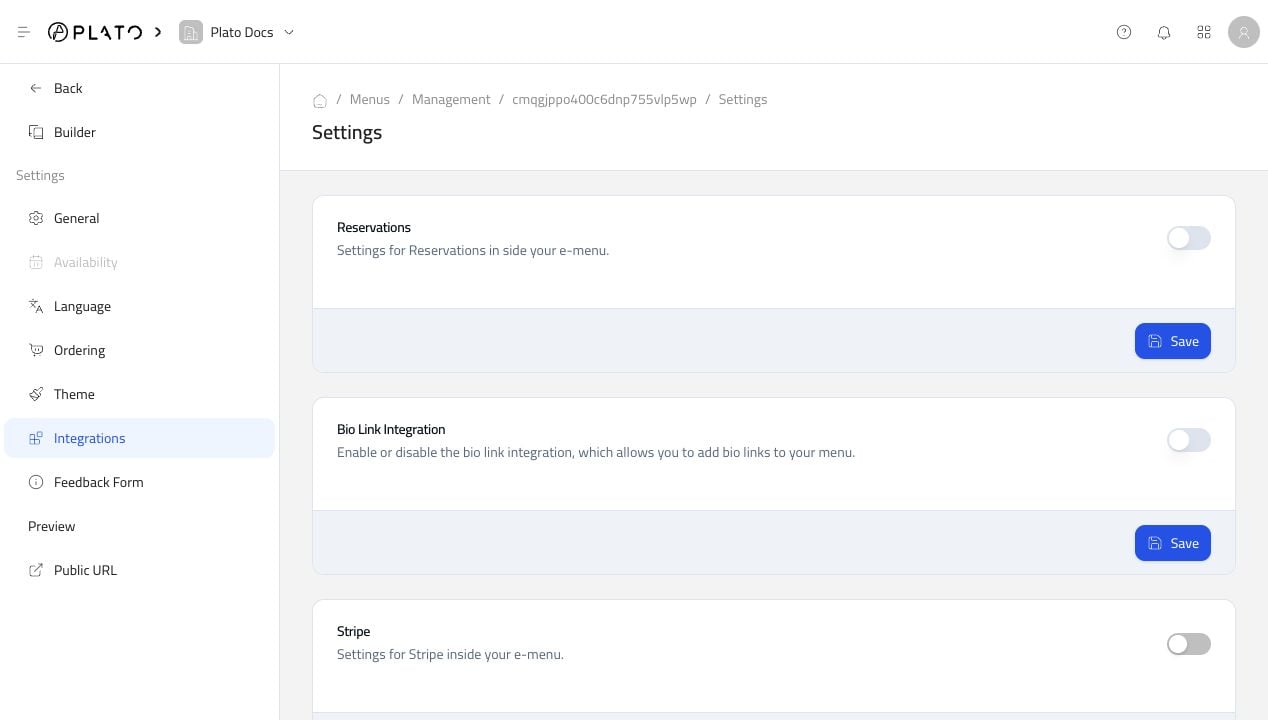 ## Reservations
Enable Reservations when customers should be able to reserve from the menu experience.
Before turning it on, make sure reservation slots and table availability are ready.
## Bio Link
Enable Bio Link integration when this menu should appear inside a Bio Link page.
This is useful when the restaurant shares one QR code or social profile link that points to several customer actions.
## Stripe
Enable Stripe when online payments should be available through the menu.
Before accepting live payments, test the checkout flow and confirm the payment method settings.
## Feedback Form
Use Feedback Form settings to collect customer ratings and comments.
## Reservations
Enable Reservations when customers should be able to reserve from the menu experience.
Before turning it on, make sure reservation slots and table availability are ready.
## Bio Link
Enable Bio Link integration when this menu should appear inside a Bio Link page.
This is useful when the restaurant shares one QR code or social profile link that points to several customer actions.
## Stripe
Enable Stripe when online payments should be available through the menu.
Before accepting live payments, test the checkout flow and confirm the payment method settings.
## Feedback Form
Use Feedback Form settings to collect customer ratings and comments.
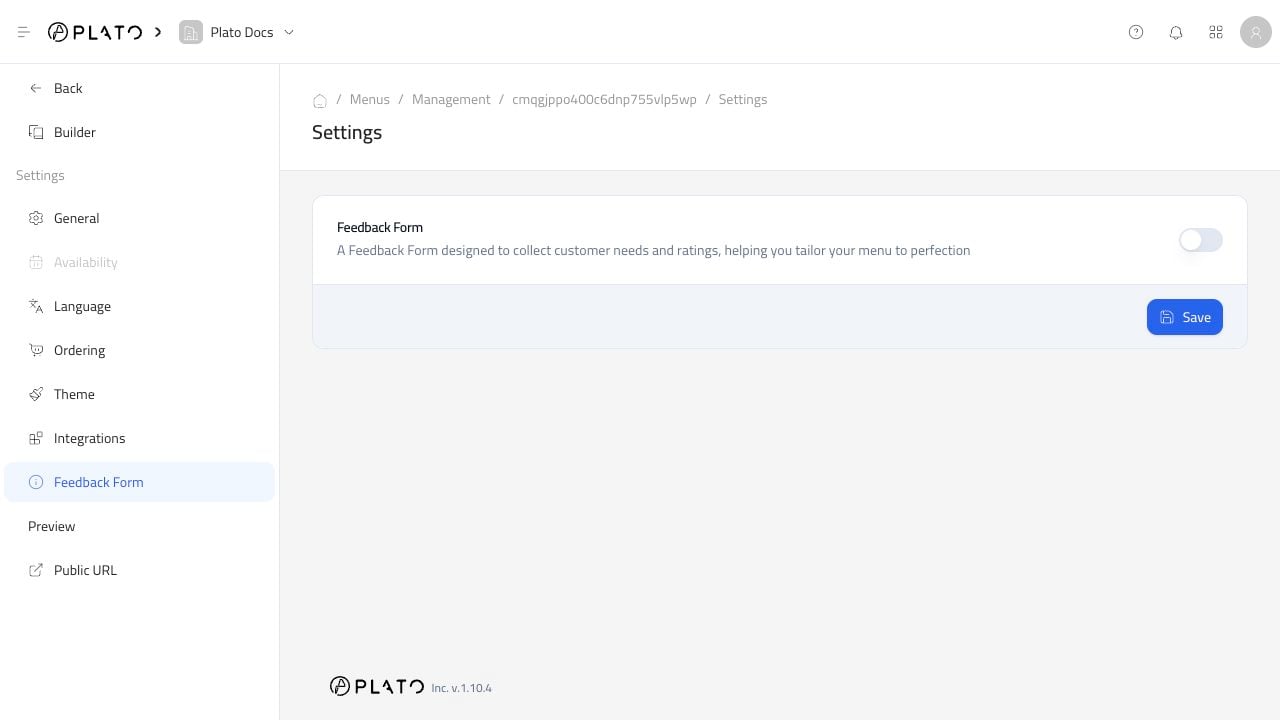 Turn feedback on when the team is ready to review and act on submissions.