> ## Documentation Index
> Fetch the complete documentation index at: https://docs.plato.ae/llms.txt
> Use this file to discover all available pages before exploring further.
# General And Language
> Update menu name, type, URL, price visibility, and menu languages.
Menu settings control how a specific online menu behaves.
## General Settings
Use General settings to update the menu name, type, price visibility, public URL, and deletion.
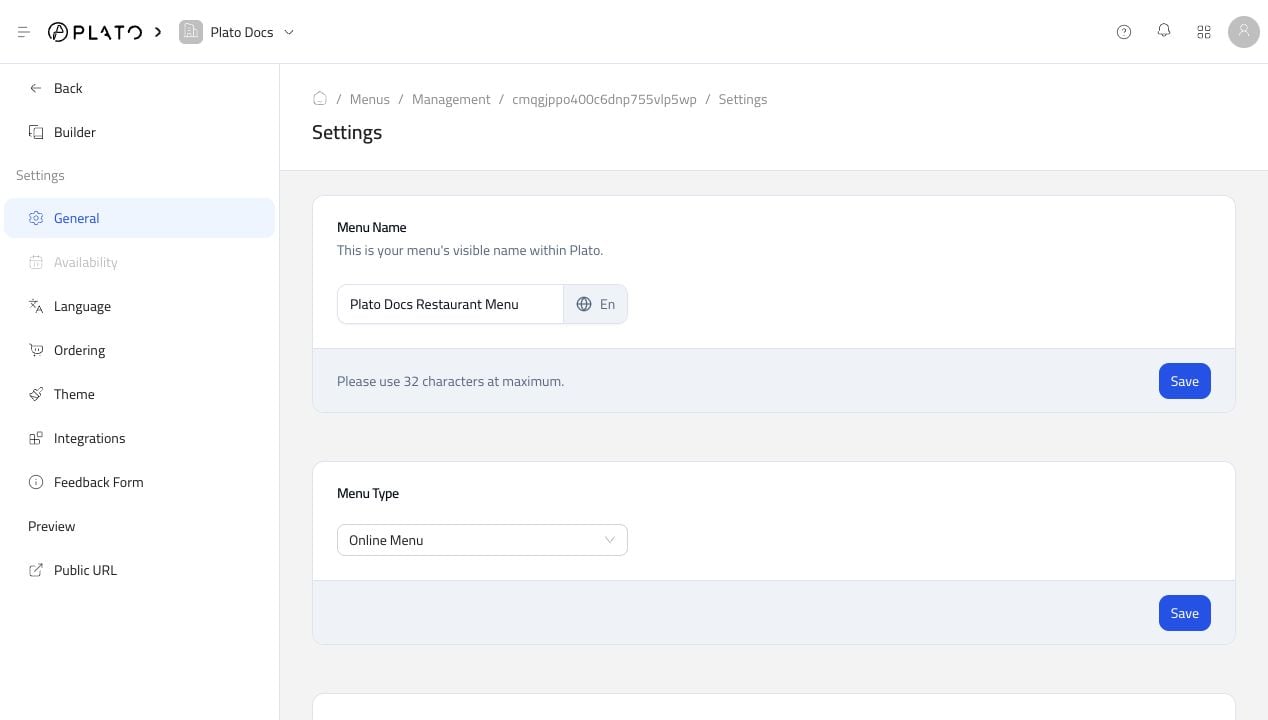 Use this page when:
* The menu name needs to change.
* You want to hide or show prices.
* You need to adjust the public URL slug.
* You need to delete a menu you no longer use.
Deleting a menu is permanent, so test with a draft or unused menu first when you are unsure.
## Language
Use Language settings to choose the default language and additional languages.
Use this page when:
* The menu name needs to change.
* You want to hide or show prices.
* You need to adjust the public URL slug.
* You need to delete a menu you no longer use.
Deleting a menu is permanent, so test with a draft or unused menu first when you are unsure.
## Language
Use Language settings to choose the default language and additional languages.
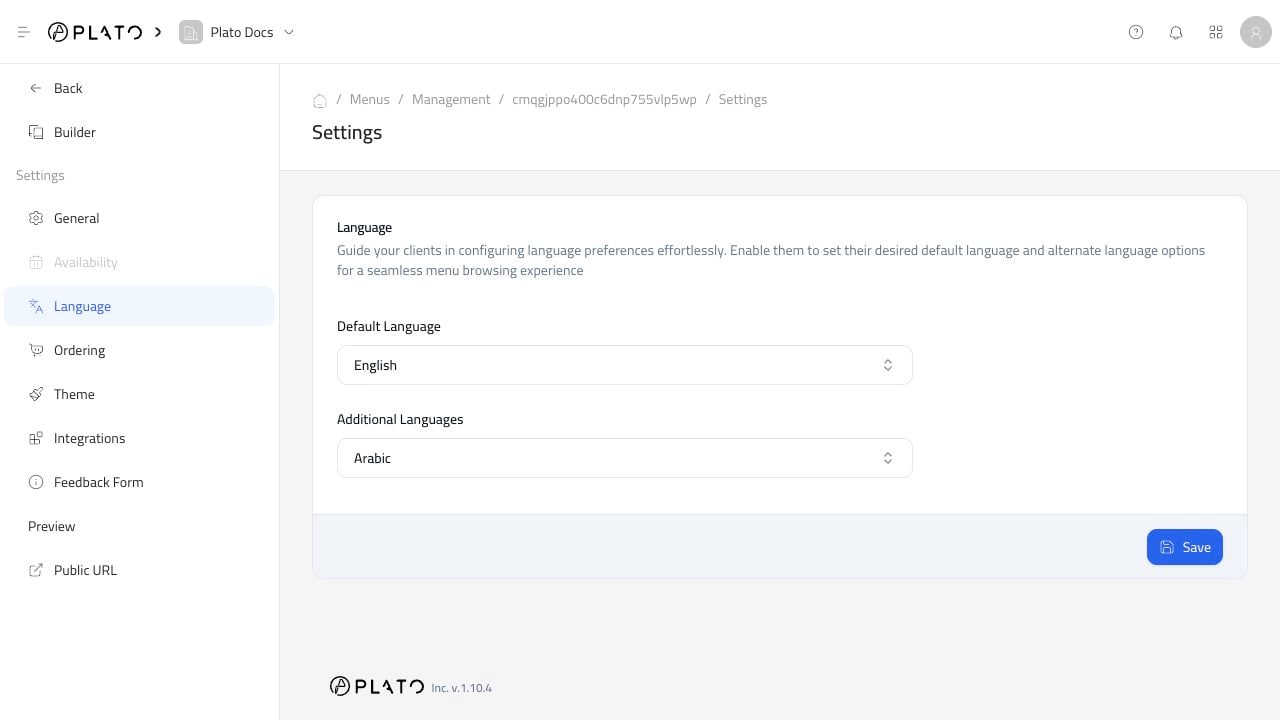 After adding a language, check the menu content that customers will see. Product names, descriptions, labels, and customer-facing text should be reviewed before publishing.