> ## Documentation Index
> Fetch the complete documentation index at: https://docs.plato.ae/llms.txt
> Use this file to discover all available pages before exploring further.
# Save And Preview
> Save menu builder changes and check the customer view.
Builder changes need to be saved before customers can rely on them.
 ## Save Changes
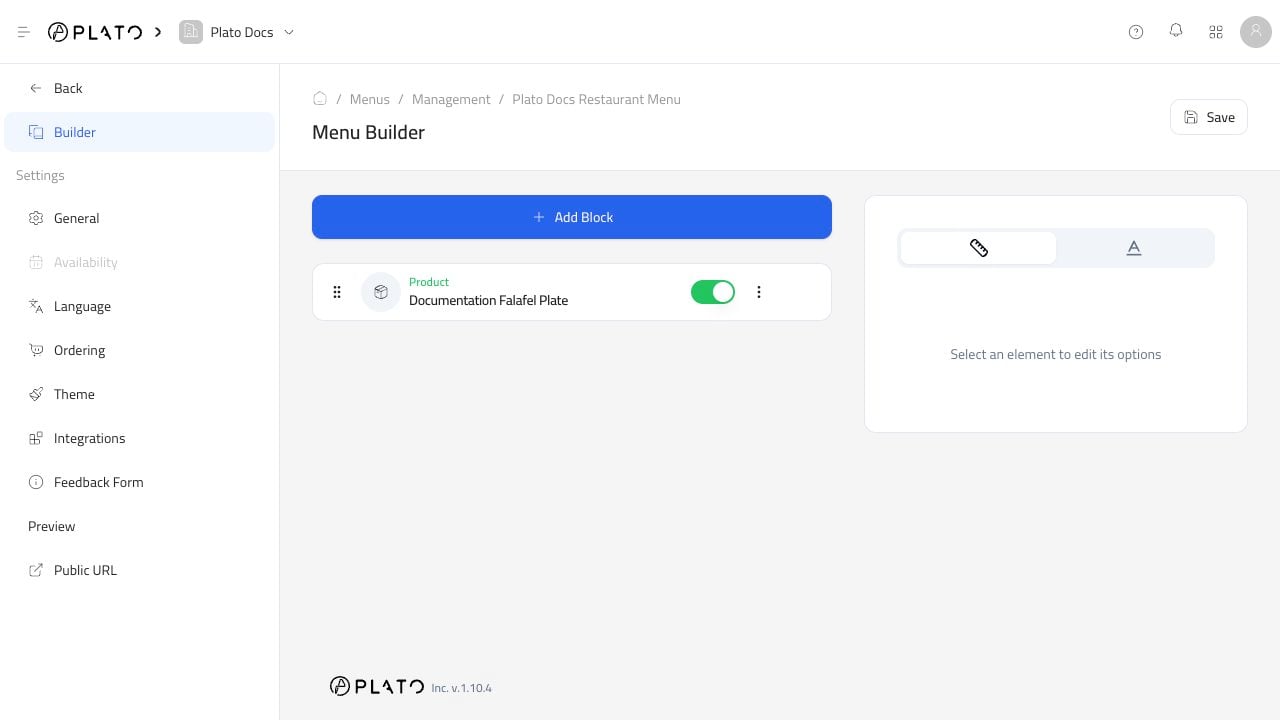
Click `Save` after adding, removing, hiding, or reordering blocks.
If you leave the builder before saving, the public menu may not match what you just changed.
## Preview Like A Customer
Use `Public URL` from the menu editor sidebar.
## Save Changes
Click `Save` after adding, removing, hiding, or reordering blocks.
If you leave the builder before saving, the public menu may not match what you just changed.
## Preview Like A Customer
Use `Public URL` from the menu editor sidebar.
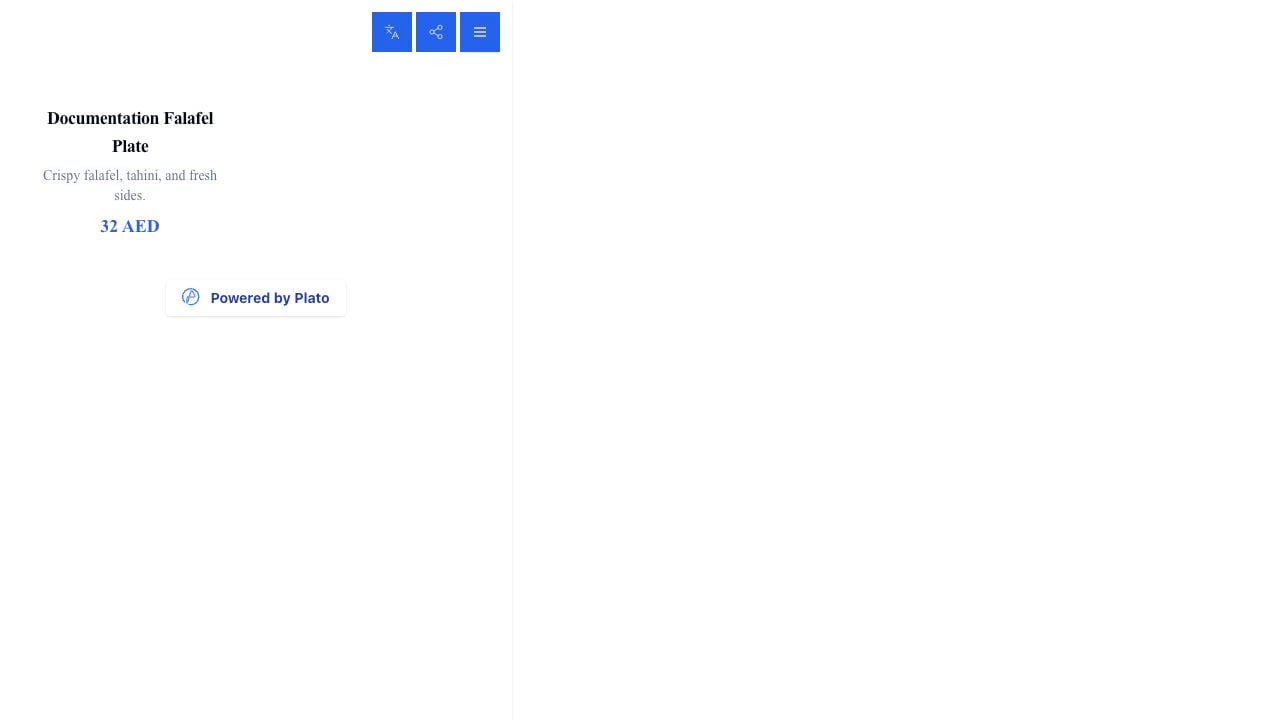 Check:
* Products appear in the right order.
* Prices are correct.
* Sold-out items behave correctly.
* Buttons and ordering options make sense.
* The menu looks good on a phone.
Check:
* Products appear in the right order.
* Prices are correct.
* Sold-out items behave correctly.
* Buttons and ordering options make sense.
* The menu looks good on a phone.