> ## Documentation Index
> Fetch the complete documentation index at: https://docs.plato.ae/llms.txt
> Use this file to discover all available pages before exploring further.
# Workspaces
> Search, create, open, edit, manage, and delete partner-owned customer workspaces.
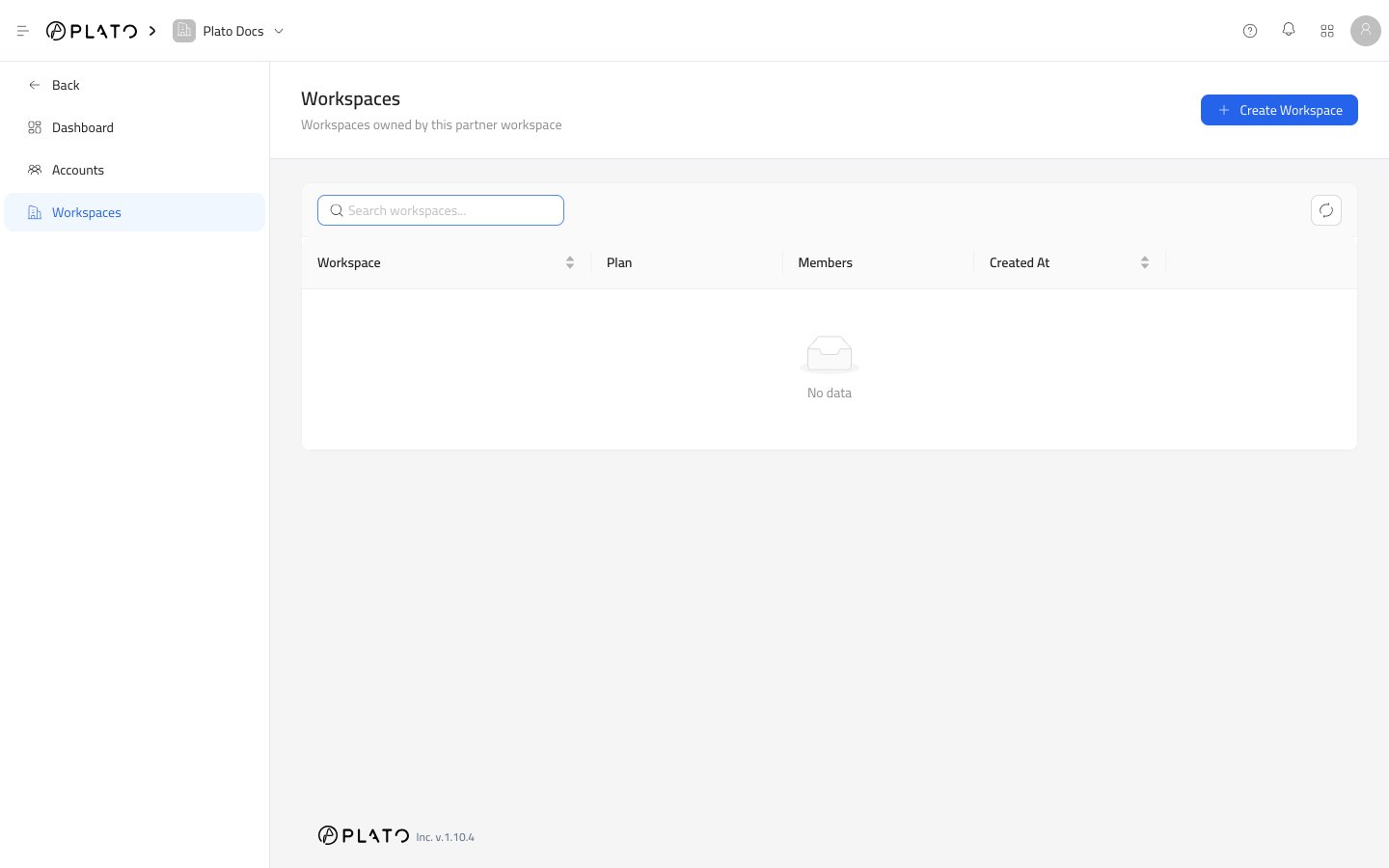
The Workspaces page is where partner customer workspaces are created and managed.
Use it when you need to open a customer workspace record, update subscription details, manage members, change enabled apps, review wallets, or delete a workspace.
 ## Search Workspaces
Use the search field to find a workspace by name or slug.
This is the quickest way to locate a customer when the partner manages many workspaces.
## Refresh
Use the refresh button when another teammate just created, edited, or deleted a workspace.
## Create Workspace
Use `Create Workspace` when you need to set up a new customer workspace.
Go to [Create A Workspace](/partners/create-workspace) for the full flow.
## Search Workspaces
Use the search field to find a workspace by name or slug.
This is the quickest way to locate a customer when the partner manages many workspaces.
## Refresh
Use the refresh button when another teammate just created, edited, or deleted a workspace.
## Create Workspace
Use `Create Workspace` when you need to set up a new customer workspace.
Go to [Create A Workspace](/partners/create-workspace) for the full flow.
 ## Open Workspace Details
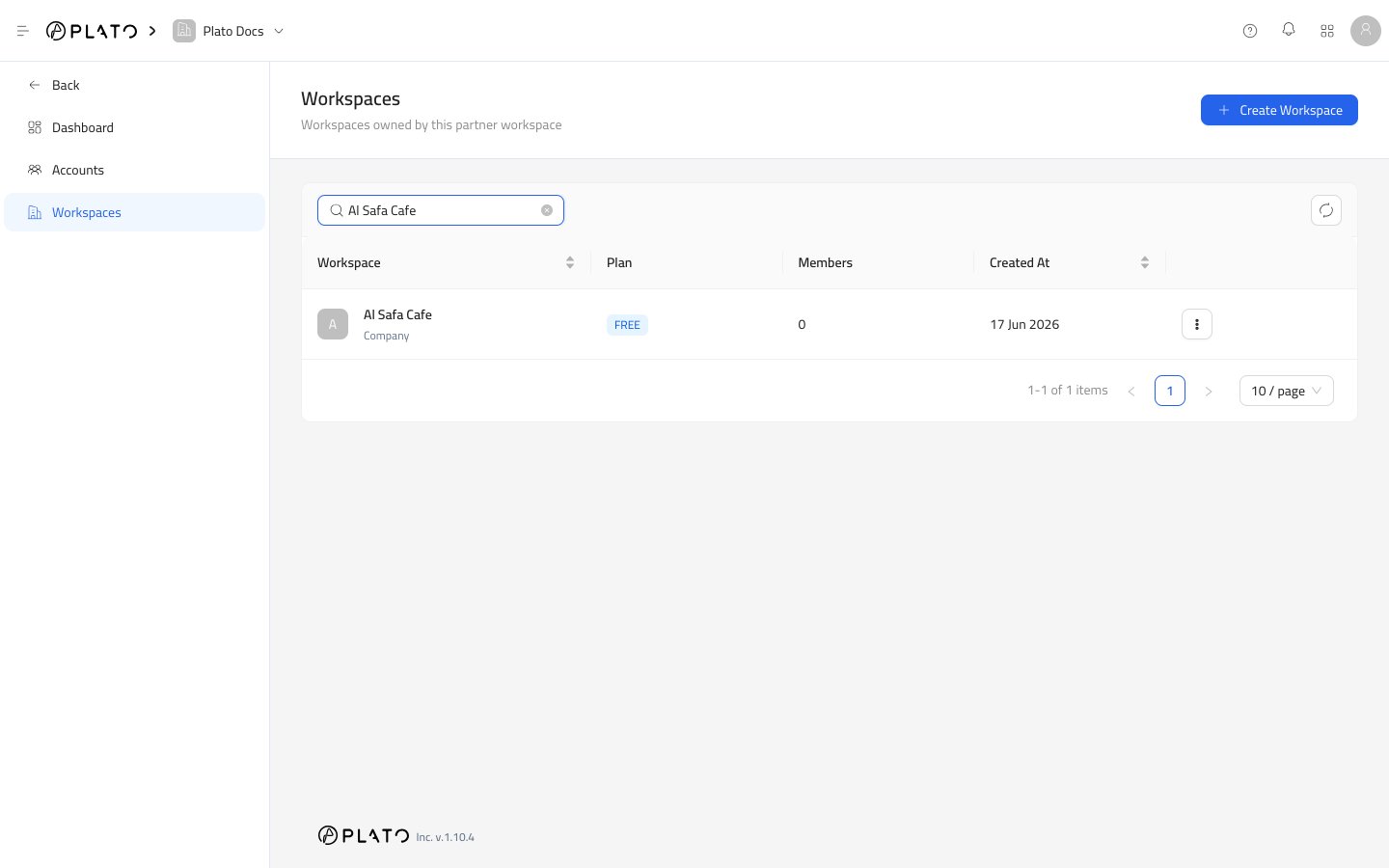
Choose `View Details` from the row actions menu.
The details page shows subscription status, renewal dates, enabled apps, wallets, and members.
## Row Actions
Every workspace row can expose these actions when your role allows them:
* `View Details` opens the workspace record.
* `Edit Workspace` opens the workspace setup drawer.
* `Manage Members` lets you add or remove partner accounts from the workspace.
* `Copy Manager` appears as a future or restricted action when it is not available.
* `Clear Sales Data` appears as a future or restricted action when it is not available.
* `Delete Workspace` removes the workspace after password confirmation.
## Open Workspace Details
Choose `View Details` from the row actions menu.
The details page shows subscription status, renewal dates, enabled apps, wallets, and members.
## Row Actions
Every workspace row can expose these actions when your role allows them:
* `View Details` opens the workspace record.
* `Edit Workspace` opens the workspace setup drawer.
* `Manage Members` lets you add or remove partner accounts from the workspace.
* `Copy Manager` appears as a future or restricted action when it is not available.
* `Clear Sales Data` appears as a future or restricted action when it is not available.
* `Delete Workspace` removes the workspace after password confirmation.
 ## Pagination
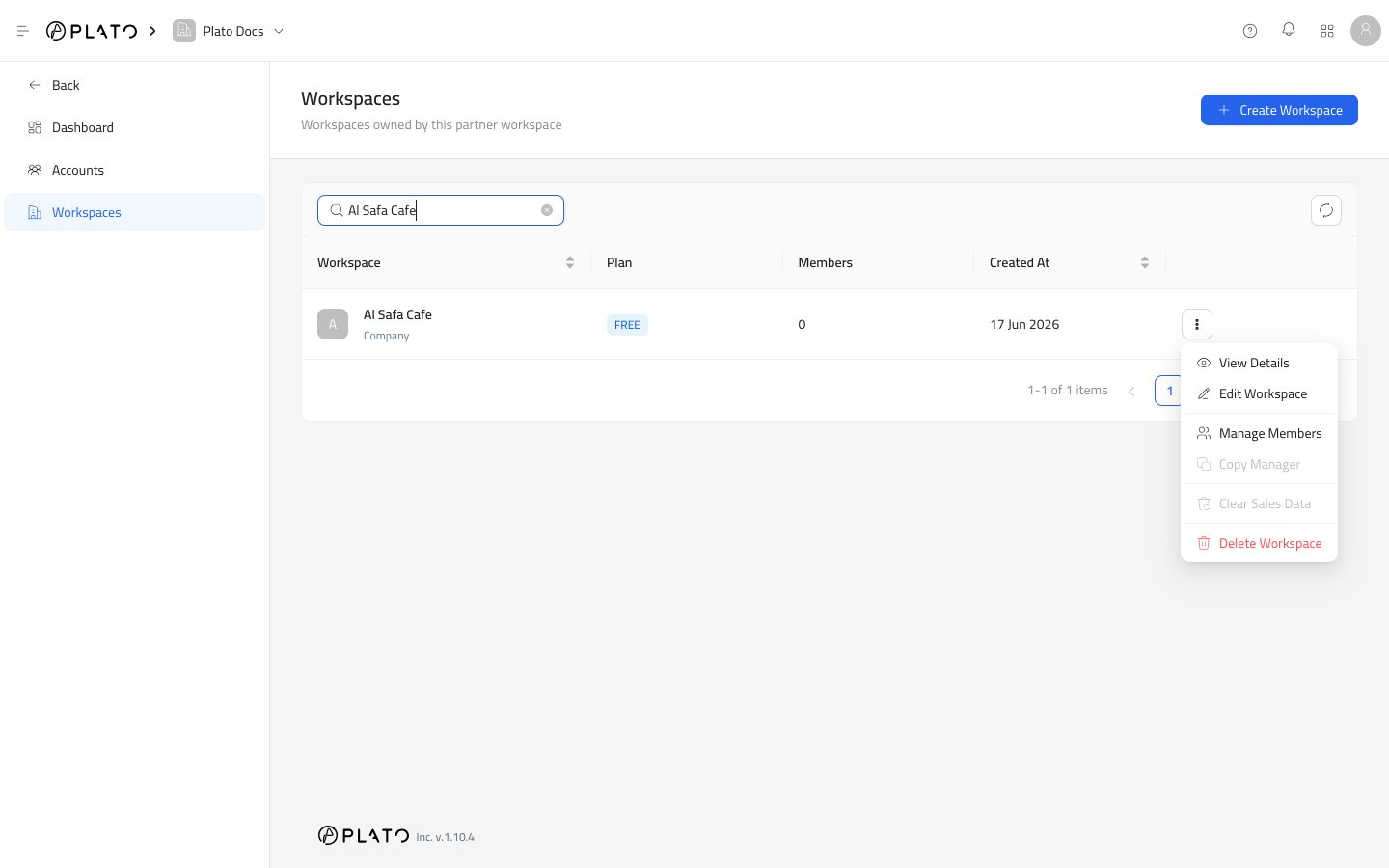
Use the page controls at the bottom when the partner has more workspaces than the current page can show.
The page-size menu controls how many workspaces appear at once.
## Pagination
Use the page controls at the bottom when the partner has more workspaces than the current page can show.
The page-size menu controls how many workspaces appear at once.