> ## Documentation Index
> Fetch the complete documentation index at: https://docs.plato.ae/llms.txt
> Use this file to discover all available pages before exploring further.
# Workspace Details
> Review and manage a partner workspace subscription, apps, wallets, members, and destructive actions.
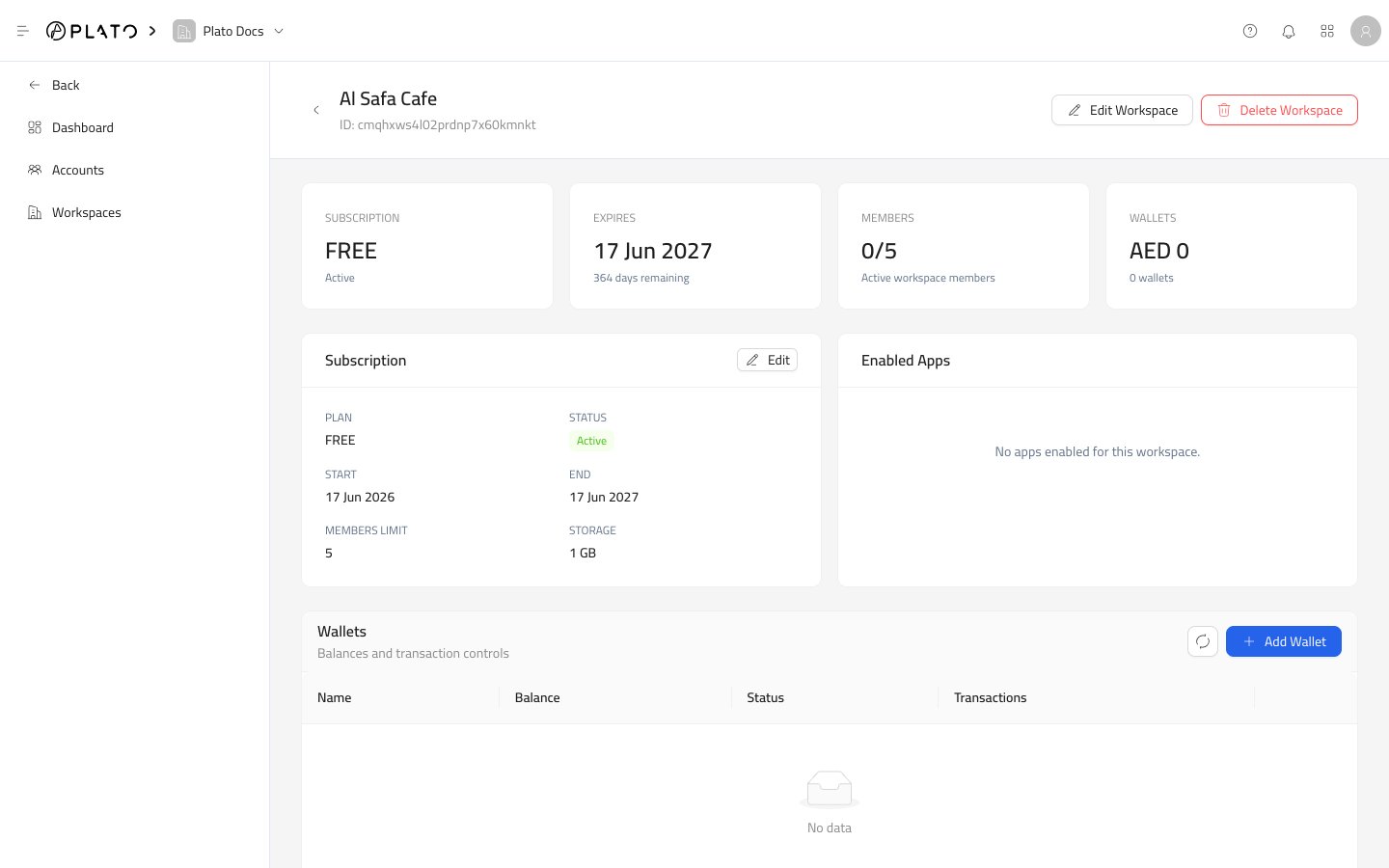
Workspace details give you the full record for one partner-owned customer workspace.
Open it from `Workspaces` by choosing `View Details`.
 ## Header Actions
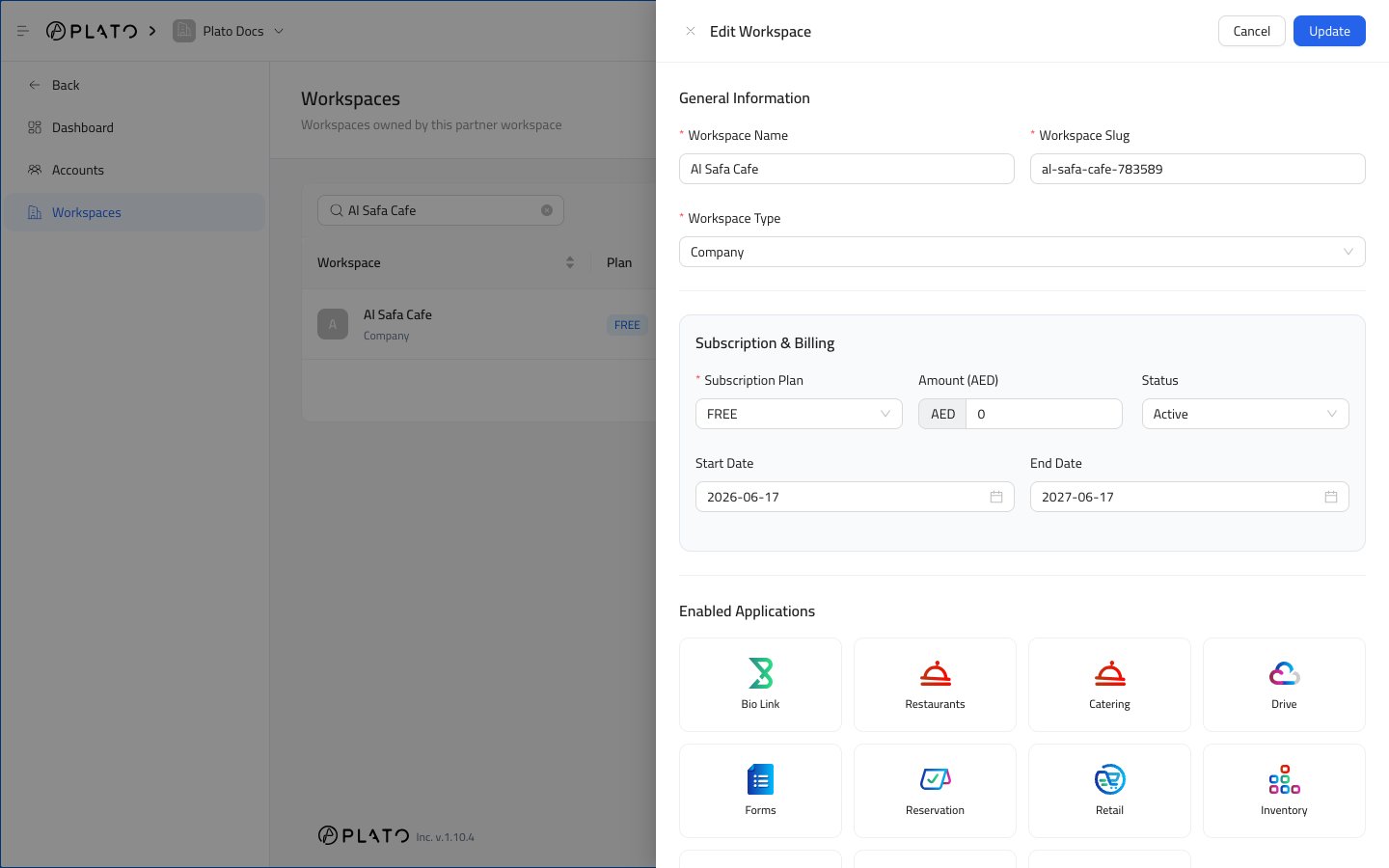
`Edit Workspace` opens the workspace setup drawer with the current values.
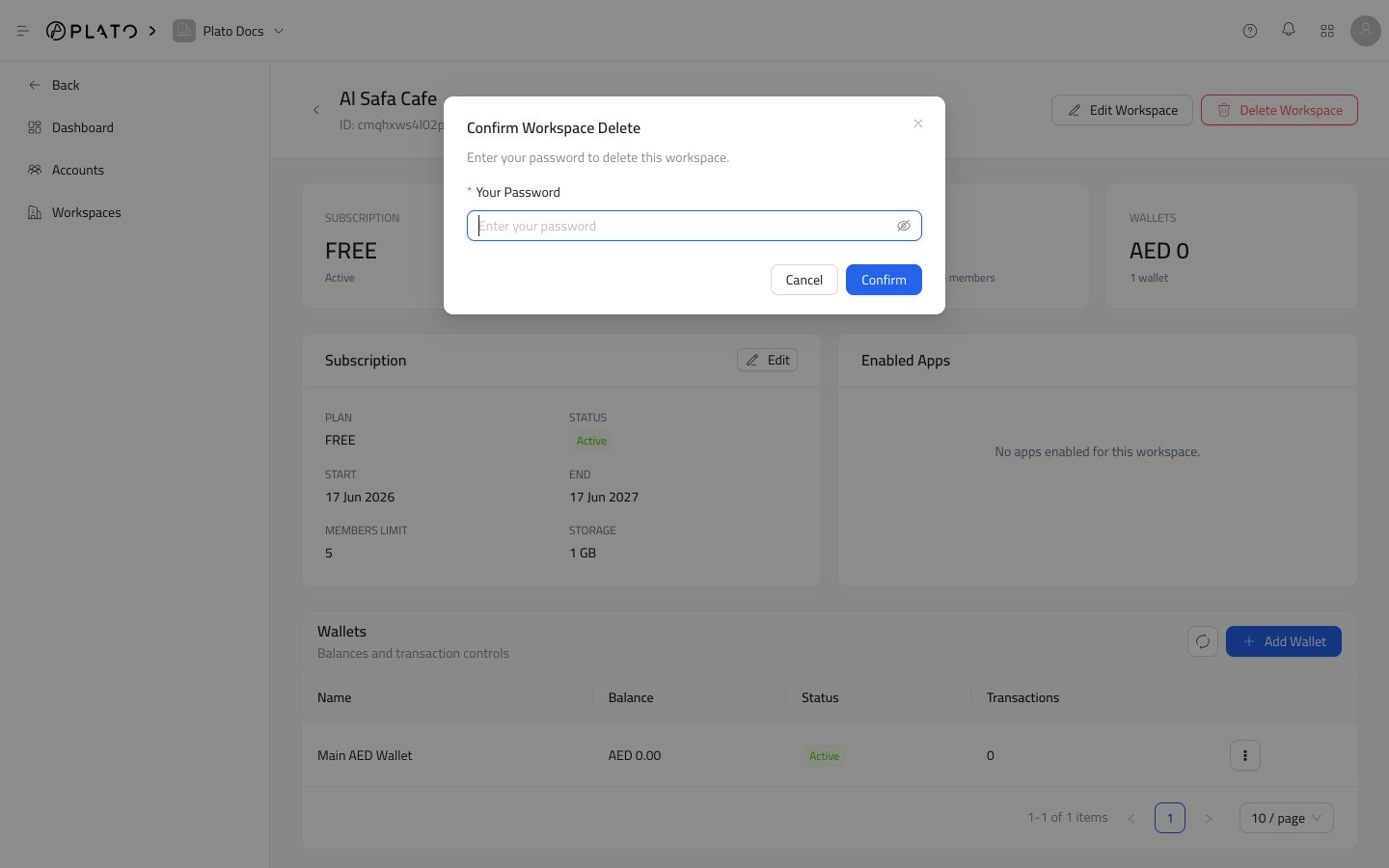
`Delete Workspace` removes the workspace after password confirmation. Use it only when the workspace should no longer exist.
## Header Actions
`Edit Workspace` opens the workspace setup drawer with the current values.
`Delete Workspace` removes the workspace after password confirmation. Use it only when the workspace should no longer exist.
 ## Summary Cards
The cards at the top show:
* Subscription plan and status.
* Expiry or renewal date.
* Active members against the member limit.
* Wallet balance and wallet count.
Use these cards for a quick health check before editing anything.
## Subscription Card
The subscription card shows the plan, status, start date, end date, member limit, and storage limit.
Use `Edit` when you need to update subscription details, renewal dates, enabled apps, or limits.
## Enabled Apps
Enabled Apps shows the apps available to the workspace.
If the area is empty, the workspace does not have customer apps enabled yet. Open `Edit Workspace` and choose the app cards the customer should use.
## Wallets
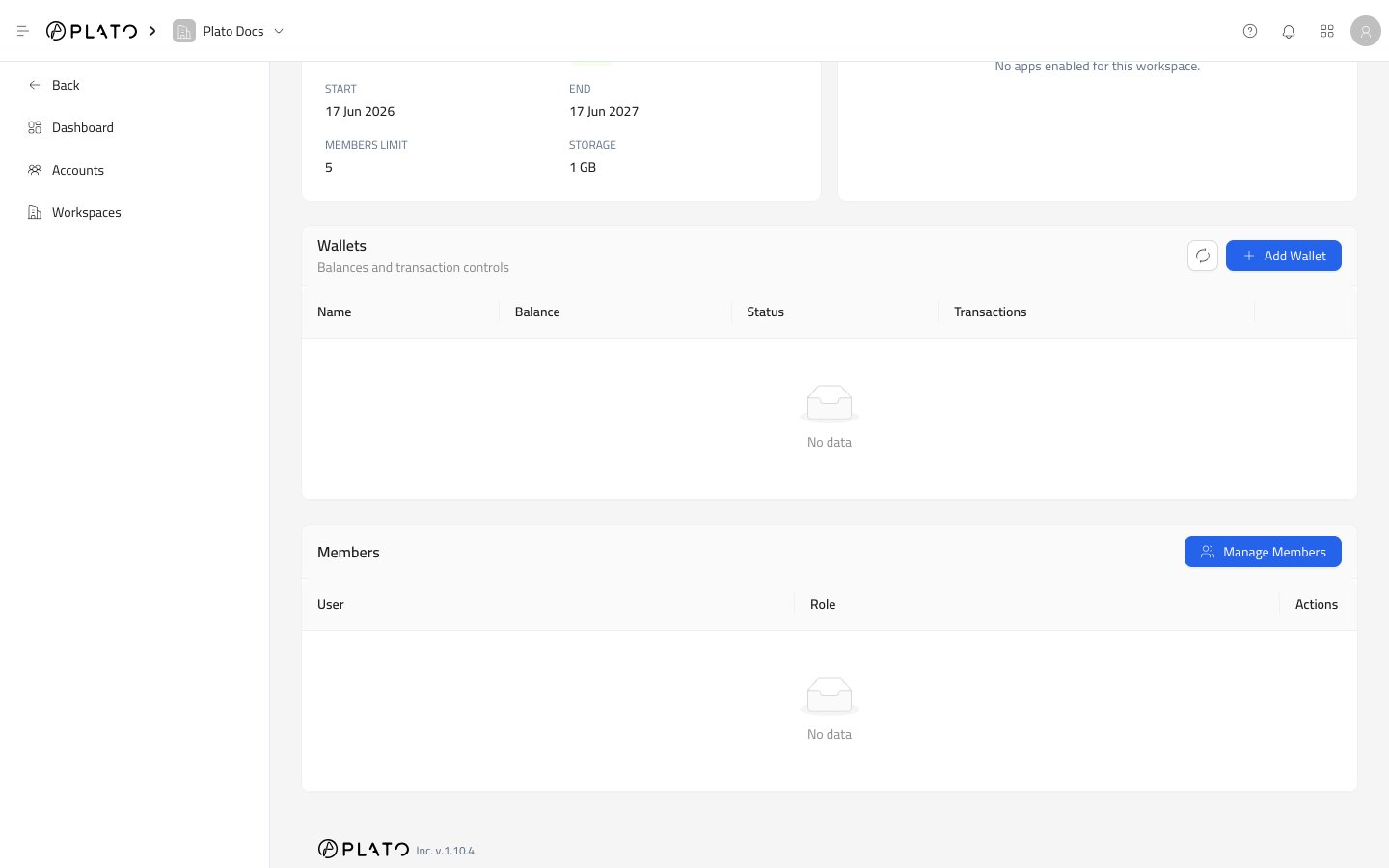
Wallets show balances and transaction controls for the workspace.
Use this area when a partner-managed balance needs to be reviewed or adjusted. See [Wallets](/partners/wallets) for the full wallet flow.
## Members
Members show accounts that currently have access to the workspace.
Use `Manage Members` when you need to add an existing partner account or remove one from this workspace. See [Workspace Members](/partners/members) for the full member flow.
## Summary Cards
The cards at the top show:
* Subscription plan and status.
* Expiry or renewal date.
* Active members against the member limit.
* Wallet balance and wallet count.
Use these cards for a quick health check before editing anything.
## Subscription Card
The subscription card shows the plan, status, start date, end date, member limit, and storage limit.
Use `Edit` when you need to update subscription details, renewal dates, enabled apps, or limits.
## Enabled Apps
Enabled Apps shows the apps available to the workspace.
If the area is empty, the workspace does not have customer apps enabled yet. Open `Edit Workspace` and choose the app cards the customer should use.
## Wallets
Wallets show balances and transaction controls for the workspace.
Use this area when a partner-managed balance needs to be reviewed or adjusted. See [Wallets](/partners/wallets) for the full wallet flow.
## Members
Members show accounts that currently have access to the workspace.
Use `Manage Members` when you need to add an existing partner account or remove one from this workspace. See [Workspace Members](/partners/members) for the full member flow.
 ## Delete Workspace
Use `Delete Workspace` only when the customer workspace should be removed.
Plato asks for your password before deleting the workspace.
## Delete Workspace
Use `Delete Workspace` only when the customer workspace should be removed.
Plato asks for your password before deleting the workspace.