> ## Documentation Index
> Fetch the complete documentation index at: https://docs.plato.ae/llms.txt
> Use this file to discover all available pages before exploring further.
# Settle An Order By Card
> Record a Visa or card terminal payment and close the order.
Use card settlement when the customer pays by Visa, Mastercard, or another card method on an external terminal, and the cashier needs Plato to record that payment against the order.
## Get The Order Ready
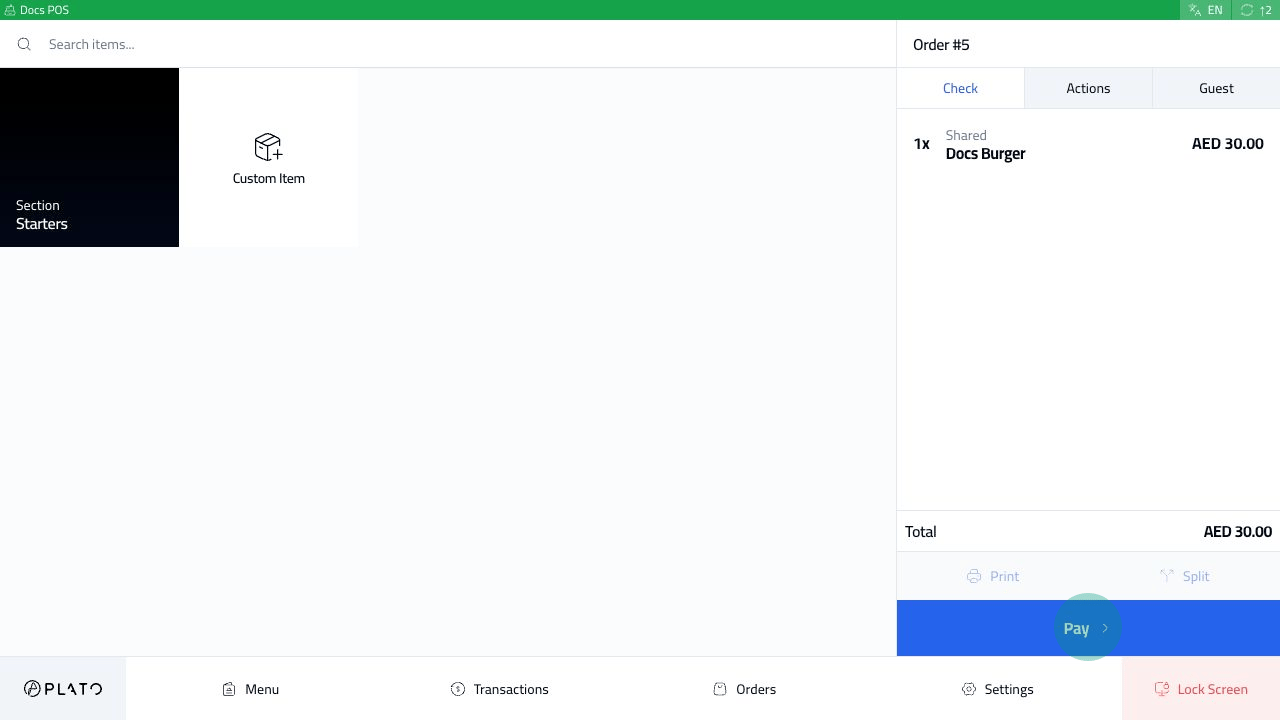
Send or prepare the order, then click `Pay`.
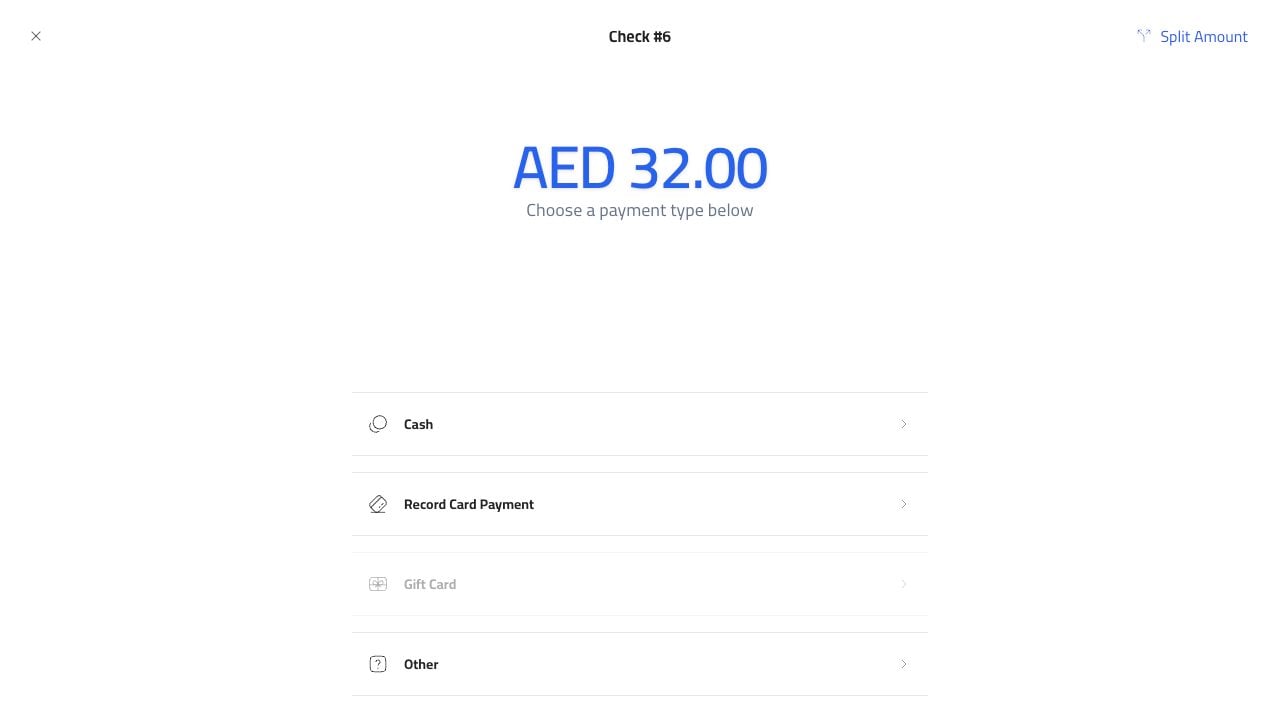
 The payment screen shows the amount due and the available methods.
 ## Choose Record Card Payment
Choose `Record Card Payment`.
## Choose Record Card Payment
Choose `Record Card Payment`.
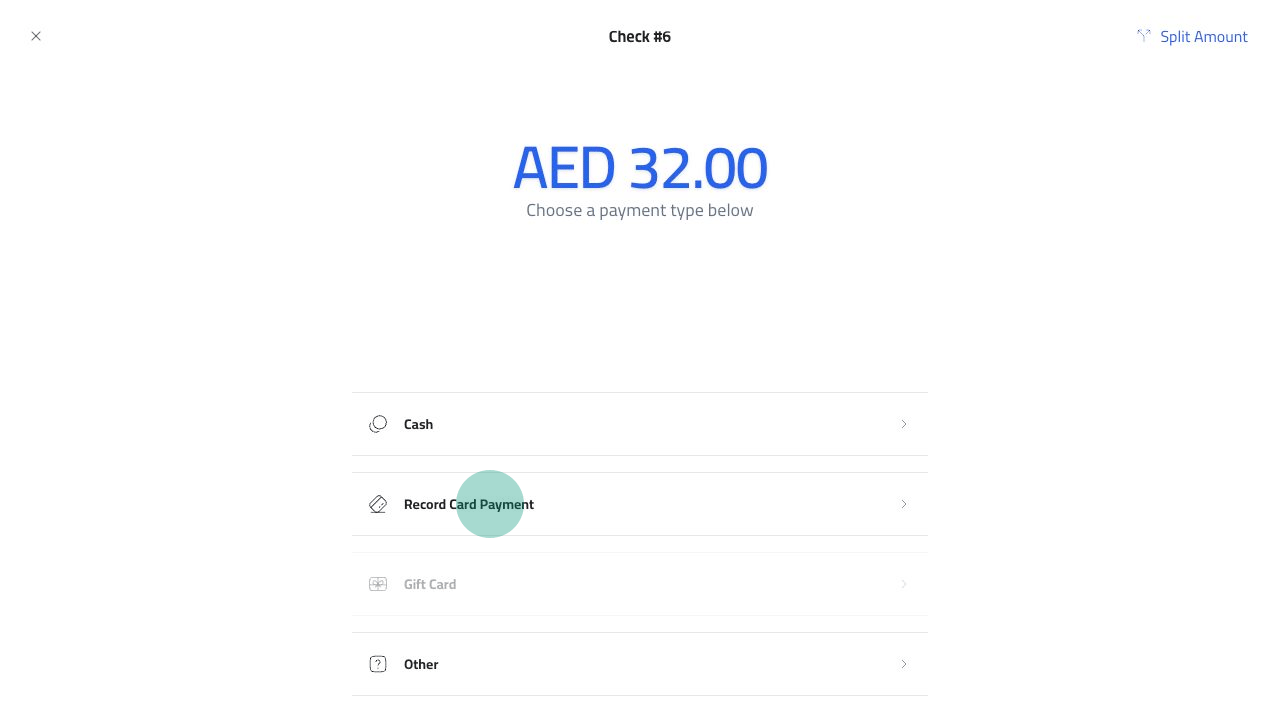 This does not charge the customer's card by itself. It records that the payment was completed on the restaurant's card terminal.
## Record The Payment
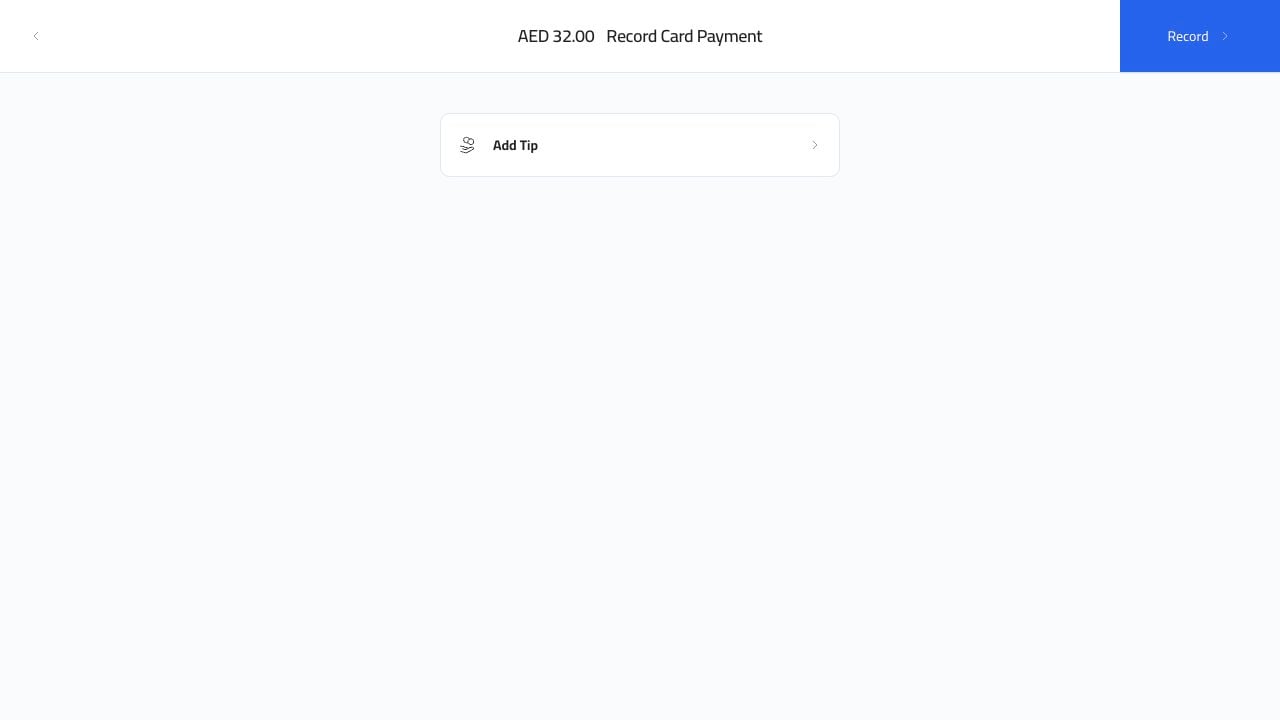
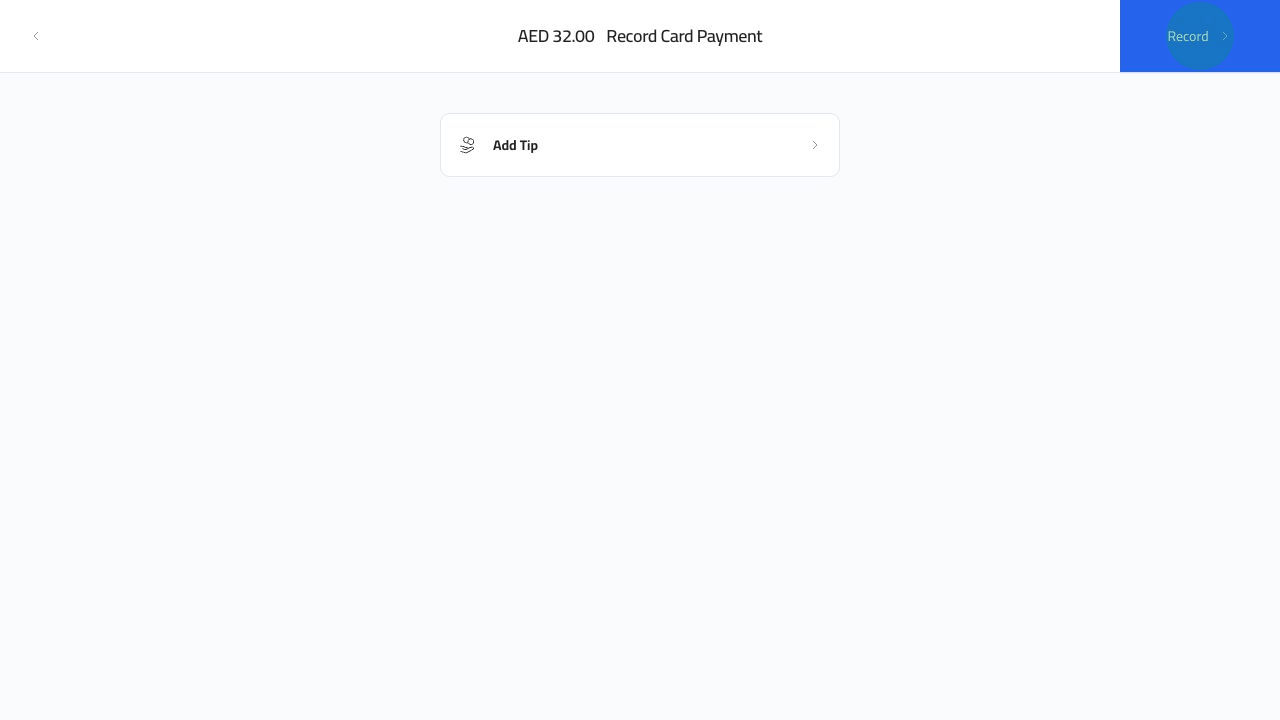
After the terminal approves the payment, click `Record`.
This does not charge the customer's card by itself. It records that the payment was completed on the restaurant's card terminal.
## Record The Payment
After the terminal approves the payment, click `Record`.
 ## Finish The Receipt
The order closes after the card payment is recorded.
## Finish The Receipt
The order closes after the card payment is recorded.
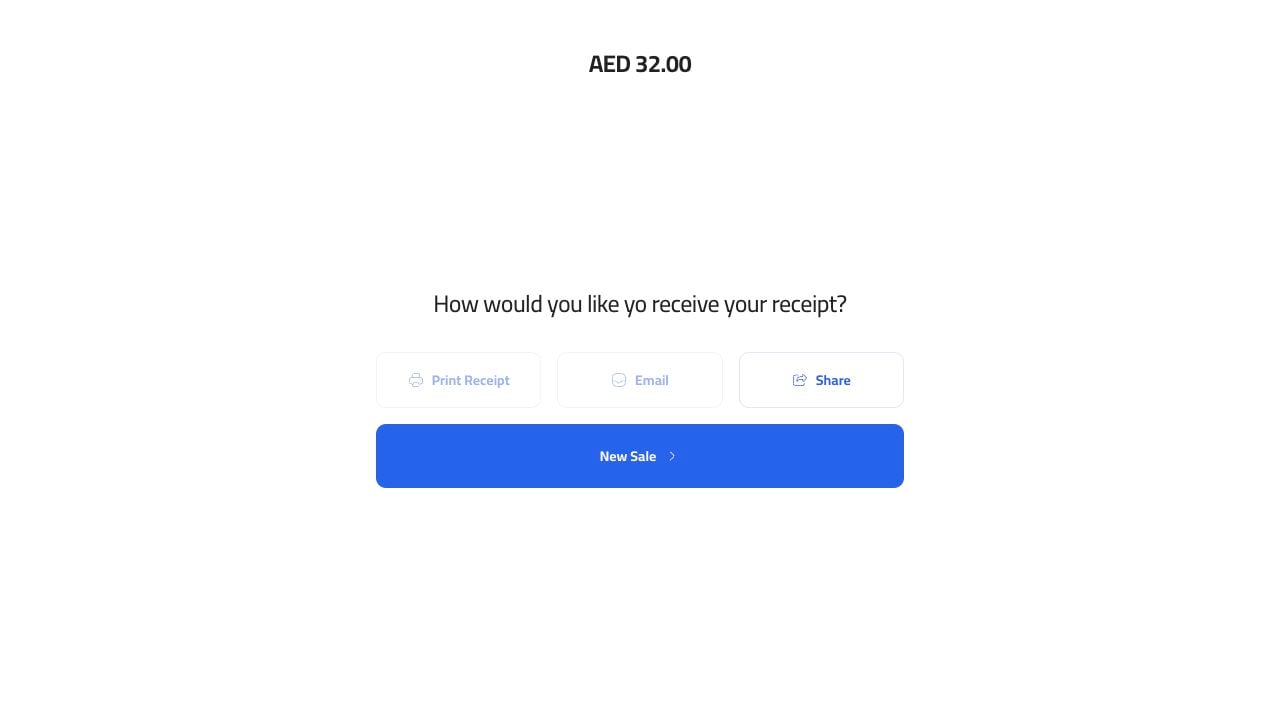 Use the receipt options if the customer wants a printed, emailed, or shared receipt.