> ## Documentation Index
> Fetch the complete documentation index at: https://docs.plato.ae/llms.txt
> Use this file to discover all available pages before exploring further.
# Production
> Record produced inventory items and deduct formula ingredients.
Production is used when your team makes inventory items from other inventory items.
Examples include dough, sauces, batches, kits, prep items, or assembled stock.
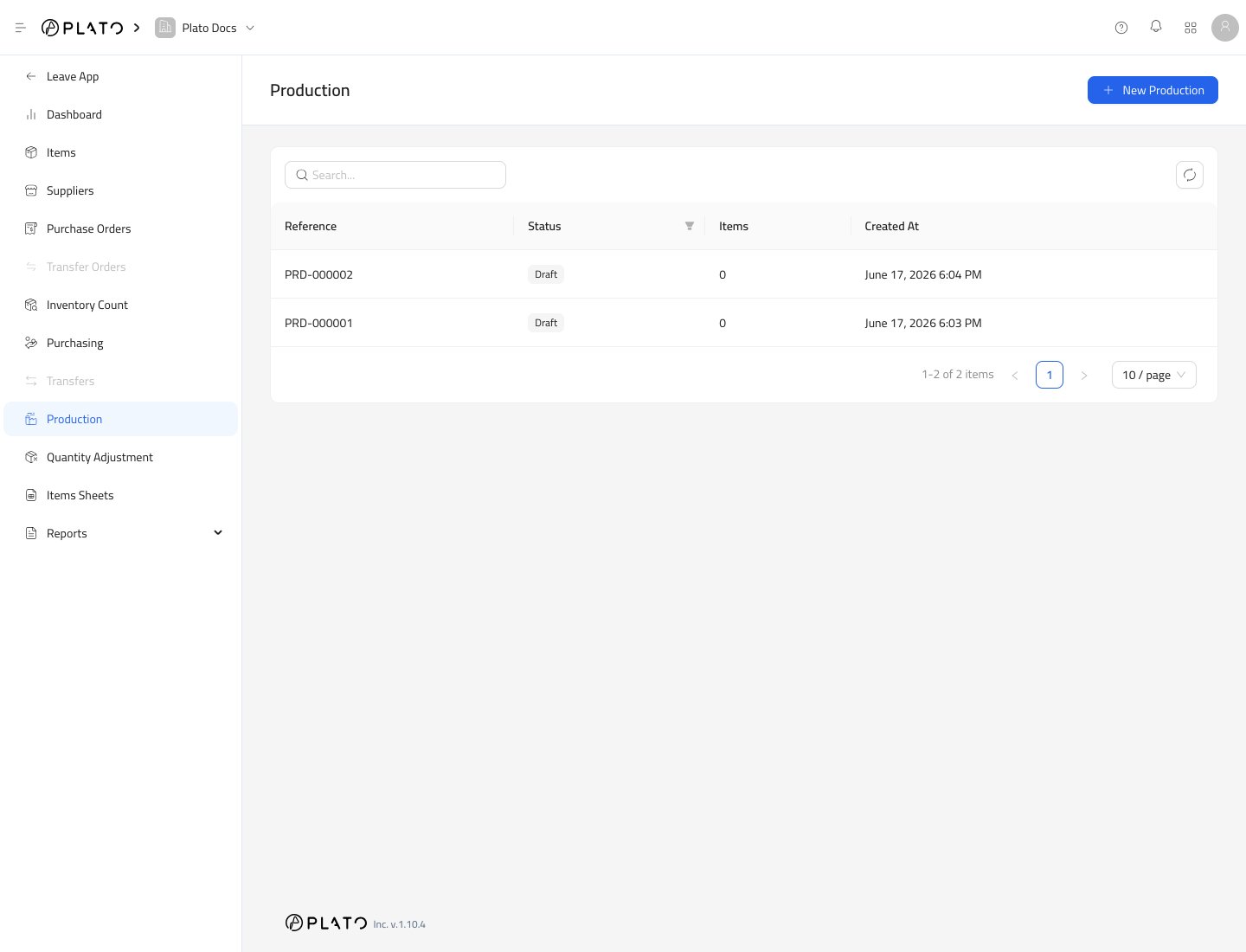 ## Start Production
1. Open `Inventory`.
2. Go to `Production`.
3. Click `New Production`.
## Start Production
1. Open `Inventory`.
2. Go to `Production`.
3. Click `New Production`.
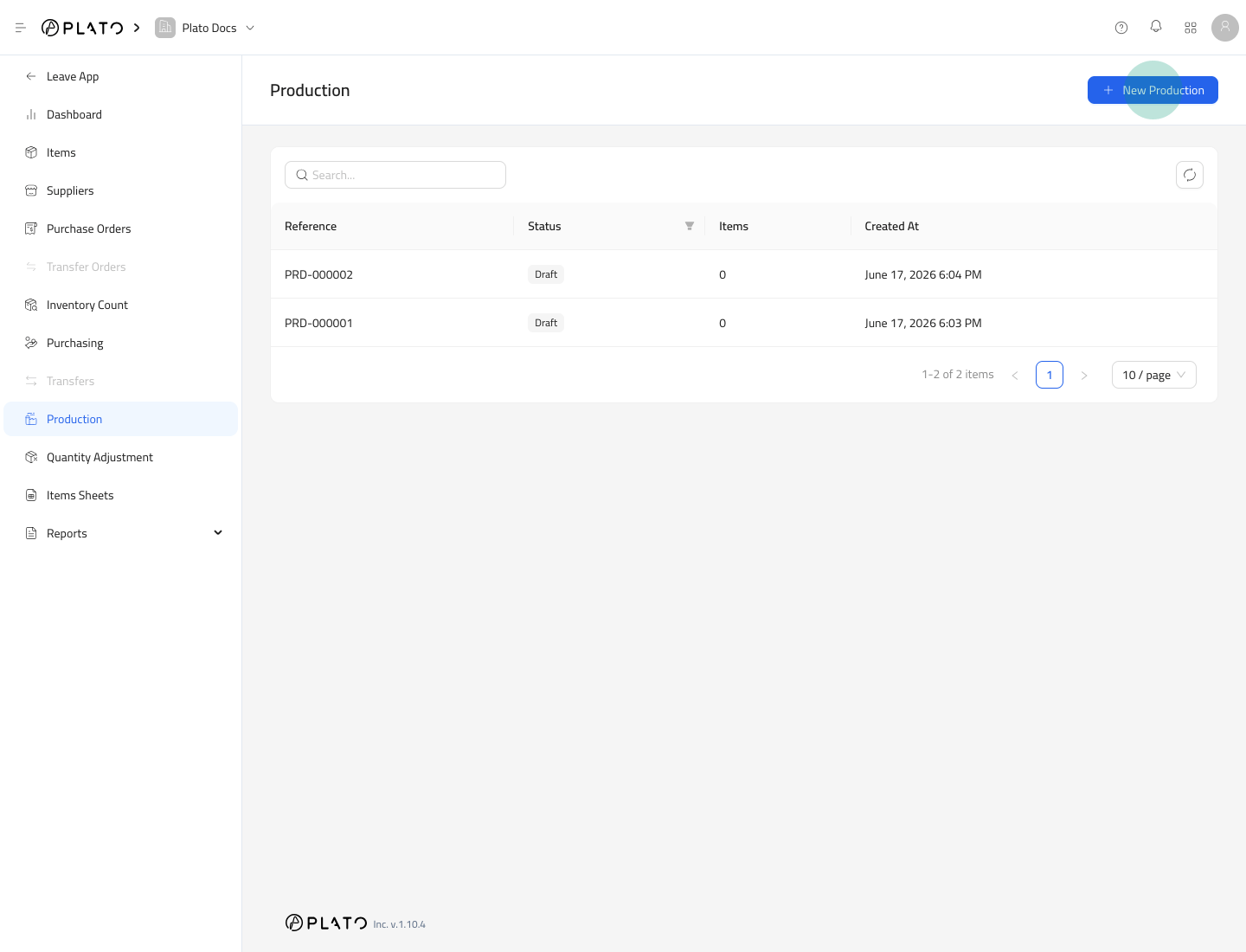 Plato creates a draft production record.
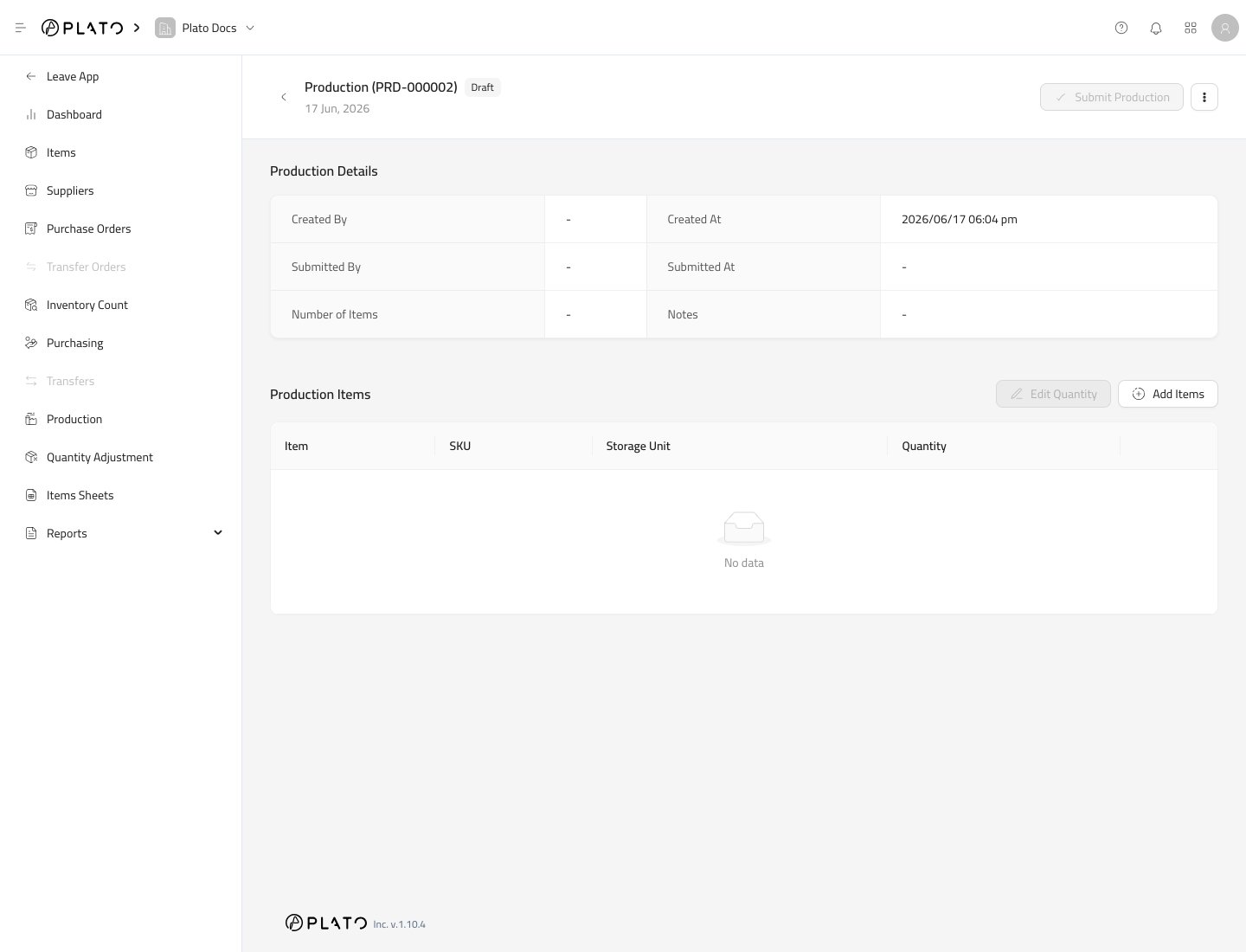 ## Add Produced Items
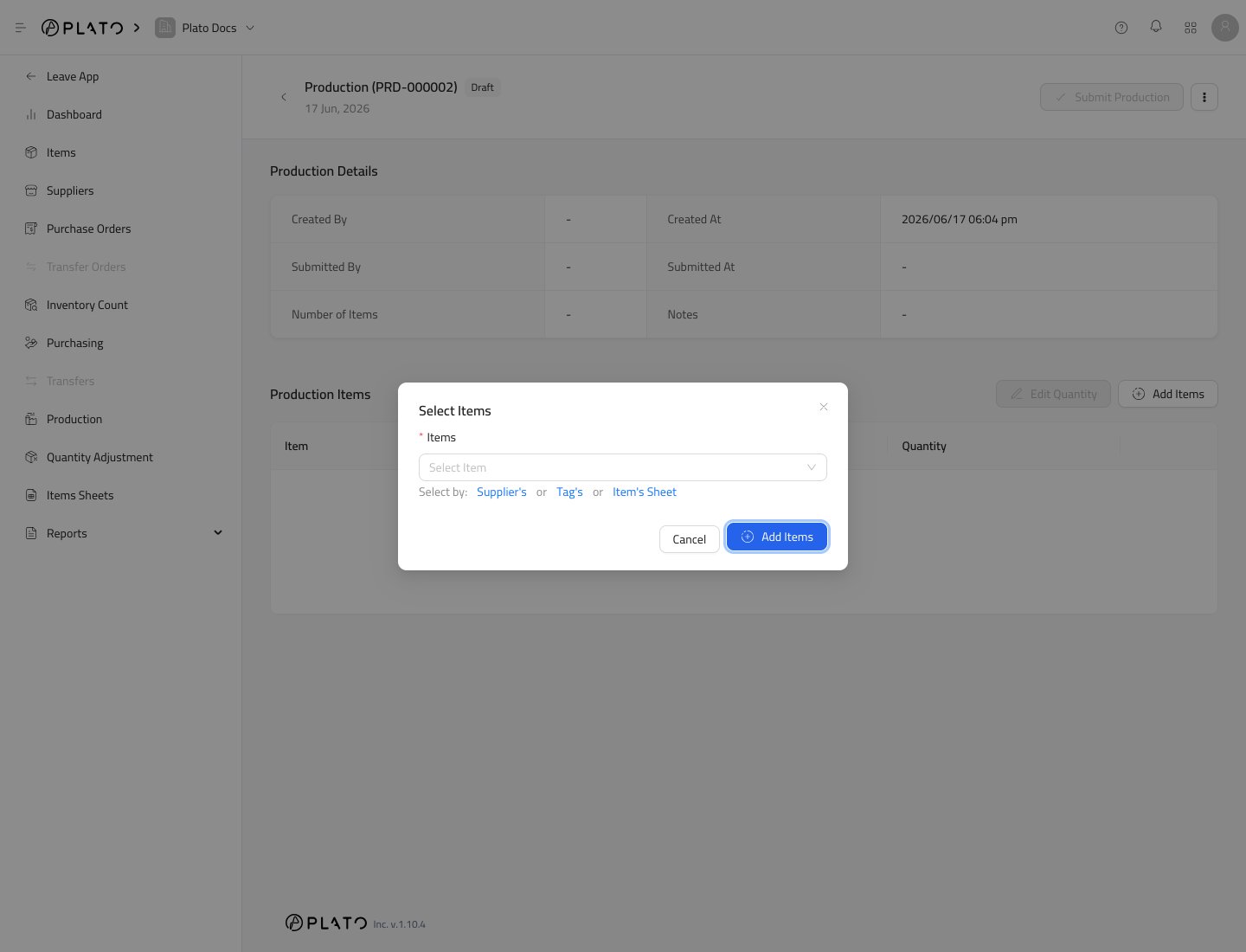
Click `Add Items`.
## Add Produced Items
Click `Add Items`.
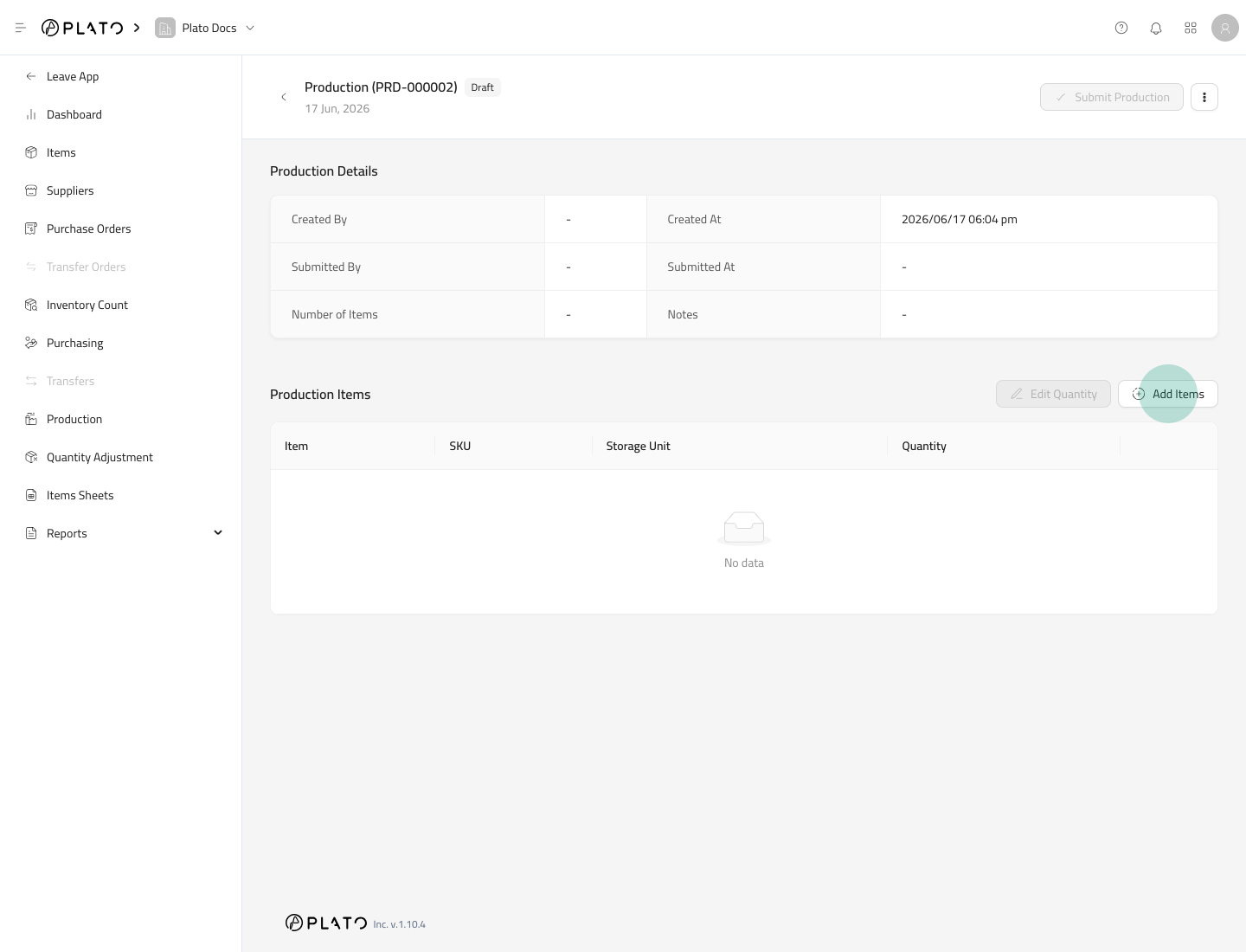 Select the items that were produced.
 ## Enter Produced Quantity
Use `Edit Quantity` after items are added.
Enter how many units were produced.
## Submit Production
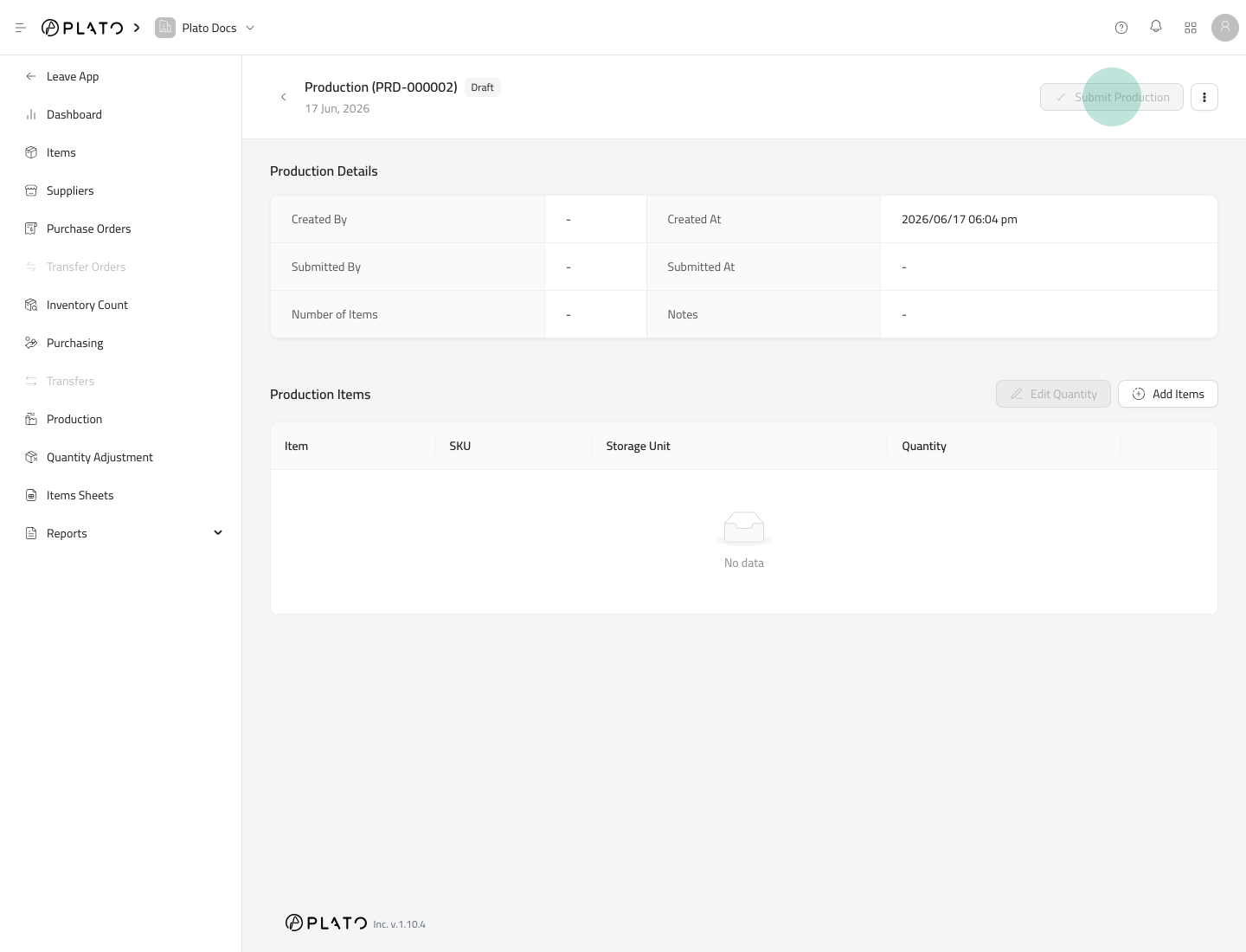
Click `Submit Production` when the produced quantities are correct.
## Enter Produced Quantity
Use `Edit Quantity` after items are added.
Enter how many units were produced.
## Submit Production
Click `Submit Production` when the produced quantities are correct.
 If the produced item has a Formula, Plato adds the produced item quantity and deducts the formula ingredients.
## Before Submitting
Check formulas before production is used in daily operations. A wrong formula can deduct the wrong ingredient quantity.
If the produced item has a Formula, Plato adds the produced item quantity and deducts the formula ingredients.
## Before Submitting
Check formulas before production is used in daily operations. A wrong formula can deduct the wrong ingredient quantity.