> ## Documentation Index
> Fetch the complete documentation index at: https://docs.plato.ae/llms.txt
> Use this file to discover all available pages before exploring further.
# Files And Folders
> Open Drive, browse folders, create folders, and organize workspace files.
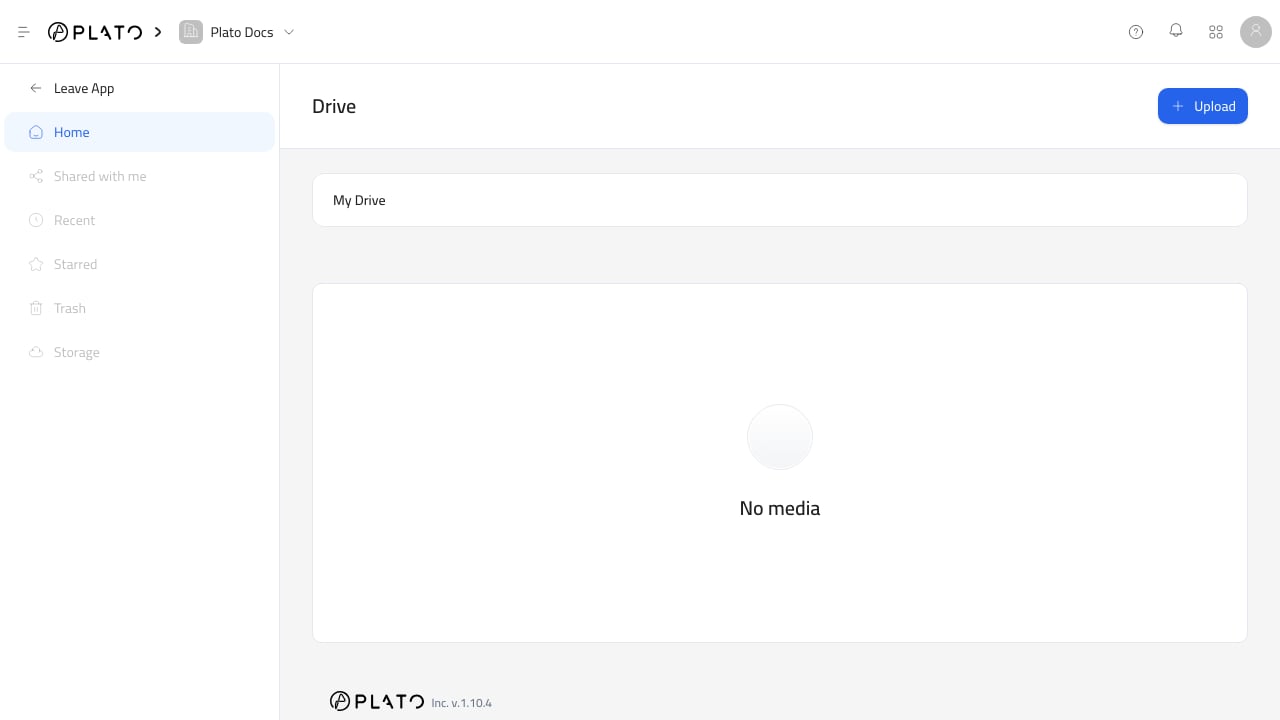
 Drive opens into the workspace file library. The main page shows the current folder path, folders, files, and file pagination.
## Open Drive
1. Open the Console at `app.plato.ae`.
2. Confirm the correct workspace in the top-left workspace selector.
3. Go to `Overview`.
4. Open `Drive`.
After Drive opens, the sidebar shows the Drive app. `Home` is the active area for the current Drive experience.
## Browse Folders
Use the folder navigation bar near the top of Drive to understand where you are.
Click a folder card to open it. The folder list and file list update to show only the contents of that folder.
Use the breadcrumb path to move back up to a parent folder or the Drive root.
## Create A Folder
1. Click `Upload`.
2. Choose `Create Folder`.
3. Add a folder name.
4. Add an optional description.
5. Click `Create Folder`.
Folders are created inside the folder you are currently viewing. To create a top-level folder, return to the Drive root first.
## Organize Files Clearly
Use folders when files belong to a real workflow or audience.
Good examples:
* Menu photos.
* Brand assets.
* Receipt logos.
* Social icons.
* Customer attachments.
* Documents for templates.
Avoid making too many shallow folders with similar names. A short, predictable structure is easier for teammates to use from the Drive picker.
## Empty Drive
If Drive shows `No media`, the current folder has no folders or files yet. Upload a file or create a folder to start organizing the library.
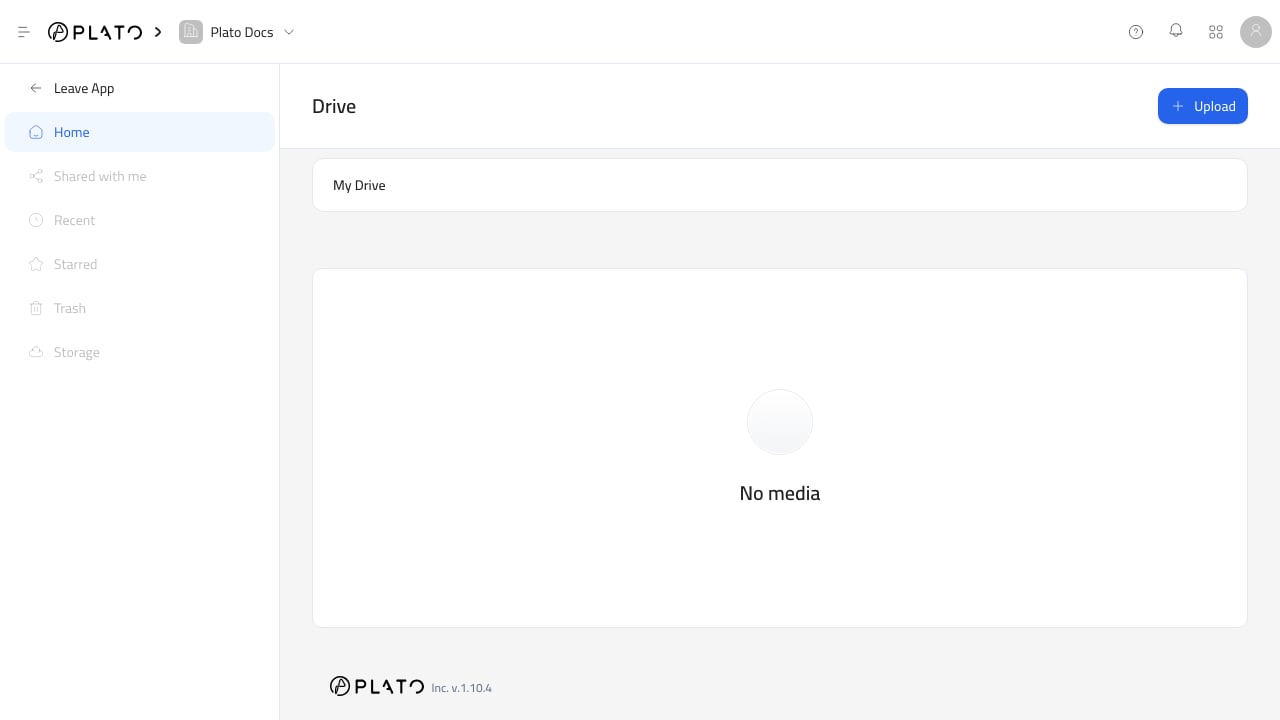
Drive opens into the workspace file library. The main page shows the current folder path, folders, files, and file pagination.
## Open Drive
1. Open the Console at `app.plato.ae`.
2. Confirm the correct workspace in the top-left workspace selector.
3. Go to `Overview`.
4. Open `Drive`.
After Drive opens, the sidebar shows the Drive app. `Home` is the active area for the current Drive experience.
## Browse Folders
Use the folder navigation bar near the top of Drive to understand where you are.
Click a folder card to open it. The folder list and file list update to show only the contents of that folder.
Use the breadcrumb path to move back up to a parent folder or the Drive root.
## Create A Folder
1. Click `Upload`.
2. Choose `Create Folder`.
3. Add a folder name.
4. Add an optional description.
5. Click `Create Folder`.
Folders are created inside the folder you are currently viewing. To create a top-level folder, return to the Drive root first.
## Organize Files Clearly
Use folders when files belong to a real workflow or audience.
Good examples:
* Menu photos.
* Brand assets.
* Receipt logos.
* Social icons.
* Customer attachments.
* Documents for templates.
Avoid making too many shallow folders with similar names. A short, predictable structure is easier for teammates to use from the Drive picker.
## Empty Drive
If Drive shows `No media`, the current folder has no folders or files yet. Upload a file or create a folder to start organizing the library.