> ## Documentation Index
> Fetch the complete documentation index at: https://docs.plato.ae/llms.txt
> Use this file to discover all available pages before exploring further.
# Member PINs
> Set or update a 4-digit PIN for a workspace member.
Use Member PINs when Plato asks a teammate to verify themselves in a supported flow.
A member PIN is always four digits. For example, if you want the member's PIN to be zero, enter `0000`.
## Open The PIN Action
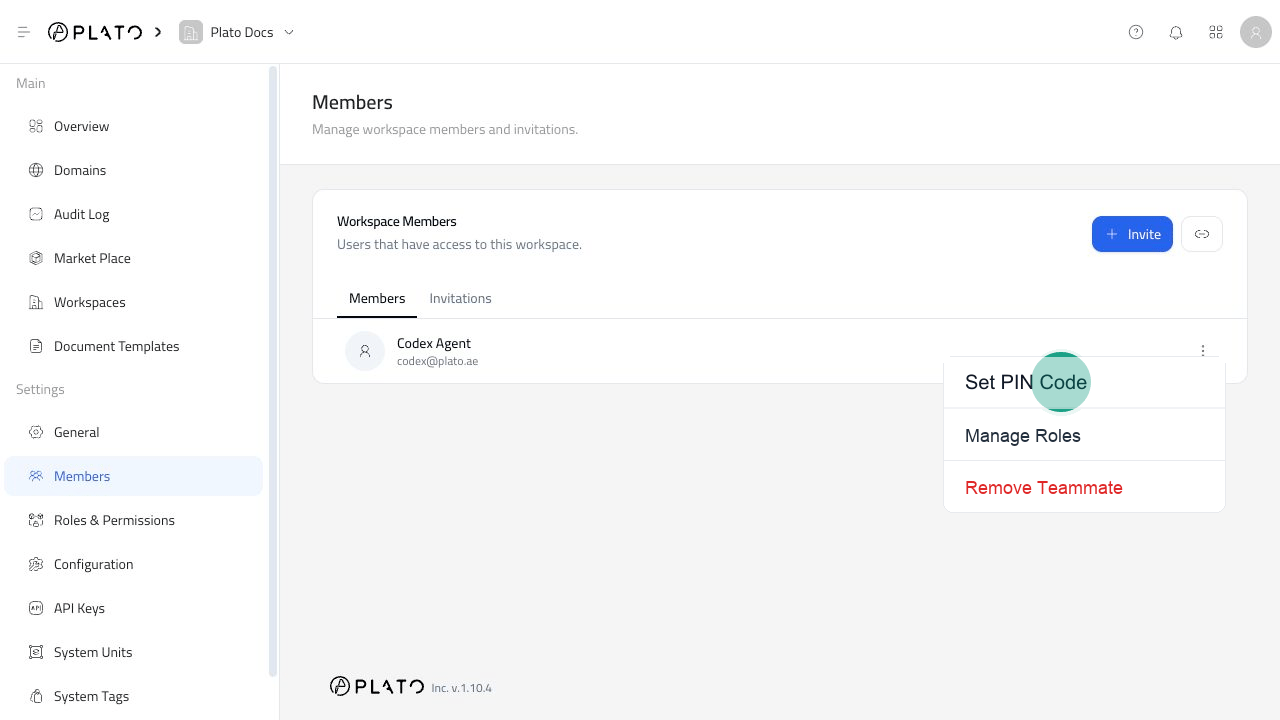
1. Open `Members`.
2. Find the teammate.
3. Open the three-dot menu.
4. Click `Set PIN Code`.
 ## Enter The PIN
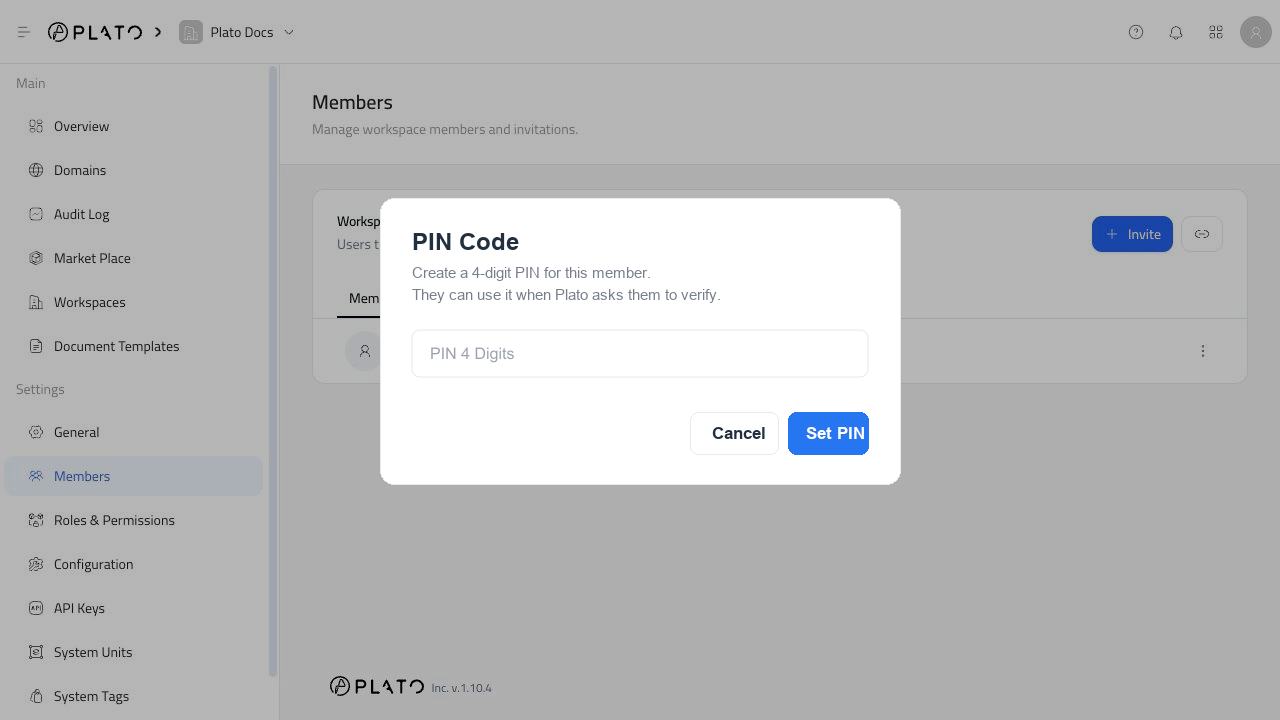
1. Enter a 4-digit PIN.
2. Check that the digits are correct.
## Enter The PIN
1. Enter a 4-digit PIN.
2. Check that the digits are correct.
 ## Save The PIN
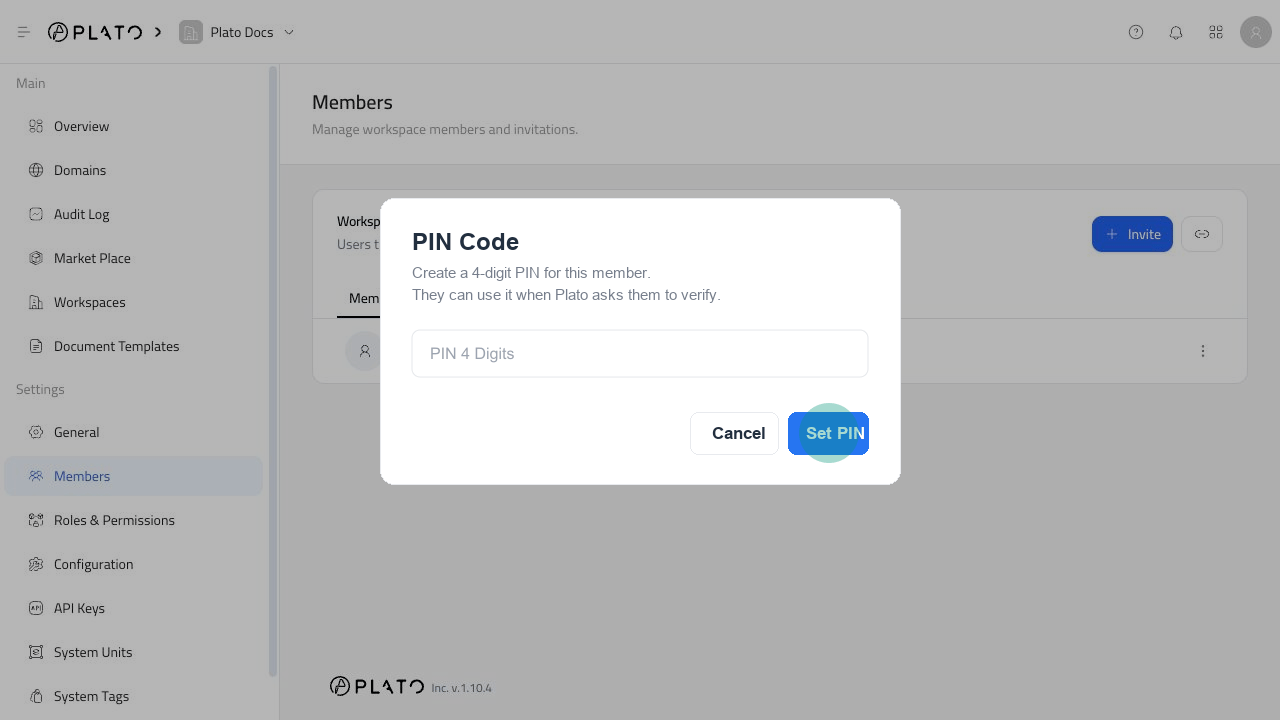
Click `Set PIN` to save the new member PIN.
## Save The PIN
Click `Set PIN` to save the new member PIN.
 After saving, share the PIN only with the teammate it belongs to. Avoid sending PINs in public channels or shared notes.
## Change A PIN Later
To change a PIN, repeat the same flow and enter the new 4-digit code.
The new PIN replaces the old one after you click `Set PIN`.
After saving, share the PIN only with the teammate it belongs to. Avoid sending PINs in public channels or shared notes.
## Change A PIN Later
To change a PIN, repeat the same flow and enter the new 4-digit code.
The new PIN replaces the old one after you click `Set PIN`.