> ## Documentation Index
> Fetch the complete documentation index at: https://docs.plato.ae/llms.txt
> Use this file to discover all available pages before exploring further.
# Tags
> Use tags to group customers, templates, campaigns, and conversation workflows.
Tags are shared workspace labels used across Plato.
In Connect360, tags are especially useful for customer segments, campaign grouping, template organization, and AI auto-reply routing.
 ## Common Uses
Use tags for:
* VIP customers.
* Catering customers.
* Delivery-area groups.
* Campaign audiences.
* Template categories.
* Support priority.
* AI auto-reply rules.
## Manage Tags
## Common Uses
Use tags for:
* VIP customers.
* Catering customers.
* Delivery-area groups.
* Campaign audiences.
* Template categories.
* Support priority.
* AI auto-reply rules.
## Manage Tags
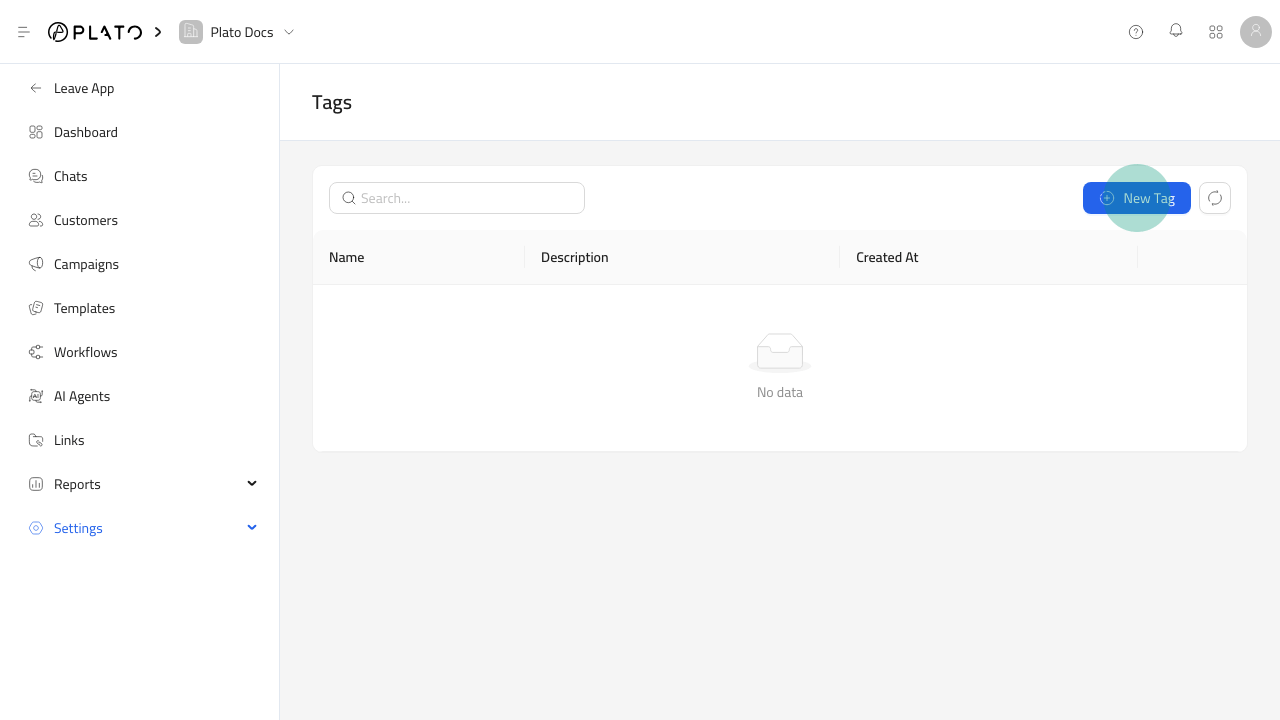
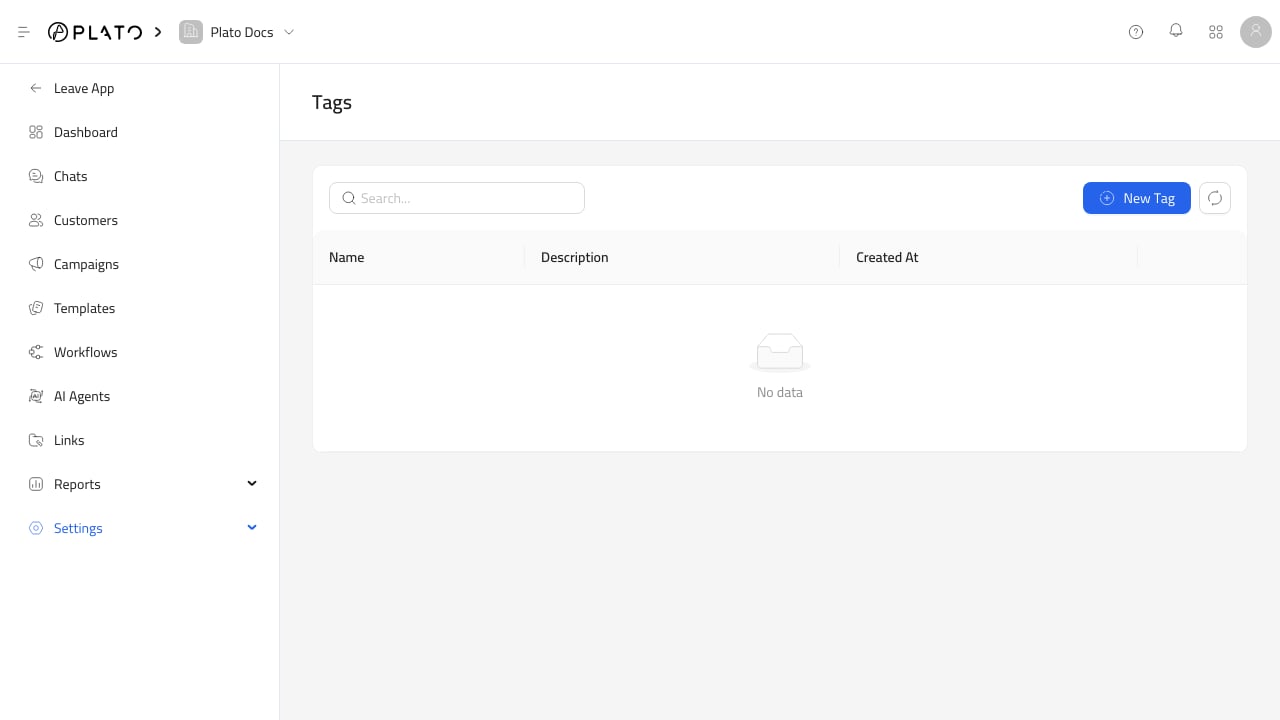
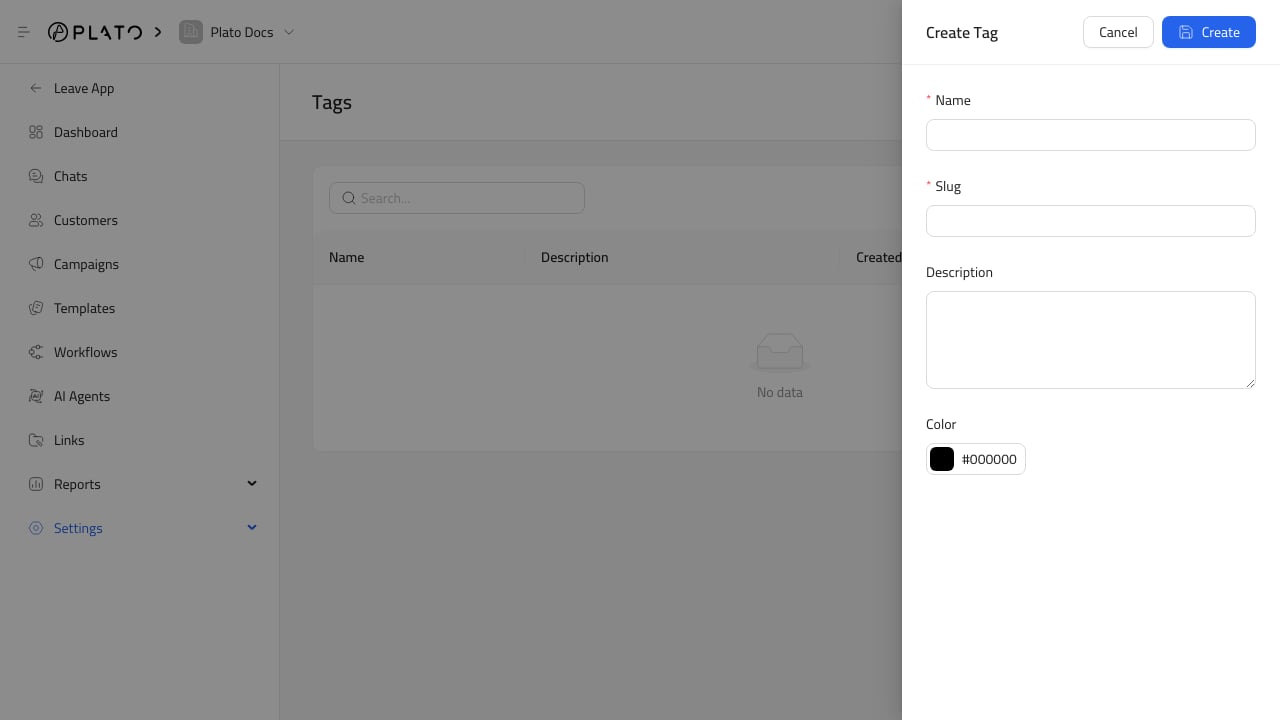 Open `Settings` > `Tags` from Connect360.
This uses the same system tag manager as the main Console catalog. Changes here affect the shared workspace tag list.
## Keep Tags Useful
Use short names that staff can apply consistently.
Avoid duplicate tags with similar meanings, such as `VIP`, `Vip`, and `Important Customer`. Clean tags make customer filters, campaigns, and reports easier to trust.
Open `Settings` > `Tags` from Connect360.
This uses the same system tag manager as the main Console catalog. Changes here affect the shared workspace tag list.
## Keep Tags Useful
Use short names that staff can apply consistently.
Avoid duplicate tags with similar meanings, such as `VIP`, `Vip`, and `Important Customer`. Clean tags make customer filters, campaigns, and reports easier to trust.