> ## Documentation Index
> Fetch the complete documentation index at: https://docs.plato.ae/llms.txt
> Use this file to discover all available pages before exploring further.
# AI And Chat Defaults
> Configure Connect360 AI features, default conversation behavior, and bulk chat actions.
Chat Settings controls how new and existing conversations behave.
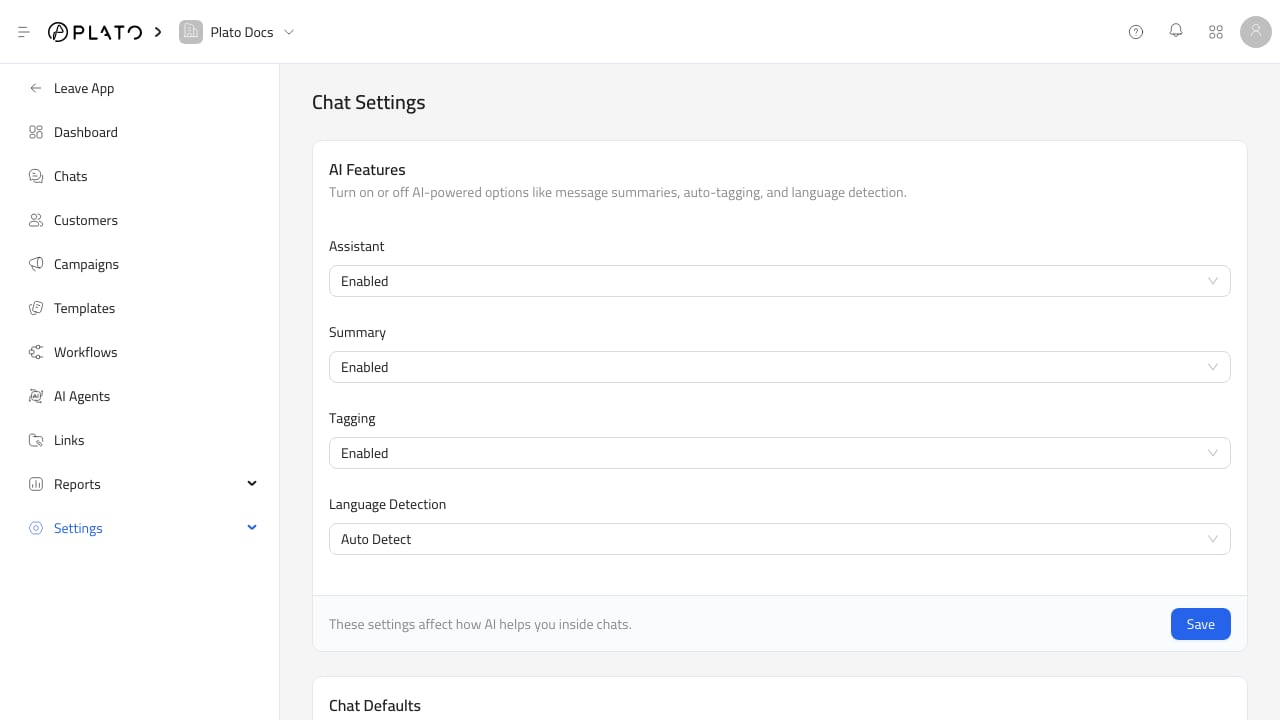 ## AI Features
Use AI feature toggles to enable or disable assistant features, message summaries, auto-tagging, and language detection.
Only enable features the team is ready to review and use.
## AI Features
Use AI feature toggles to enable or disable assistant features, message summaries, auto-tagging, and language detection.
Only enable features the team is ready to review and use.
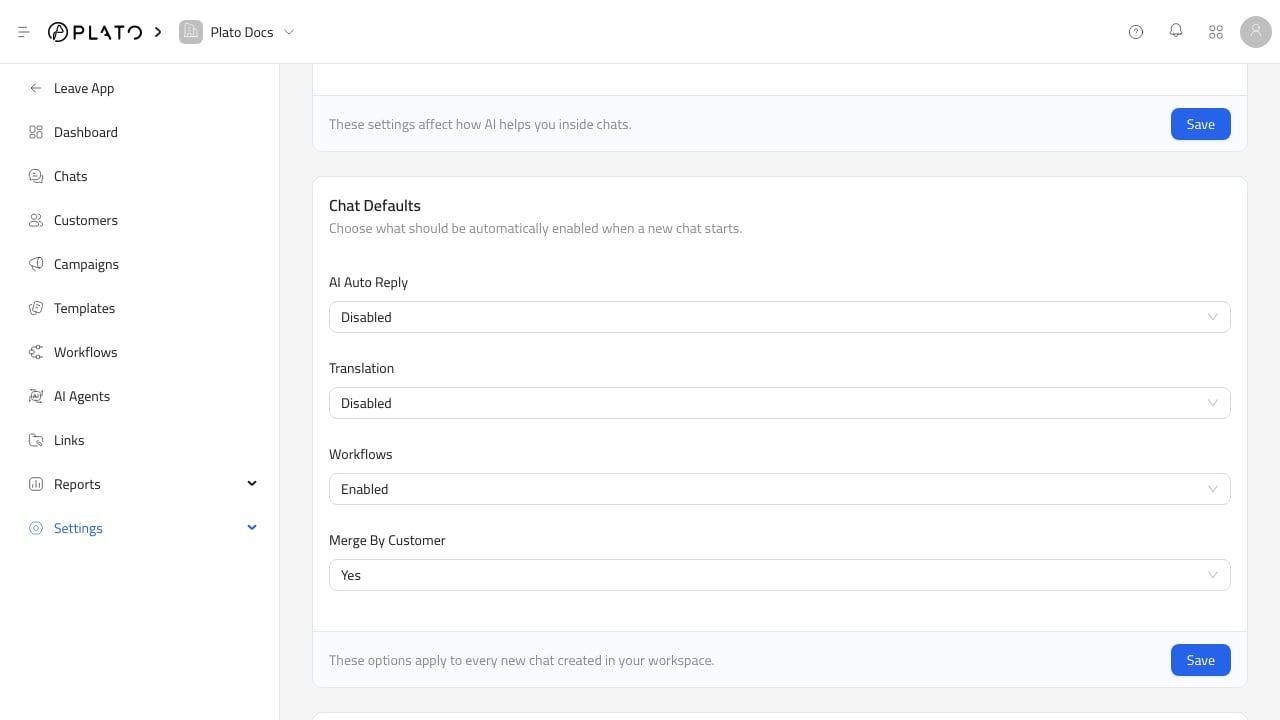 ## Chat Defaults
Defaults apply to new conversations. Use them for AI auto-reply, translation, workflows, and merge-by-customer behavior.
Defaults do not replace reviewing sensitive conversations manually.
## Chat Defaults
Defaults apply to new conversations. Use them for AI auto-reply, translation, workflows, and merge-by-customer behavior.
Defaults do not replace reviewing sensitive conversations manually.
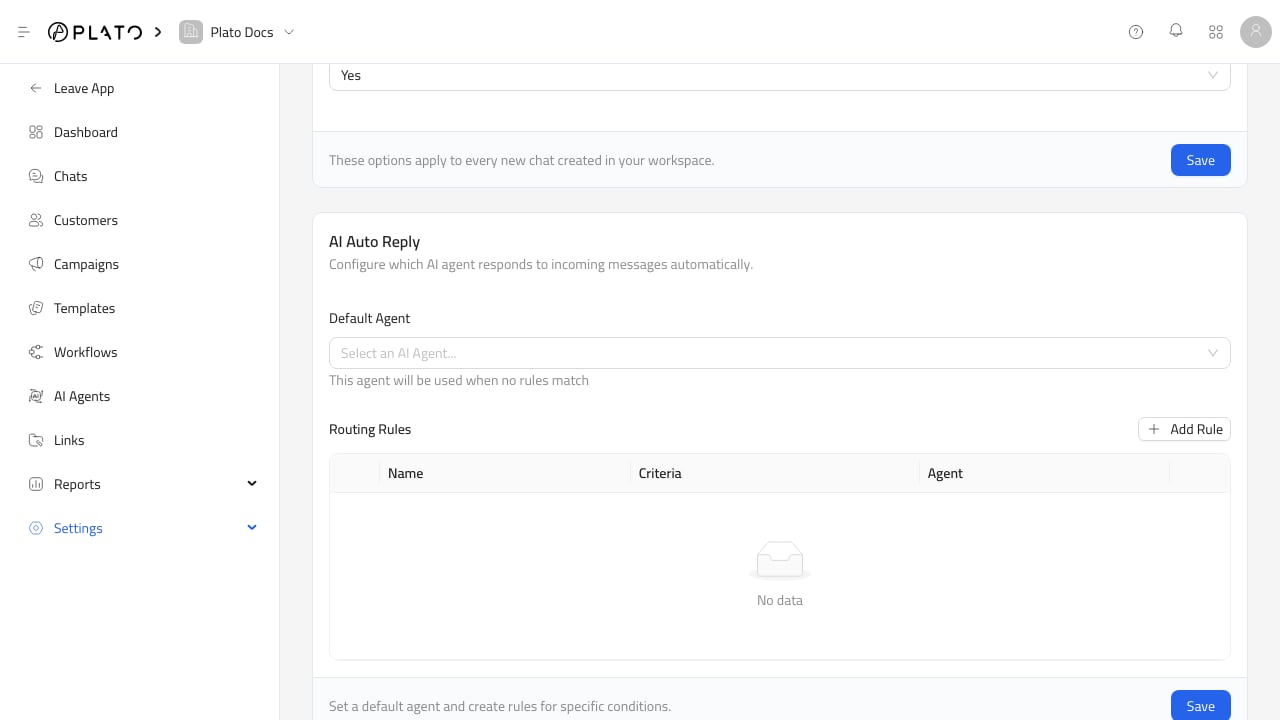 ## Bulk Actions
Bulk actions update existing conversations. Use them carefully because they can affect many conversations at once.
## Bulk Actions
Bulk actions update existing conversations. Use them carefully because they can affect many conversations at once.