> ## Documentation Index
> Fetch the complete documentation index at: https://docs.plato.ae/llms.txt
> Use this file to discover all available pages before exploring further.
# Link Analytics And Events
> Review Connect360 short-link clicks, sources, devices, and event-level activity.
Use link reports to understand what happened after a customer clicked a short link.
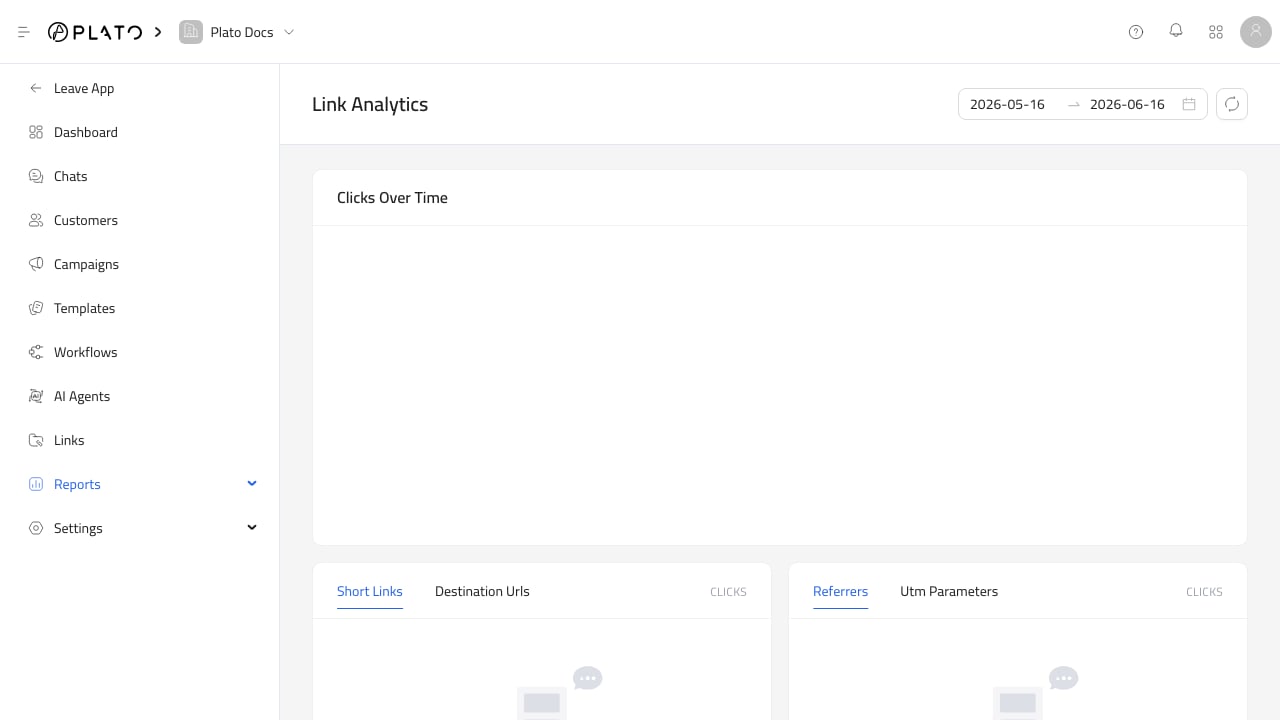 ## Link Analytics
Link Analytics shows click trends and breakdowns by:
* Short link.
* Destination URL.
* Referrer.
* UTM parameters.
* Country, city, region, and continent.
* Device, browser, and operating system.
* Trigger.
## Link Analytics
Link Analytics shows click trends and breakdowns by:
* Short link.
* Destination URL.
* Referrer.
* UTM parameters.
* Country, city, region, and continent.
* Device, browser, and operating system.
* Trigger.
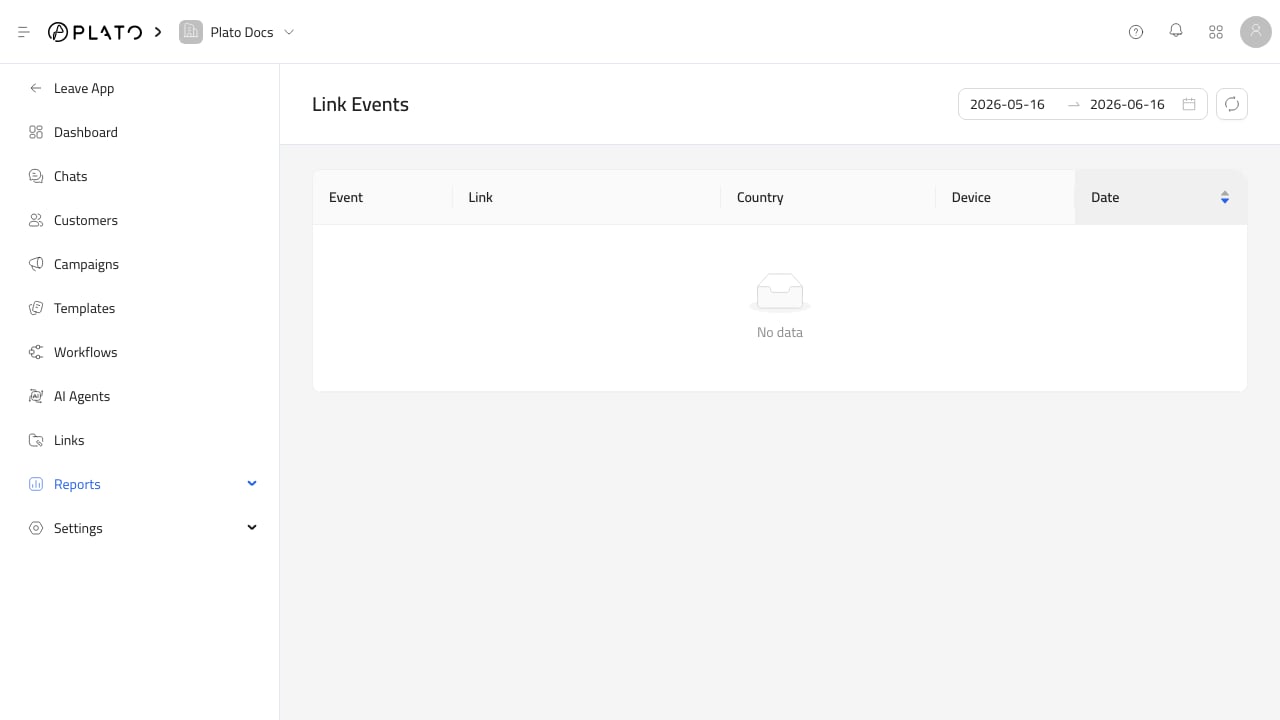 ## Link Events
Link Events shows individual click or QR scan events.
Use it when you need to inspect a specific event instead of reviewing only totals.
## Link Events
Link Events shows individual click or QR scan events.
Use it when you need to inspect a specific event instead of reviewing only totals.