> ## Documentation Index
> Fetch the complete documentation index at: https://docs.plato.ae/llms.txt
> Use this file to discover all available pages before exploring further.
# Segment Customers With Tags
> Use tags to prepare customer groups for campaigns, routing, and reports.
Tags make customers easier to find and target.
 ## Create The Tag
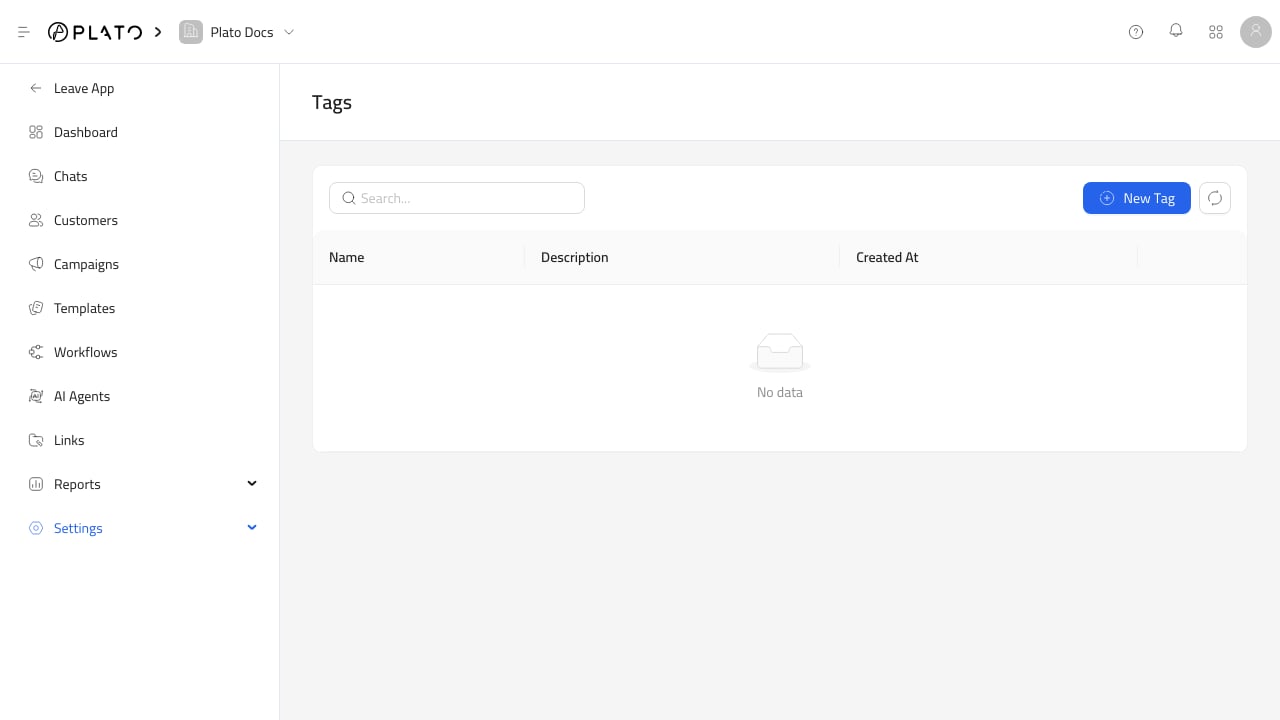
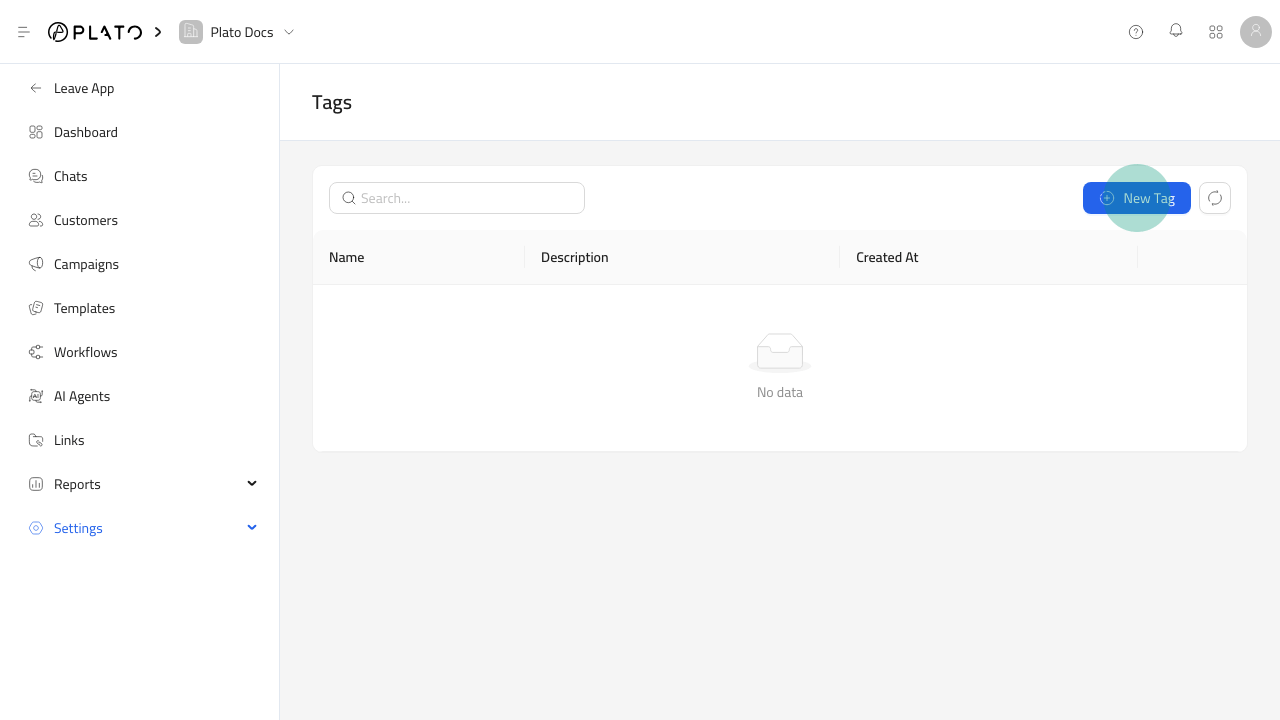
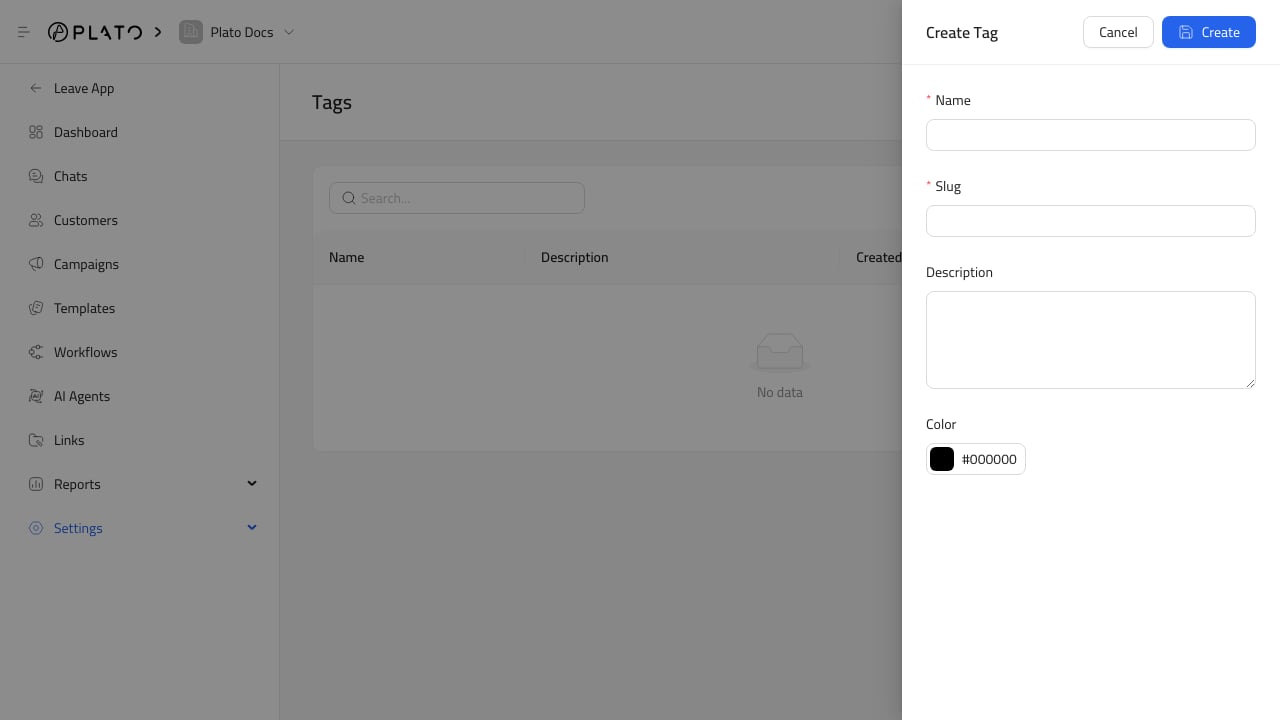
Open `Settings` > `Tags`, then create a short tag name the team can use consistently.
## Create The Tag
Open `Settings` > `Tags`, then create a short tag name the team can use consistently.
 ## Apply Tags
Use tags for practical segments:
* VIP customers.
* Delivery zones.
* Campaign audiences.
* Support priority.
* Repeat buyers.
* Customers who asked for follow-up.
## Keep Tags Clean
Avoid duplicates like `VIP`, `Vip`, and `Important`. Clean tags make customer filters and campaign reports easier to trust.
## Apply Tags
Use tags for practical segments:
* VIP customers.
* Delivery zones.
* Campaign audiences.
* Support priority.
* Repeat buyers.
* Customers who asked for follow-up.
## Keep Tags Clean
Avoid duplicates like `VIP`, `Vip`, and `Important`. Clean tags make customer filters and campaign reports easier to trust.