> ## Documentation Index
> Fetch the complete documentation index at: https://docs.plato.ae/llms.txt
> Use this file to discover all available pages before exploring further.
# Review Campaign Results
> Review campaign delivery, cost, recipients, and follow-up performance.
After launching a campaign, review performance from the campaign list and reports.
 ## Check The Campaign List
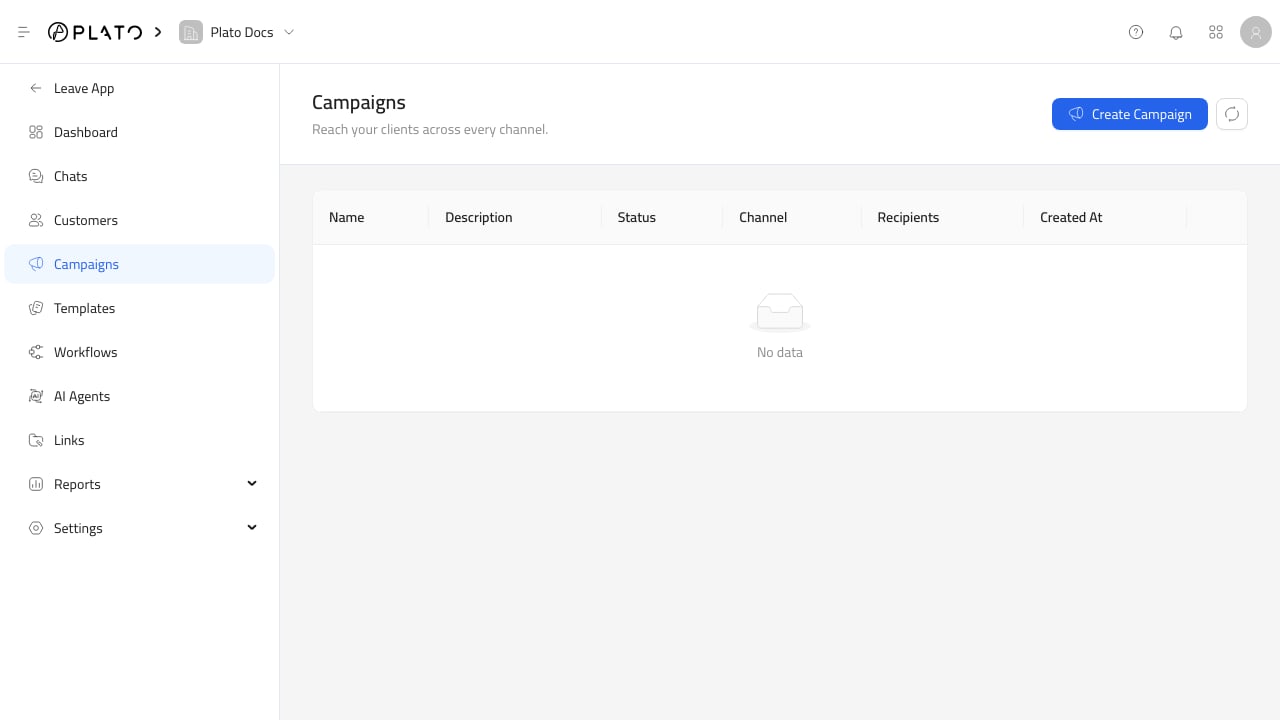
The campaign list shows the campaign name, status, channel, recipient count, and creation date.
Use it first to confirm the campaign was created and has the expected status.
## Open Campaign Insights
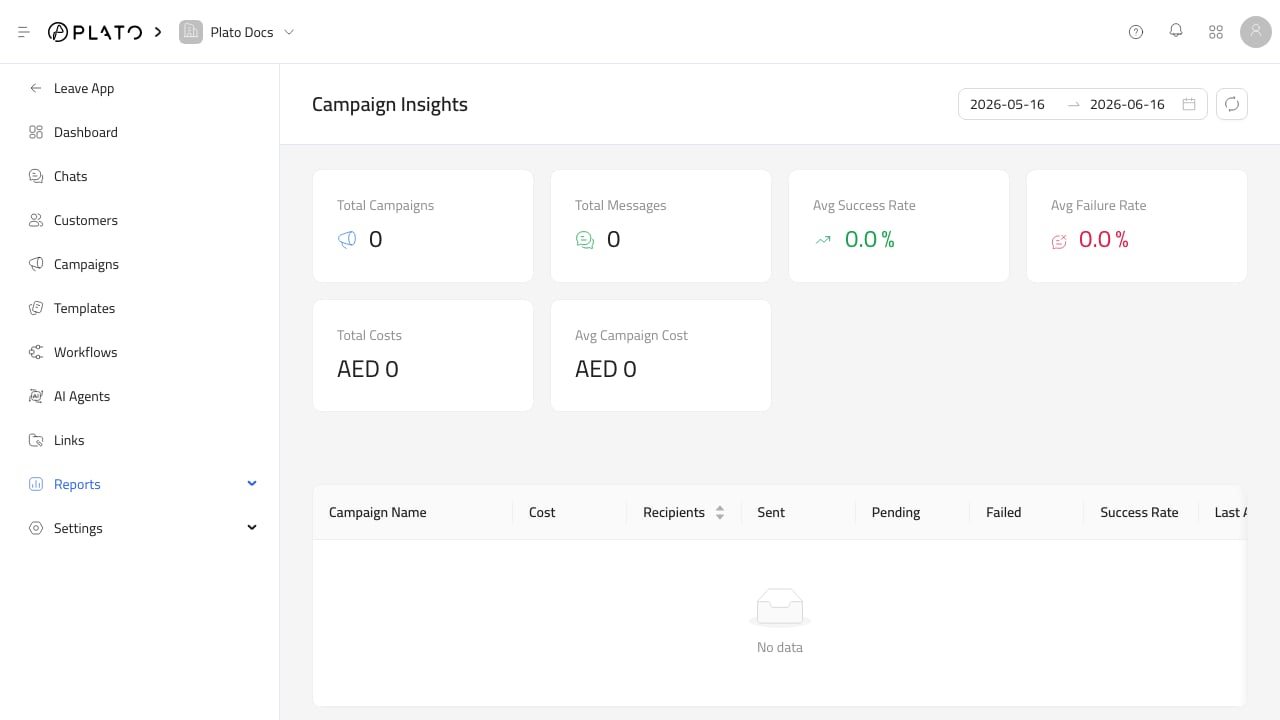
Use [Campaign And Template Insights](/connect360/reports/campaign-template-insights) to review:
* Total campaigns.
* Message counts.
* Cost.
* Recipients.
* Sent, pending, and failed counts.
* Success rate.
* Last activity.
## Check The Campaign List
The campaign list shows the campaign name, status, channel, recipient count, and creation date.
Use it first to confirm the campaign was created and has the expected status.
## Open Campaign Insights
Use [Campaign And Template Insights](/connect360/reports/campaign-template-insights) to review:
* Total campaigns.
* Message counts.
* Cost.
* Recipients.
* Sent, pending, and failed counts.
* Success rate.
* Last activity.
 ## Follow Up
If results look wrong, check the selected channel, wallet balance, template status, customer filters, and workflow execution history.
## Follow Up
If results look wrong, check the selected channel, wallet balance, template status, customer filters, and workflow execution history.