> ## Documentation Index
> Fetch the complete documentation index at: https://docs.plato.ae/llms.txt
> Use this file to discover all available pages before exploring further.
# Campaigns
> Create targeted Connect360 campaigns for selected customers.
Campaigns send a template, start a workflow, or do both for a selected group of customers.
Use campaigns for announcements, offers, re-engagement, service updates, and follow-up flows.
 ## Create A Campaign
 For the full creation flow, see [Create A Campaign](/connect360/campaigns/create-campaign).
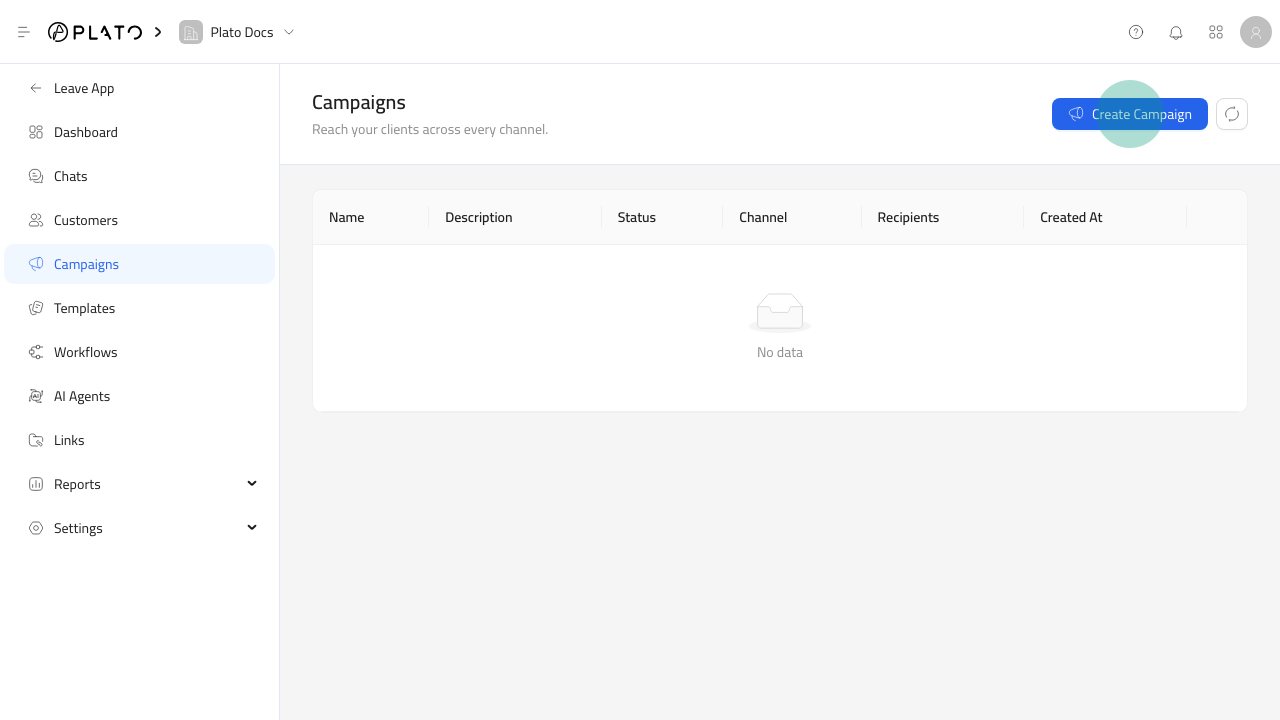
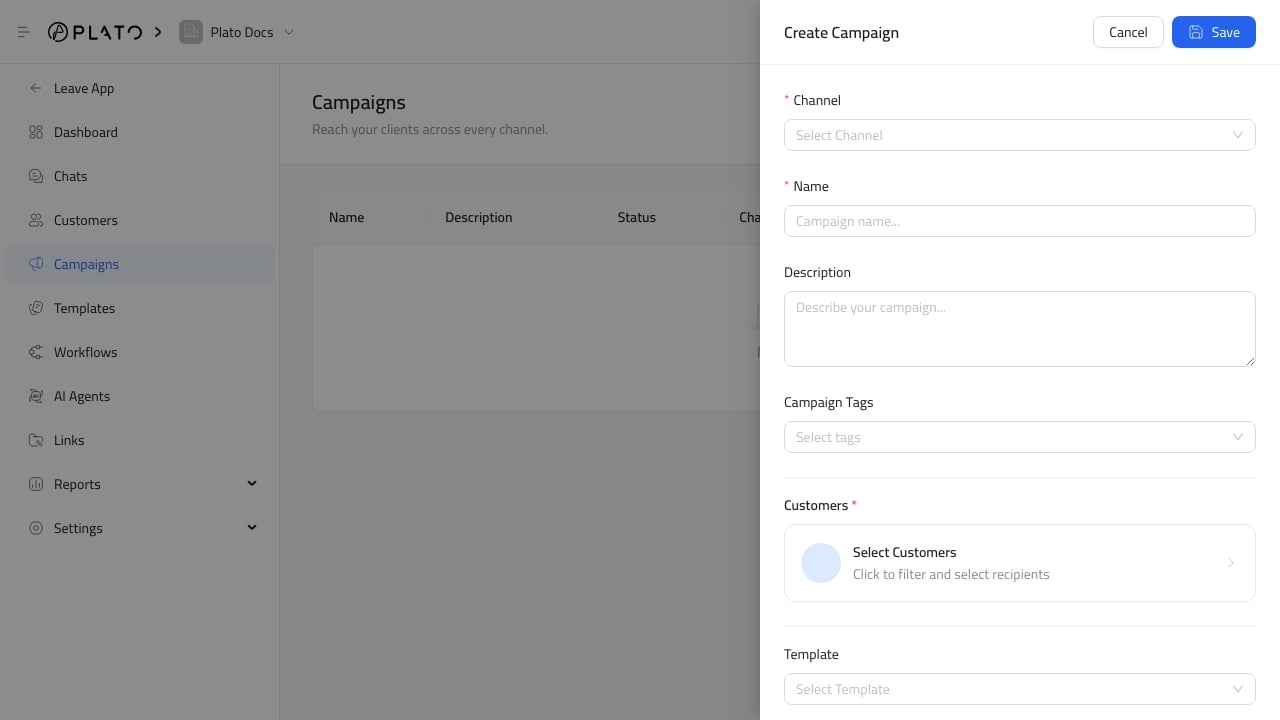
Click `Create Campaign`, then fill in:
1. `Channel` for the messaging route.
2. `Name` for the campaign.
3. `Description`, when the purpose needs extra context.
4. `Campaign Tags`, when you want to group campaign records.
5. `Customers`, using the customer filter modal.
6. `Template`, when the campaign should send a saved message.
7. `Workflow`, when the campaign should start automation for each recipient.
After saving, Connect360 creates the campaign, prepares the recipients, and starts the send or workflow queue.
## Select Customers
Use customer filters to build the recipient list.
For the recipient workflow, see [Select Campaign Customers](/connect360/campaigns/select-customers).
Filters can include customer tags, location, order behavior, completed orders, order date ranges, customer-created date ranges, products, order types, and minimum order counts.
Always check the selected customer count before saving.
## Templates And Workflows
Use a template when every recipient should receive a specific message.
Use a workflow when each recipient should enter a multi-step path, such as send a message, wait, branch on an event, or notify team members.
You can select both when the campaign should send an initial template and then continue automation.
## Review Campaign Results
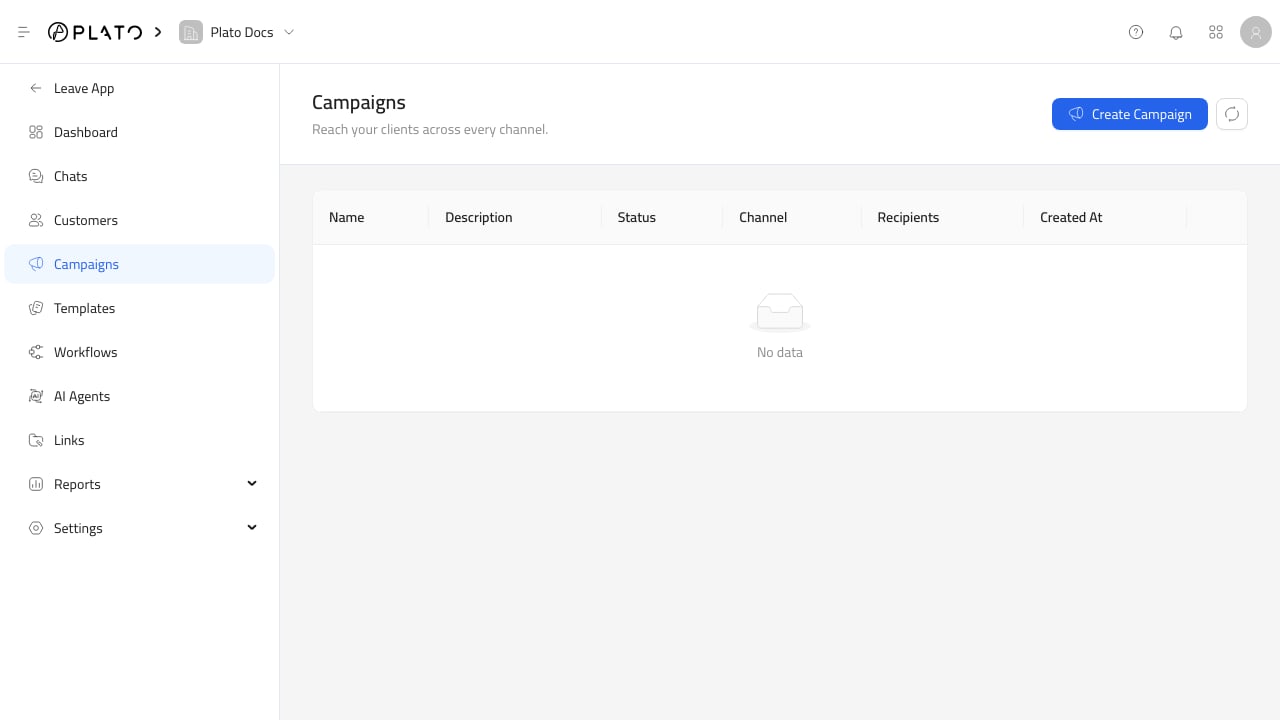
The campaign list shows status, channel, recipient count, and creation date.
After sending, use [Review Campaign Results](/connect360/campaigns/review-results) and [Campaign And Template Insights](/connect360/reports/campaign-template-insights) to review campaign cost, sent messages, pending messages, failed messages, success rate, and last activity.
For the full creation flow, see [Create A Campaign](/connect360/campaigns/create-campaign).
Click `Create Campaign`, then fill in:
1. `Channel` for the messaging route.
2. `Name` for the campaign.
3. `Description`, when the purpose needs extra context.
4. `Campaign Tags`, when you want to group campaign records.
5. `Customers`, using the customer filter modal.
6. `Template`, when the campaign should send a saved message.
7. `Workflow`, when the campaign should start automation for each recipient.
After saving, Connect360 creates the campaign, prepares the recipients, and starts the send or workflow queue.
## Select Customers
Use customer filters to build the recipient list.
For the recipient workflow, see [Select Campaign Customers](/connect360/campaigns/select-customers).
Filters can include customer tags, location, order behavior, completed orders, order date ranges, customer-created date ranges, products, order types, and minimum order counts.
Always check the selected customer count before saving.
## Templates And Workflows
Use a template when every recipient should receive a specific message.
Use a workflow when each recipient should enter a multi-step path, such as send a message, wait, branch on an event, or notify team members.
You can select both when the campaign should send an initial template and then continue automation.
## Review Campaign Results
The campaign list shows status, channel, recipient count, and creation date.
After sending, use [Review Campaign Results](/connect360/campaigns/review-results) and [Campaign And Template Insights](/connect360/reports/campaign-template-insights) to review campaign cost, sent messages, pending messages, failed messages, success rate, and last activity.