> ## Documentation Index
> Fetch the complete documentation index at: https://docs.plato.ae/llms.txt
> Use this file to discover all available pages before exploring further.
# Create An AI Agent
> Create an AI agent for Connect360 auto-reply and assistant workflows.
AI agents define how Connect360 should respond when automation needs AI help.
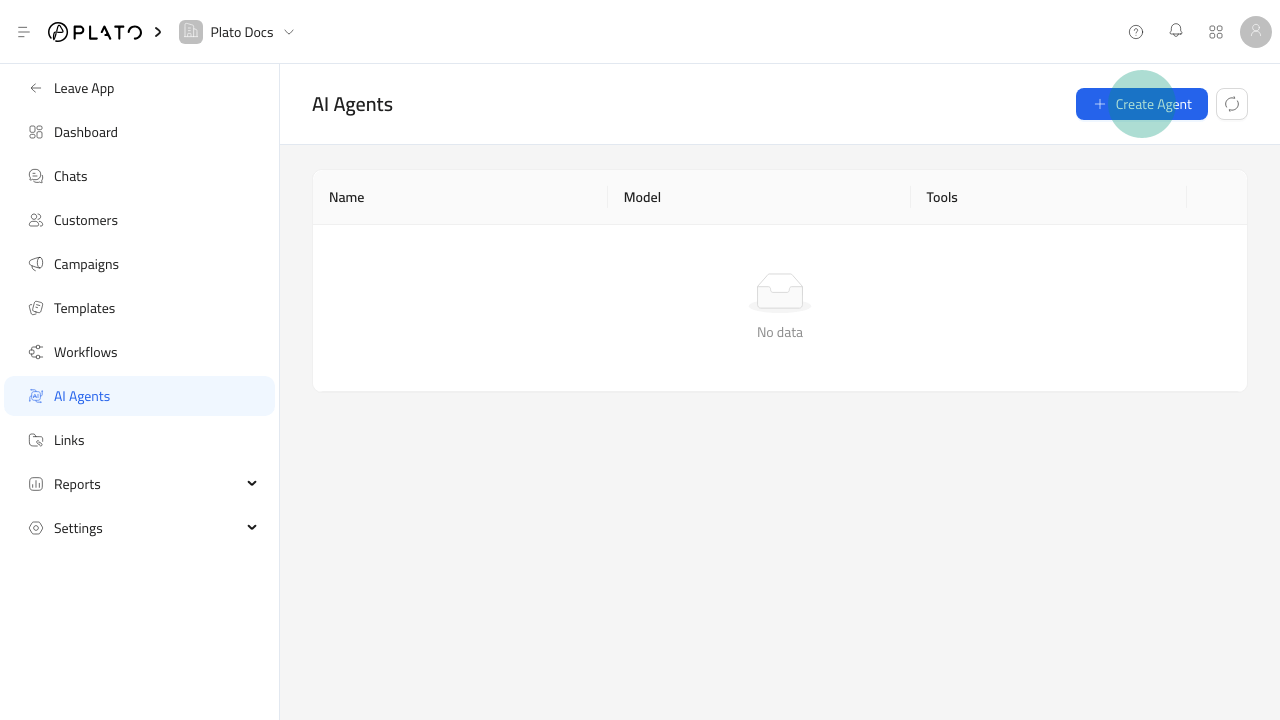 ## Open The Agent Form
1. Open `Connect360`.
2. Go to `AI Agents`.
3. Click `Create Agent`.
## Open The Agent Form
1. Open `Connect360`.
2. Go to `AI Agents`.
3. Click `Create Agent`.
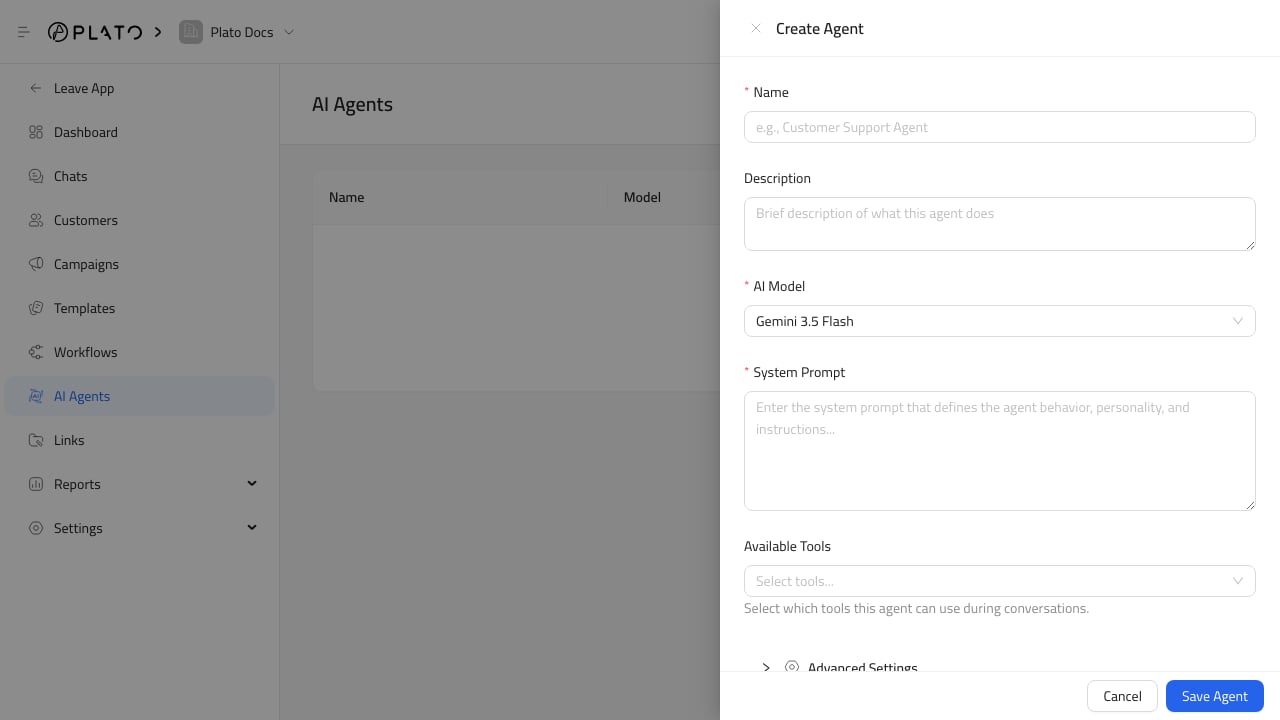 ## Write The Agent Instructions
Use the system prompt to explain:
* The agent role.
* The tone it should use.
* What it can answer.
* When it should ask for a human.
* What it should never promise.
## Choose Tools Carefully
## Write The Agent Instructions
Use the system prompt to explain:
* The agent role.
* The tone it should use.
* What it can answer.
* When it should ask for a human.
* What it should never promise.
## Choose Tools Carefully
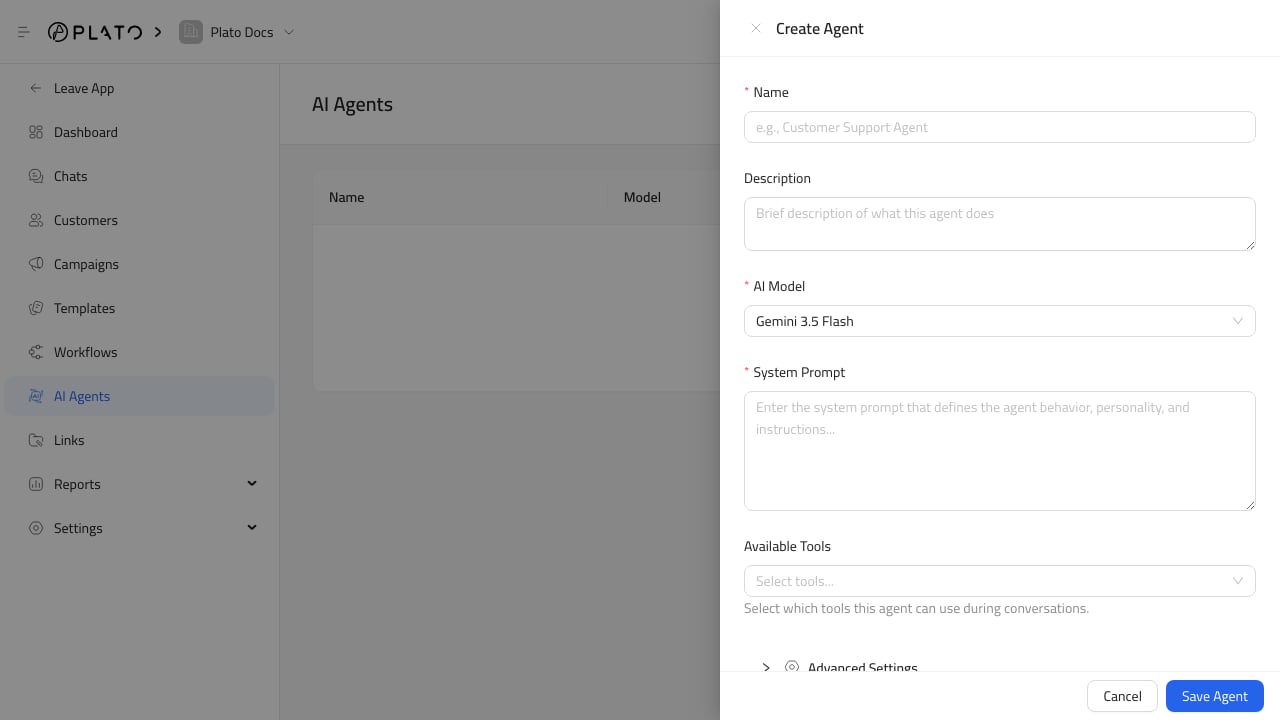 Enable only the tools the agent needs. More tools are not always better. A focused agent is easier to trust and review.