> ## Documentation Index
> Fetch the complete documentation index at: https://docs.plato.ae/llms.txt
> Use this file to discover all available pages before exploring further.
# AI Agents
> Create AI agents that can support automatic replies and conversation workflows.
AI Agents define how Connect360 should respond when AI auto-reply is enabled.
Use agents for customer support, product questions, order follow-up, internal summaries, or specialized workflows.
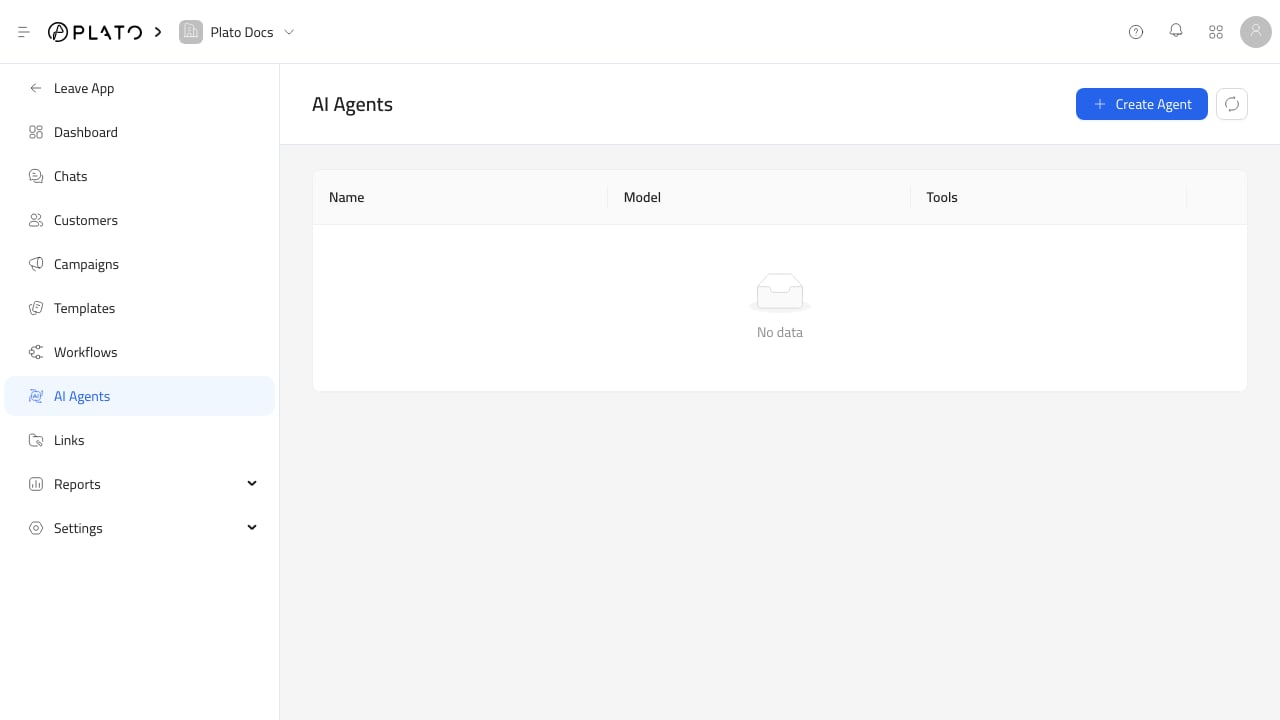 ## Create An Agent
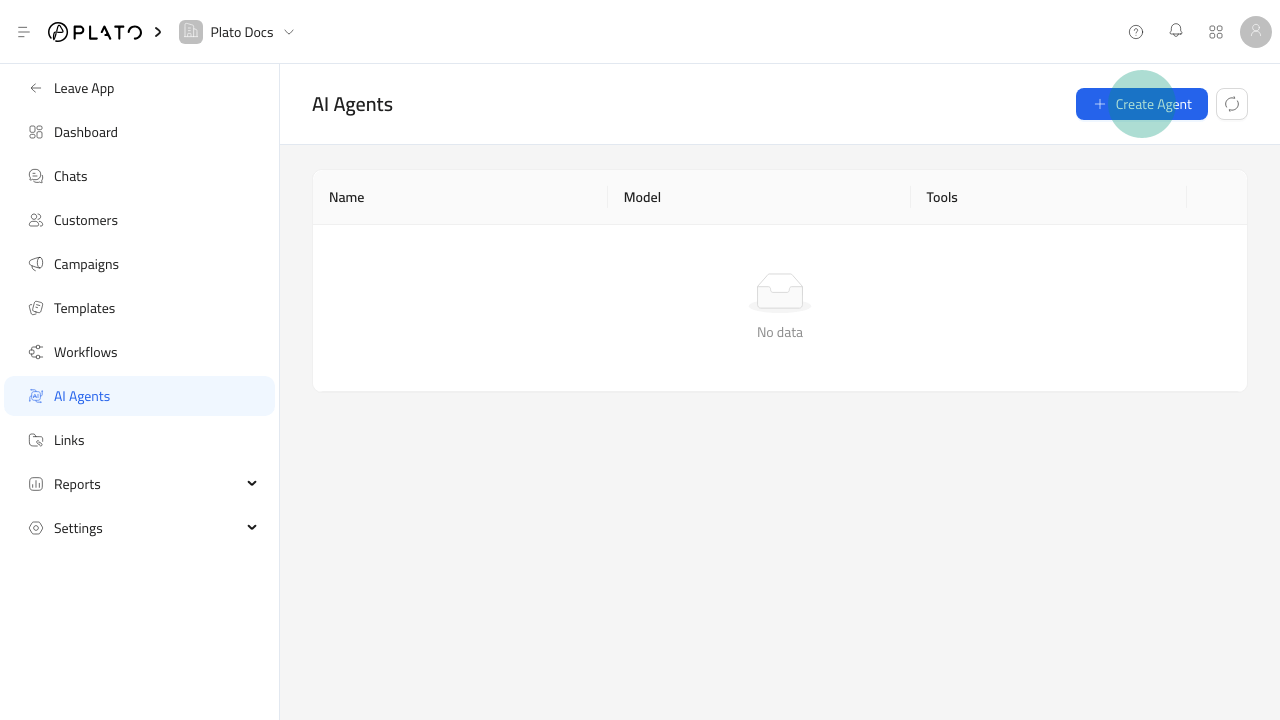
 For the full setup flow, see [Create An AI Agent](/connect360/ai-agents/create-agent).
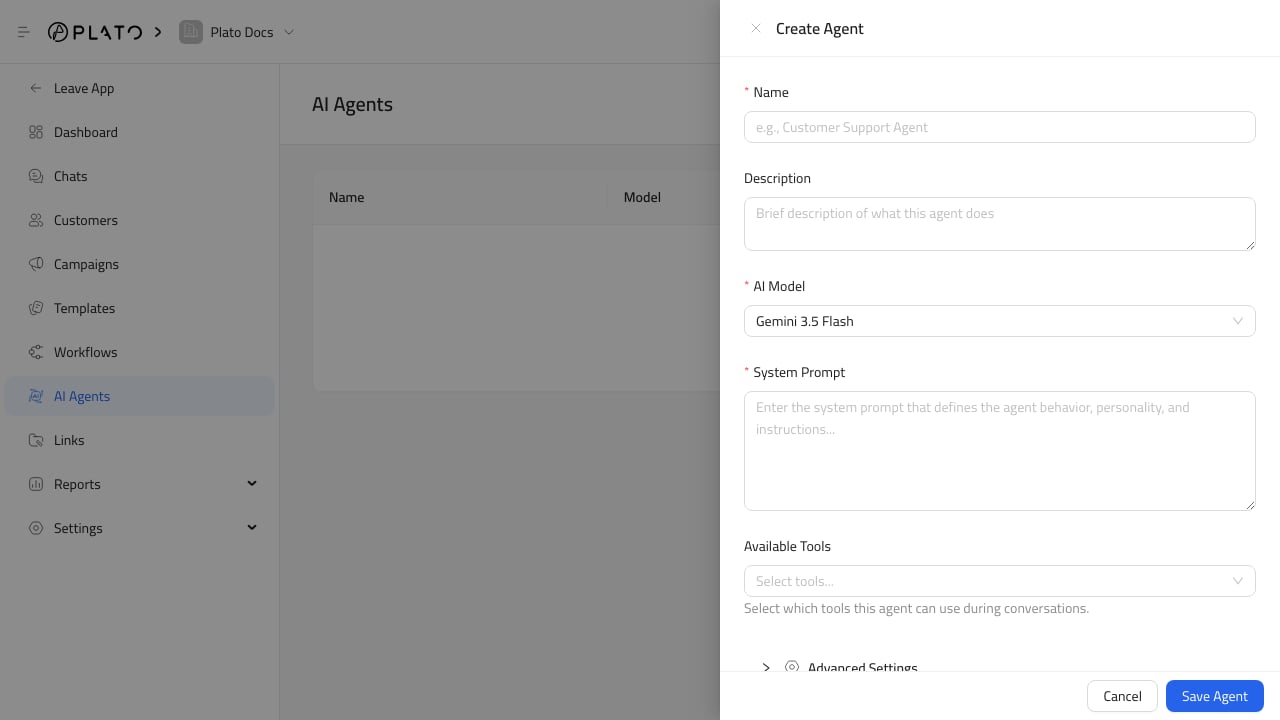
Click `Create Agent`, then fill in:
1. Name.
2. Optional description.
3. AI model.
4. System prompt.
5. Available tools.
The system prompt should explain the agent's role, tone, boundaries, and when to ask a human for help.
## Available Tools
Tools allow an agent to use Plato context. Options include workspace info, conversation history, products, CMS records, categories, orders, payment links, addresses, internal notes, product documents, and calculators when enabled.
Only enable tools the agent actually needs.
## Advanced Settings
Advanced settings include:
* Temperature.
* Max output tokens.
* Google service tier.
* Google thinking level.
Lower temperature is more focused. Higher temperature is more varied.
## Use Agents In Auto Reply
Create agents first, then assign them from [Chat Settings](/connect360/chat-settings).
Chat Settings lets you choose a default agent and add routing rules for phone number, channel, or tag conditions.
For routing setup, see [Auto Reply Routing](/connect360/ai-agents/auto-reply-routing).
You can also toggle AI auto-reply on or off for a single conversation from the chat help sidebar.
For the full setup flow, see [Create An AI Agent](/connect360/ai-agents/create-agent).
Click `Create Agent`, then fill in:
1. Name.
2. Optional description.
3. AI model.
4. System prompt.
5. Available tools.
The system prompt should explain the agent's role, tone, boundaries, and when to ask a human for help.
## Available Tools
Tools allow an agent to use Plato context. Options include workspace info, conversation history, products, CMS records, categories, orders, payment links, addresses, internal notes, product documents, and calculators when enabled.
Only enable tools the agent actually needs.
## Advanced Settings
Advanced settings include:
* Temperature.
* Max output tokens.
* Google service tier.
* Google thinking level.
Lower temperature is more focused. Higher temperature is more varied.
## Use Agents In Auto Reply
Create agents first, then assign them from [Chat Settings](/connect360/chat-settings).
Chat Settings lets you choose a default agent and add routing rules for phone number, channel, or tag conditions.
For routing setup, see [Auto Reply Routing](/connect360/ai-agents/auto-reply-routing).
You can also toggle AI auto-reply on or off for a single conversation from the chat help sidebar.